
Screenshot-based input
Upload 1–3 screenshots and get feedback on product designs, mockups, or interface concepts without setting up a live study.

AI User Testing by Usercall is a web app for uploading 1–3 screenshots and receiving annotated synthetic user feedback on product designs, mockups, or interface concepts. It is aimed at quick design critique and assumption testing before a broader review.
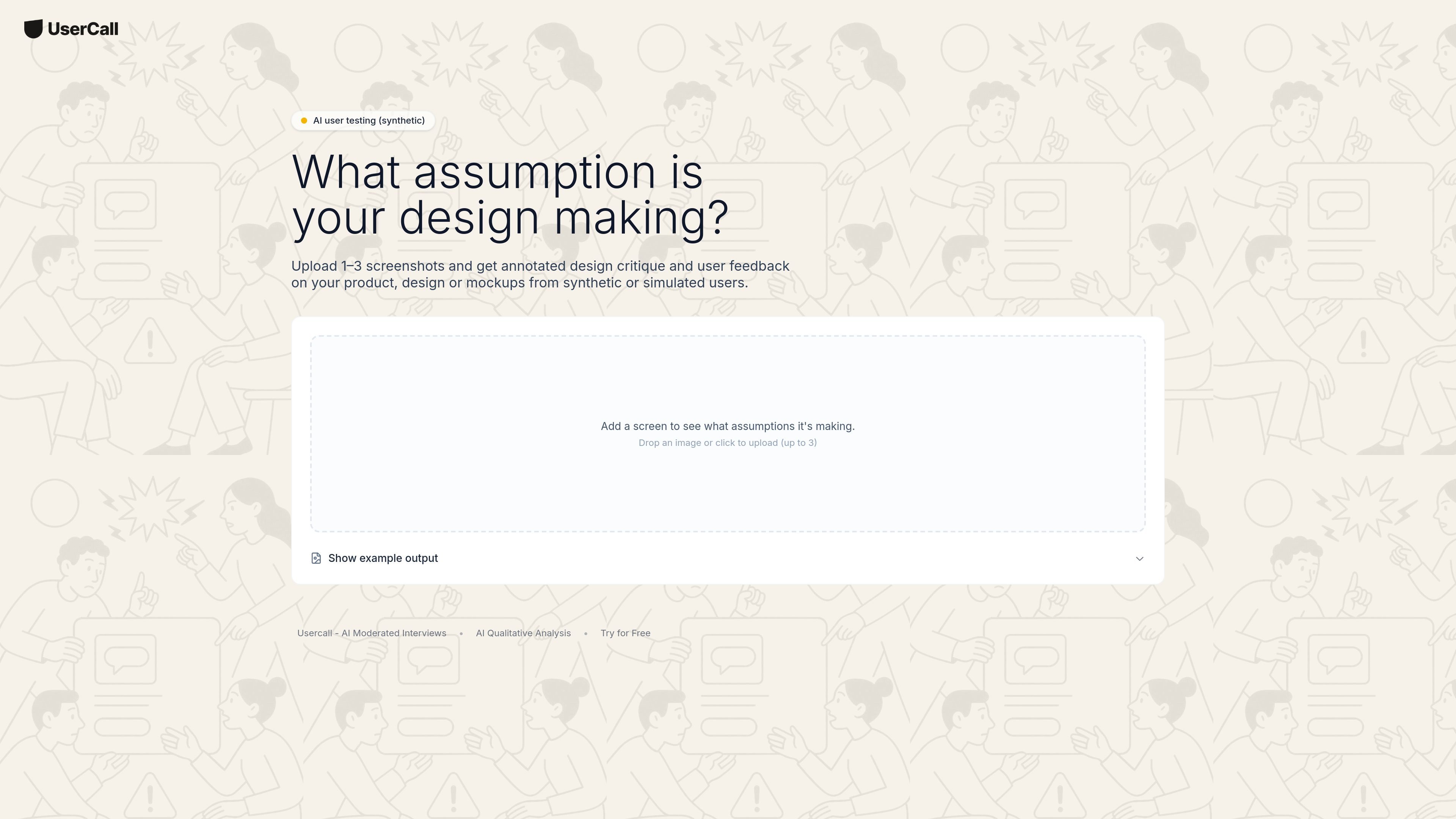
AI User Testing by Usercall is a synthetic design feedback tool for reviewing product screenshots, mockups, and interface ideas. It asks what assumption a design is making, then generates annotated feedback from simulated users.
The workflow shown on the page is simple: upload one to three screenshots, review the annotated critique, and use the output to spot clarity issues or weak assumptions before sharing a design more broadly.
Upload 1–3 screenshots and get feedback on product designs, mockups, or interface concepts without setting up a live study.
The product returns annotated critique tied to the uploaded images, making it easier to review feedback against specific parts of a design.
The page describes the output as design critique and user feedback from synthetic or simulated users, which suits early validation work.
A prompt on the page frames the workflow around asking what assumption a design is making, helping focus the review on product decisions and clarity.
The page includes an example-output flow, indicating the product is designed to show results directly after upload.
Upload mockups or screenshots before a design review to see where the concept may be making unclear or risky assumptions.
Check landing pages, screens, or interface flows for confusing elements before sending them to a wider audience.
Use annotated feedback to compare alternative layouts or messaging choices and decide which version better supports the intended user experience.
Review a small set of screenshots when you need fast directional feedback without scheduling interviews or running a live study.
It uploads 1–3 screenshots and returns annotated design critique and user feedback based on the screenshots you provide.
The page describes the output as synthetic or simulated user feedback, not interviews with recruited participants.
The source does not list pricing, plan limits, or whether a free tier or trial is included.
The source does not show integrations or connected tools on this page.

ByteAsk is a terminal-first AI coding agent for C and C++ that edits repositories and verifies changes with the real compiler, debugger, sanitizers, and tests before showing a diff. It offers a free tier plus paid plans, with editor connectors and zero-retention handling described in the source.

Hype is a web tool for finding trending YouTube topics by category, time range, and scoring mode. It helps creators spot emerging ideas, inspect source videos, and decide what to cover next.

Manta AI is an autonomous web app testing tool for teams that want to map application behavior, catch regressions, and generate tests without writing scripts or maintaining selectors. It works from a URL and supports plain-English test flows, run results with screenshots, and scheduled or deployment-triggered checks.

Paperpal 是一款面向学术写作的 AI 工具,提供文献阅读、语言润色、引用、查重、AI 检测和投稿前检查。它适合需要在英文论文和学术材料上进行写作、修改与合规自检的学生、研究人员和教师。

VForms lets you place questionnaires directly inside YouTube videos so viewers answer in context instead of switching to a separate form. It is aimed at collecting feedback and insights through timestamped, embeddable video forms.

EAS Observe is a production performance monitoring tool for Expo and React Native apps. It shows startup metrics, session timelines, release markers, and errors inside the Expo dashboard.