
Element-level and whole-page inspection
Hover an element or click the toolbar icon to inspect a full page. Archify identifies the stack, host, trackers, and nearby scripts, then ties them back to the selected element.

Archify is a Chrome browser extension that reveals components, APIs, libraries, and other runtime signals from a live web page. It is designed for frontend engineers, QA engineers, and technical founders who need to understand how an app works without leaving the browser.
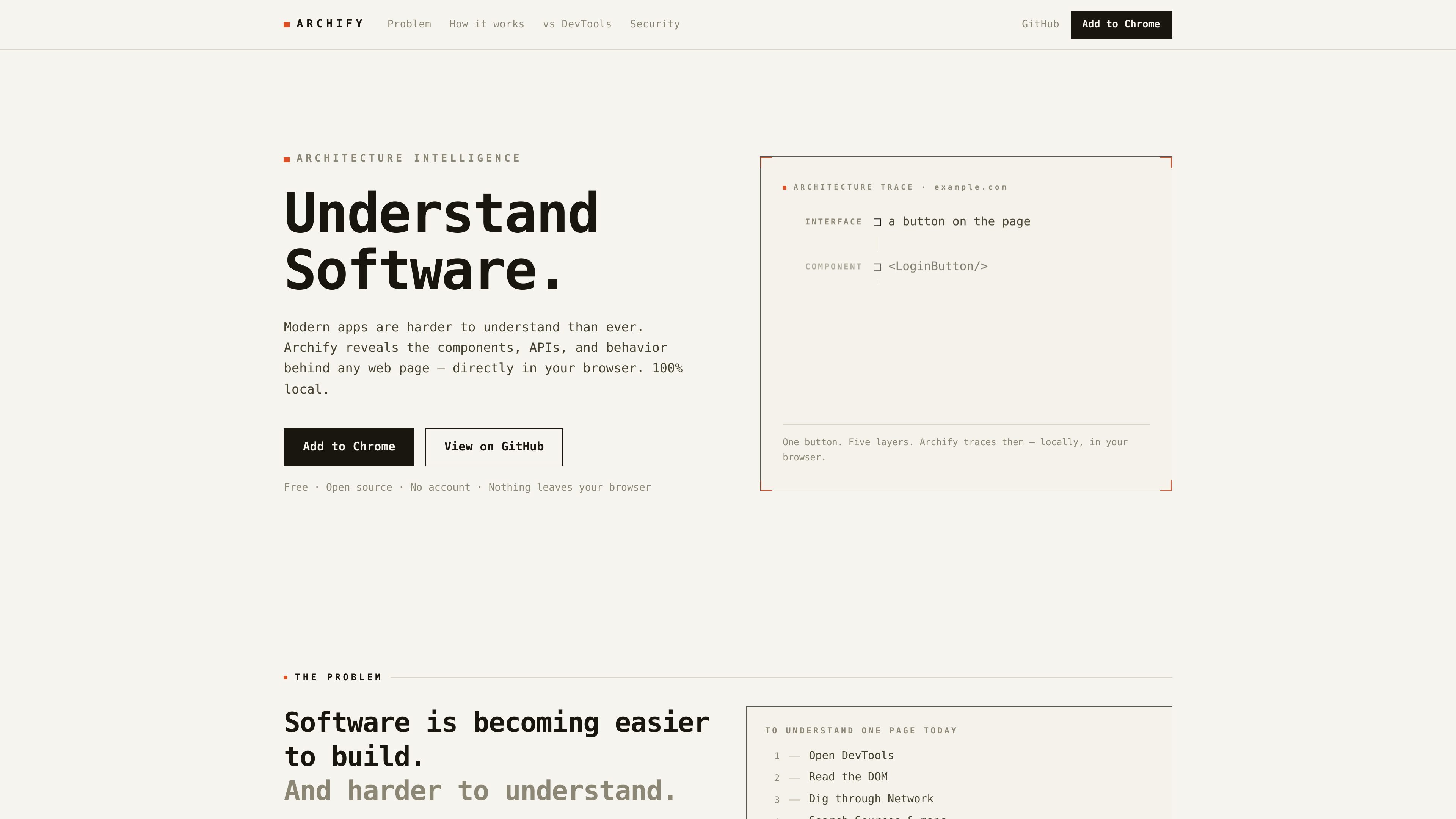
Archify is a browser extension for understanding how a web application is put together from the outside. Instead of focusing on source code, it inspects the live page to reveal components, APIs, libraries, hosting clues, and other runtime signals directly in the browser.
The product is aimed at developers who need to trace behavior quickly without leaving the page they are inspecting. It emphasizes local analysis, evidence-backed readings, and conservative output: when a detail cannot be verified, Archify shows unknown rather than inventing a result.
Hover an element or click the toolbar icon to inspect a full page. Archify identifies the stack, host, trackers, and nearby scripts, then ties them back to the selected element.
The product reads runtime signals such as framework internals, network calls, the DOM, and form-field listeners. The page says this all happens locally in the browser.
Detected items are shown with confidence scores and evidence. When Archify cannot verify something, it shows unknown instead of guessing.
The homepage lists detection coverage across frameworks and runtimes, UI libraries and styling systems, analytics and pixels, commerce platforms, CMSs, hosting providers, auth tools, and defenses.
Archify can expose what touches sensitive fields, including which third-party scripts listen on form and payment inputs and which outbound domains are involved.
The workflow emphasizes tracing a visible UI action to the component, API call, storage entry, and route it affects.
Trace a UI symptom back to the component, API call, and storage or route changes that may be causing it. This is useful when the visible bug does not obviously point to its source.
Inspect a checkout, login, or form flow to see which scripts listen on sensitive fields and which outbound domains or third-party services are involved.
Check what stack, hosting, analytics, and UI framework a public site appears to use without opening the codebase. This supports competitor research and technical due diligence.
Attach component, request, and status context to bug reports so QA can provide more actionable notes than a screenshot alone.
Use the browser itself as the inspection surface when you want to understand an app quickly without switching to source maps, multiple DevTools panels, or separate audit tools.
Yes. The homepage says Archify is free and open source under Apache-2.0, with no account, paywall, or trial required.
No. The product states that analysis runs locally in the browser, with no servers, telemetry, or analytics, and that page contents are not stored or transmitted.
It detects frameworks such as React, Next.js, Vue, Angular, and Svelte, along with many other technologies. For exact component names, the site notes that development builds provide the most detail, while minified production code may show a component type plus a confidence score instead of a fabricated name.
It is meant for any web page you choose to inspect, but it does not run on browser-internal pages such as chrome:// pages or the extension store because of browser policy.
No. The site says Archify shows architecture and runtime relationships, while DevTools shows implementation. The two tools are positioned as complementary rather than interchangeable.

ByteAsk is a terminal-first AI coding agent for C and C++ that edits repositories and verifies changes with the real compiler, debugger, sanitizers, and tests before showing a diff. It offers a free tier plus paid plans, with editor connectors and zero-retention handling described in the source.

Manta AI is an autonomous web app testing tool for teams that want to map application behavior, catch regressions, and generate tests without writing scripts or maintaining selectors. It works from a URL and supports plain-English test flows, run results with screenshots, and scheduled or deployment-triggered checks.

CreateOS Sandbox is an isolated compute environment for running code and agent workloads inside Firecracker micro-VMs. It is designed for workflows that need machine-level isolation, private networking between sandboxes, and programmatic control through SDK, CLI, or MCP.

hob is an independent workspace for coding agents that keeps agent sessions, terminals, history, and follow-up work organized around the tools and providers you already use. It is aimed at developers who want local control over routing, history, and workspace structure rather than a bundled model stack.

Ably Chat is a chat API platform for building custom realtime chat applications. It supports room-based messaging, typing indicators, presence, reactions, and message updates, with usage-based pricing options for different deployment stages.

SonOf connects to your repo and PM tool, audits the codebase and surrounding product context, and turns approved work into shipped tickets with senior engineering review. It is aimed at founders and engineering leaders who need backlog help without hiring a full team immediately.