
Market intelligence
Maps who is active in your market and how that space appears to be changing.

Ask Kelo scans a website’s market, competitors, reviews, and search results to generate a plain-language report with positioning, content, and SEO insights. It is aimed at founders, marketers, freelancers, and agencies that need a fast first pass on a market.
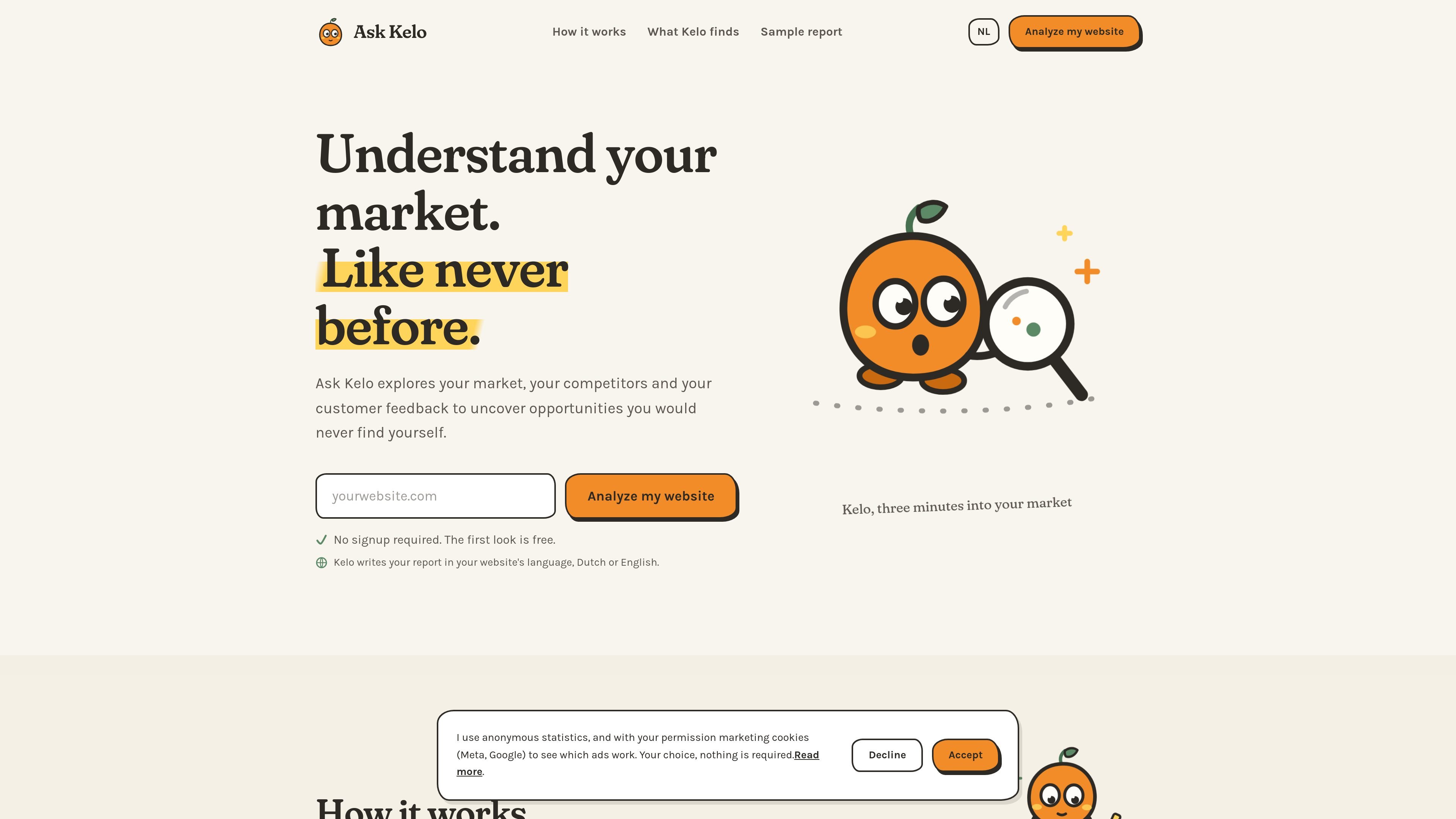
Ask Kelo is a market research and positioning tool for website owners, marketers, and agencies. You give it a website URL, and it scans competitor sites, customer reviews, and search results to produce a plain-language report on the market around that business.
The product is designed to surface opportunities that are hard to find manually, including competitor weaknesses, customer language, SEO gaps, content ideas, and a positioning line you can use on the website. The site says the first look is free, the full report costs €49, and no signup is required for the initial scan.
Maps who is active in your market and how that space appears to be changing.
Compares competitor promises, pricing, and where their positioning or execution appears weak.
Reads customer reviews to surface recurring praise, complaints, and the language customers actually use.
Identifies the positioning angle your brand can own and suggests wording to support it.
Surfaces search gaps, content opportunities, and practical recommendations instead of a raw data dump.
Writes the report in plain language and in the website's language, Dutch or English.
Use the scan to understand how competitors talk about the category, what they charge, and where their positioning seems weak before you rewrite your own homepage or service pages.
Run a market scan when you need customer language, review themes, and search gaps to support a launch, campaign, or content plan.
Use the report to identify gaps between what customers say and what the site says, then turn that into clearer copy and a sharper homepage line.
Compare several client sites or pitches using the paid packs and agency option, which are aimed at marketers, freelancers, and agencies handling multiple reports.
No. The site says Kelo starts with a website URL and that there is no signup required for the first look.
The pricing page says every scan starts free, and you only pay when you want the full report.
The source says Kelo writes the report in the website's language, Dutch or English.
The report includes market intelligence, competitor analysis, review analysis, brand positioning, customer language, SEO opportunities, content ideas, and AI recommendations.
The site describes Kelo as a one-time website analysis tool that explores competitor sites, customer reviews, and search results. It does not list integrations or connected services.

PromptScout tracks how ChatGPT, Gemini, Google AI Overviews, and Perplexity mention your brand or competitors, then pairs those results with source analysis and website audits. It helps teams decide what to fix in content, positioning, or site readiness next.

Hype is a web tool for finding trending YouTube topics by category, time range, and scoring mode. It helps creators spot emerging ideas, inspect source videos, and decide what to cover next.

ClayHog est une plateforme de visibilité SEO IA pour suivre la présence des marques sur ChatGPT, Gemini, Perplexity, Claude et Google AI Overviews. Elle aide les agences, équipes marketing et SEO à suivre citations, concurrents, sentiment et opportunités de contenu depuis un seul tableau de bord.

Paperpal 是一款面向学术写作的 AI 工具,提供文献阅读、语言润色、引用、查重、AI 检测和投稿前检查。它适合需要在英文论文和学术材料上进行写作、修改与合规自检的学生、研究人员和教师。

beehiiv is a newsletter platform for creators, publishers, and brands that want to build, grow, and monetize email newsletters and websites from one place. It offers a free Launch plan, plus paid tiers for more advanced growth, monetization, and support features.

Mindcase is a web data API and console for extracting structured data from websites and major online platforms. It helps users retrieve clean rows of data through prompt or API access, with prepaid per-record billing.