
AI image upscaling
Uses deep convolutional neural networks to reduce noise and serration so images can be enlarged without obvious blur or quality loss.

Bigjpg is an AI image upscaler for anime-style artwork and photos, available on the web and through desktop and mobile apps. It supports logged-in offline enlarging, API access, and paid plans with larger file limits and higher enlargement ratios.
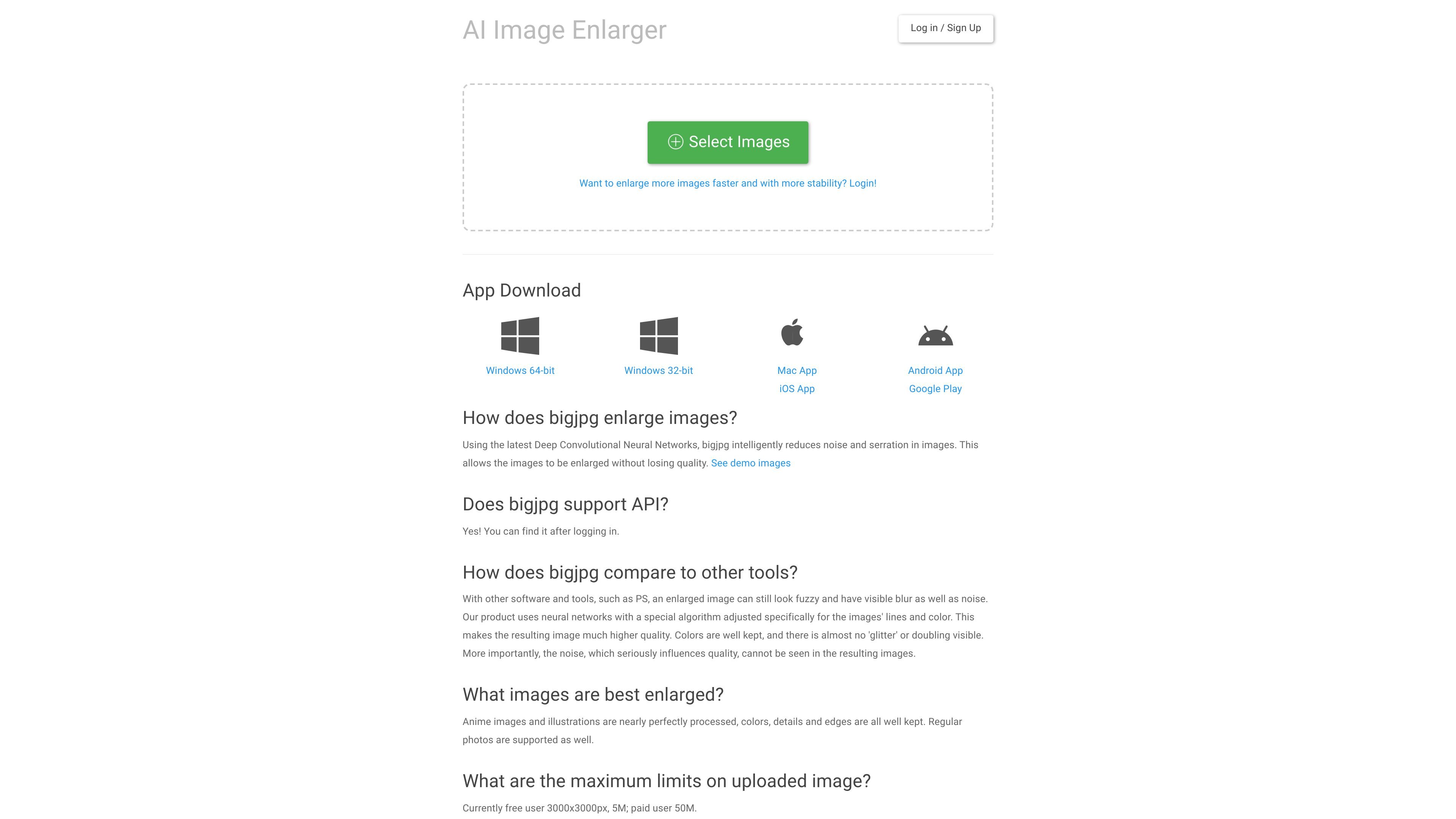
Bigjpg is an AI image enlargement tool that uses deep convolutional neural networks to upscale images while reducing noise and jagged edges. The homepage presents it as a lossless image enlarging and upscaling service for anime-style artworks, with photo support as well.
The product is built around a simple upload-and-process workflow in the web app, with additional app downloads for Windows, Mac, iOS, and Android. Logged-in users can use offline enlarging, view history, and access the API, while paid plans raise file-size limits and enlarging ratio limits compared with the free plan.
Uses deep convolutional neural networks to reduce noise and serration so images can be enlarged without obvious blur or quality loss.
The site says anime-style artwork and illustrations are processed especially well, while photos are also supported.
Logged-in users can keep processing after closing the browser, and enlarging history is available after sign-in.
An API is available after logging in, with documented endpoints for creating tasks, checking results, and retrying tasks.
Paid plans include larger upload limits, higher enlarging ratios, faster processing priority, and features such as parallel enlarging and batch mode.
Apps are available for Windows, Mac, iOS, and Android, with Google Play listed for Android downloads.
Upload anime drawings or illustrations when you want cleaner enlargement with preserved lines, edges, and colors.
Enlarge photos when you need a larger version for viewing or sharing and want to keep blur and noise down.
Use the logged-in workflow to continue enlarging after closing the browser and review past jobs from enlarging history.
Call the API to automate image enlargement tasks, retrieve task results, or retry failed jobs in an external workflow.
Choose a paid plan when you need larger uploads, more monthly picture capacity, batch mode, or parallel enlarging.
Bigjpg supports image enlargement through its web app. Logged-in users can also access API features, view enlarging history, and use offline enlarging so results are not lost if the browser is closed.
The site says anime images and illustrations are processed especially well, and regular photos are also supported.
According to the site, free users are limited to 3000×3000 pixels and 5 MB per image, while paid users can upload up to 50 MB and enlarge up to 16x.
The site states that images and enlarged results are automatically deleted after 3 days, and image links are encrypted unless shared.
Bigjpg supports multiple payment methods, including PayPal, WeChat Pay, Alipay, and app-based payments such as Apple Pay and Google Wallet. The site also mentions BTC, ETH, and USDT for payment inquiries.

Pixelcut is an AI photo editor for creating and editing product images, social content, and video assets. It offers free and paid plans, plus mobile app and browser access for individual users and teams.

Upscale.media is an AI image upscaling and enhancement tool from Pixelbin that enlarges low-resolution or pixelated images and improves clarity in the browser. It offers free individual image use, paid credit plans, and team-oriented workflows such as bulk processing and API integration.

PhotoAid’s AI Image Enlarger is a free browser-based tool for upscaling images without a standard blur-heavy resize. It supports JPEG, WEBP, and PNG uploads and is described as working best for photos with faces.

Let's Enhance is an online AI image app for enhancing, upscaling, and restoring photos. It helps users clean up images, increase resolution, and process files through free credits, subscriptions, or pay-as-you-go bundles.

Upscale.media is an AI image upscaling and enhancement tool from PixelBin that enlarges low-resolution images and improves visual quality online. It is built for creators, businesses, and teams that need sharper still images or video content with a simple upload-and-process workflow.

Airbrush is an AI-powered photo and portrait editor for web, desktop, and mobile. It helps creators, everyday users, and professionals retouch portraits, remove backgrounds, and enhance images with credit-based AI tools.