
Conversational, timeline-based editing
Describe an edit in plain English and ChatCut routes the request to the relevant tools, then applies the changes on a live timeline instead of flattening everything into a one-off export.

ChatCut is a web-based AI video editor that lets users describe edits in plain English and applies them on a live timeline. It also offers a ChatGPT plugin workflow for editing talking-head, creator, and short-form video without leaving ChatGPT.
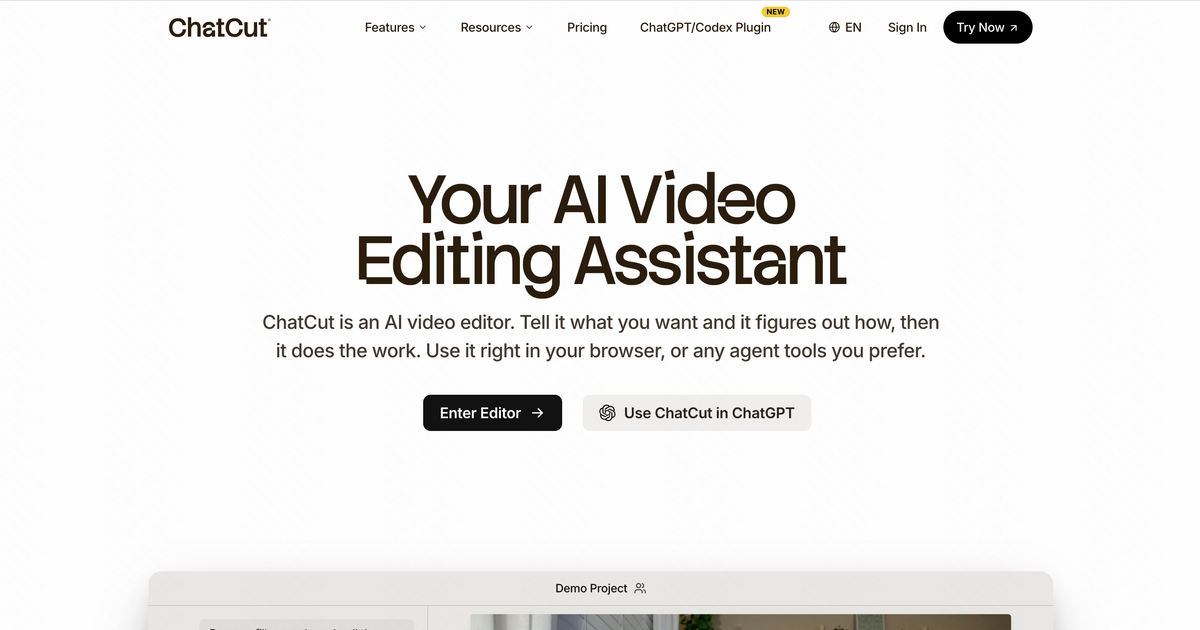
ChatCut is a web-based AI video editor built around prompt-driven editing. Instead of working through menus and manual timeline operations first, you describe the change you want and ChatCut applies it on a real multi-track timeline. The site presents it as a tool for editing talking-head footage, captioning clips, adding motion graphics, generating music, and creating missing visuals from a single workflow.
The product also includes a ChatGPT plugin workflow. According to the site, ChatCut can run inside ChatGPT’s desktop app so users can ask for edits without leaving the chat environment. It is positioned for creators and marketers who want to turn raw footage, scripts, brand assets, or product pages into finished videos that stay aligned with the source material and the brand context.
Describe an edit in plain English and ChatCut routes the request to the relevant tools, then applies the changes on a live timeline instead of flattening everything into a one-off export.
Edit talking-head footage by changing the transcript: remove filler words, cut sentences, or trim dead air, with the video and audio following the text changes.
Generate chapter cards, charts, timelines, quote callouts, and other animated elements directly on the timeline by describing the motion in plain language.
Create or refine captions from the transcript, with multiple styles and support for more than 100 languages according to the site.
Generate B-roll, establishing shots, thumbnails, and other missing visuals from prompts or reference images, then drop them into the edit.
Create a music bed that matches the requested vibe and video length, with the track generated inside the project rather than pulled from a stock library.
Tighten a recorded talking-head video by removing filler words, cutting dead air, and adding captions or lower-thirds without scrubbing through the full timeline manually.
Turn a long interview, podcast, or vlog into a shorter clip by asking ChatCut to find the strongest section, then trim it into a short-form edit with captions.
Build app promos, product demos, or e-commerce clips from product pages, screen captures, or existing footage, then add captioned benefit beats and motion graphics.
Generate B-roll, thumbnails, or establishing shots when you do not have the needed footage, using prompts or reference images to fill the gap.
Create chapter cards, charts, timelines, and emphasis graphics for creator videos or explainers where on-screen structure helps the viewer follow the content.
ChatCut is an AI video editor that works in the browser and, according to the site, also inside ChatGPT through a plugin. You describe the edit in plain English and it applies cuts, captions, motion graphics, voiceover, music, and other edits on a real timeline.
The site says ChatCut works in the ChatGPT desktop app by installing the plugin once with a prompt. After that, you can ask ChatGPT to edit a video without switching to a separate editor.
ChatCut is positioned for talking-head edits, creator videos, podcast clips, app demos, product promos, UGC-style ads, and other prompt-driven edits that benefit from captions, motion graphics, or generated B-roll.
Yes. The site shows a free plan with starter credits, basic editing and exports, and access to AI image, captions, music, and motion graphics features, with paid plans available for more monthly credits.
The site says you can use your own footage, and ChatCut can trim clips, remove filler words or dead air, add captions, insert motion graphics, generate B-roll, and arrange everything on a multi-track timeline.

FlexClip is an AI-powered online video maker and editor that helps users create videos from templates or from scratch. It combines browser-based editing with AI tools for scripting, voiceover, subtitles, translation, and background removal.

Bansi is an AI video editor for long-form content that turns raw footage into a polished first draft. It helps creators and production teams speed up editing by automating cuts, captions, zooms, audio cleanup, and related techniques.

CAMB.AI Streams dubs live audio in multiple languages in real time for broadcasts on platforms like YouTube, Twitch, and X. It plugs into existing live workflows using common streaming protocols and avoids a post-production step.

Video Effects SDK adds real-time webcam effects such as background blur, background replacement or removal, denoising, framing, beautification, and color grading. It is built for teams shipping live video experiences on web, desktop, and mobile platforms.

AI Song Maker is a web-based AI music generator that creates songs from text or lyrics and includes related tools such as vocal removal, track extension, and section replacement. It offers free and paid plans with credits, downloads, and commercial-use terms described on the pricing page.

DeepMotion is a web-based AI motion capture and 3D animation platform with Animate 3D for video-to-animation and SayMotion for text-to-animation. It helps creators and teams generate motion in a browser and export results in common production formats.