
Context-aware browser behavior
Clawd runs in the browser viewport and tracks the page you are viewing, then changes its reactions based on site topics, sentiment, and your actions such as typing, scrolling, clicking, and idle time.
Clawd is an open-source browser pet companion that reacts to page content, user actions, and page errors directly in the browser. It is designed for local-only use with an optional local AI mode and controls for performance, scheduling, and distraction management.
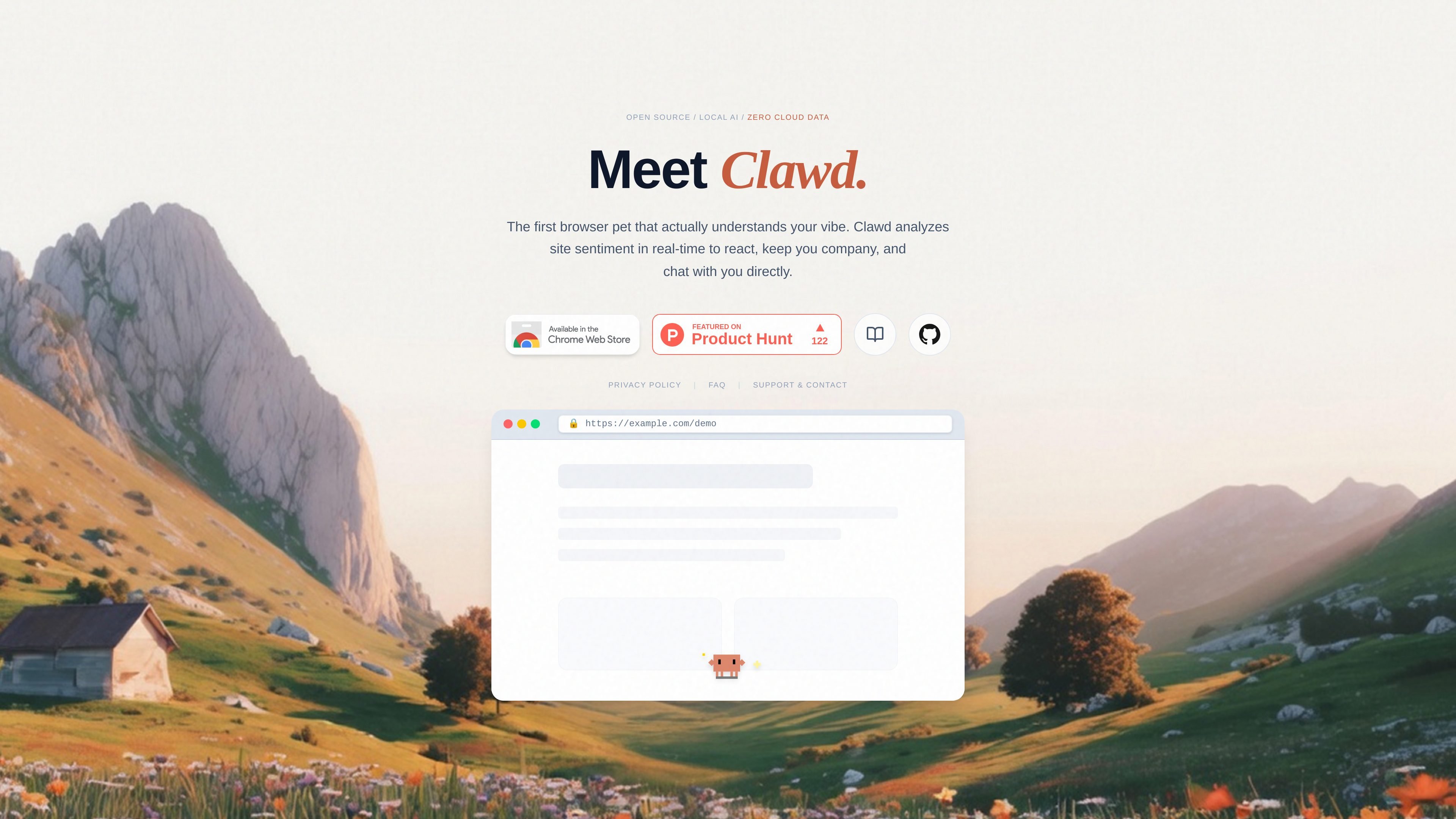
Clawd is an open-source, context-aware browser pet companion that lives inside the browser viewport. It reacts to the websites you visit, your typing and scrolling, and page-level signals such as site categories or JavaScript errors, while also giving you a way to chat with it directly.
The product is designed to stay local on your device. Its FAQ and docs describe a browser-first workflow with a lightweight rules mode, an optional local AI “Brain Upgrade,” and controls for performance, visibility, scheduling, and cosmetic customization.
Clawd runs in the browser viewport and tracks the page you are viewing, then changes its reactions based on site topics, sentiment, and your actions such as typing, scrolling, clicking, and idle time.
The pet supports direct interaction through left click, double click, right click, drag, and an in-page chat panel, with each action affecting Clawd’s mood, energy, XP, or position.
Clawd can use either a lightweight rule-based Lite Mode or an optional Brain Upgrade with local AI models to generate contextual dialogue bubbles without sending data to cloud services.
The Options Dashboard includes charts, milestone tracking, wardrobe controls, scheduling, and other configuration tools for monitoring mood, behavior, and unlocked cosmetic states.
Clawd watches for runtime JavaScript errors and unhandled promise rejections, then switches into a debugger-style state to signal that the current page has a problem.
The product includes focus controls such as Ghost Mode and time-based schedules so the pet can stay quiet, fade out, or sleep during work windows or inactive periods.
Keep a small companion visible while browsing so the interface feels more animated and responsive to what you are reading or doing.
Use the error watcher and debugger reactions as a lightweight signal that a page has runtime issues or broken scripts.
Switch on Ghost Mode, Performance Mode, or scheduled sleep hours when you want a quieter browser experience during focused work.
Use the chat panel and page-aware responses to ask the pet questions or get contextual dialogue while you stay on the same tab.
Track moods, XP, milestones, and stats in the dashboard if you want a persistent browser pet with progression and cosmetic unlocks.
Clawd is an open-source browser pet companion that runs in your browser viewport, reacts to page content and your interactions, and can chat with you using a local AI brain.
Yes. The FAQ says Clawd is 100% free and open-source, with no subscriptions, no premium-locked features, and no third-party API keys required.
Clawd cannot run on internal Chrome pages such as chrome://settings or the Chrome Web Store because of browser security restrictions. It can also be hidden on a tab or site from its popup controls.
The FAQ says Clawd is optimized for background use. Hidden tabs freeze the physics loop, Performance Mode can cap physics at 30 FPS, and Lite Mode can be used instead of the Brain Upgrade on lower-spec machines.
Clawd is designed for a single user’s browser and local storage. The FAQ describes per-tab session isolation and a centralized local AI worker, but does not describe shared team collaboration features.

Ably Chat is a chat API platform for building custom realtime chat applications. It supports room-based messaging, typing indicators, presence, reactions, and message updates, with usage-based pricing options for different deployment stages.

DANCING CATS App turns cat pictures into dancing kitty clips. The public homepage is sparse, so the core use case is clear while pricing, outputs, and feature depth remain undocumented.

Wallie is an open-source AI streamer that watches your screen, hears chat, and generates live commentary in a configurable persona. It runs locally on your machine with your own keys and is aimed at faceless content, autonomous streams, and real-time reactions.

Claude Overlay is a Windows desktop overlay for Claude Code that reads your screen so you can ask questions, inspect content, and request edits without leaving the current app. It runs on your existing Claude subscription through the Claude CLI, so no separate API key is required.

Grok est un assistant IA gratuit développé par xAI, conçu pour privilégier la vérité et l'objectivité tout en offrant des capacités avancées telles que l'accès à l'information en temps réel et la génération d'images.

Trigger.dev chat agent is a durable AI chat backend for developers building stateful conversations that can survive refreshes, crashes, and long-running turns. It connects with the AI SDK `useChat` flow and runs on managed infrastructure with no timeout on a turn.