
Prompt-to-production workflow
Describe an idea in a sentence and Clovr scaffolds the starting project around it, reducing the blank-page setup work.

Clovr is a frontend scaffolding tool that turns a short prompt into a structured Next.js starting point. It helps builders move from idea to production frontend with agent-ready output and simple export options.
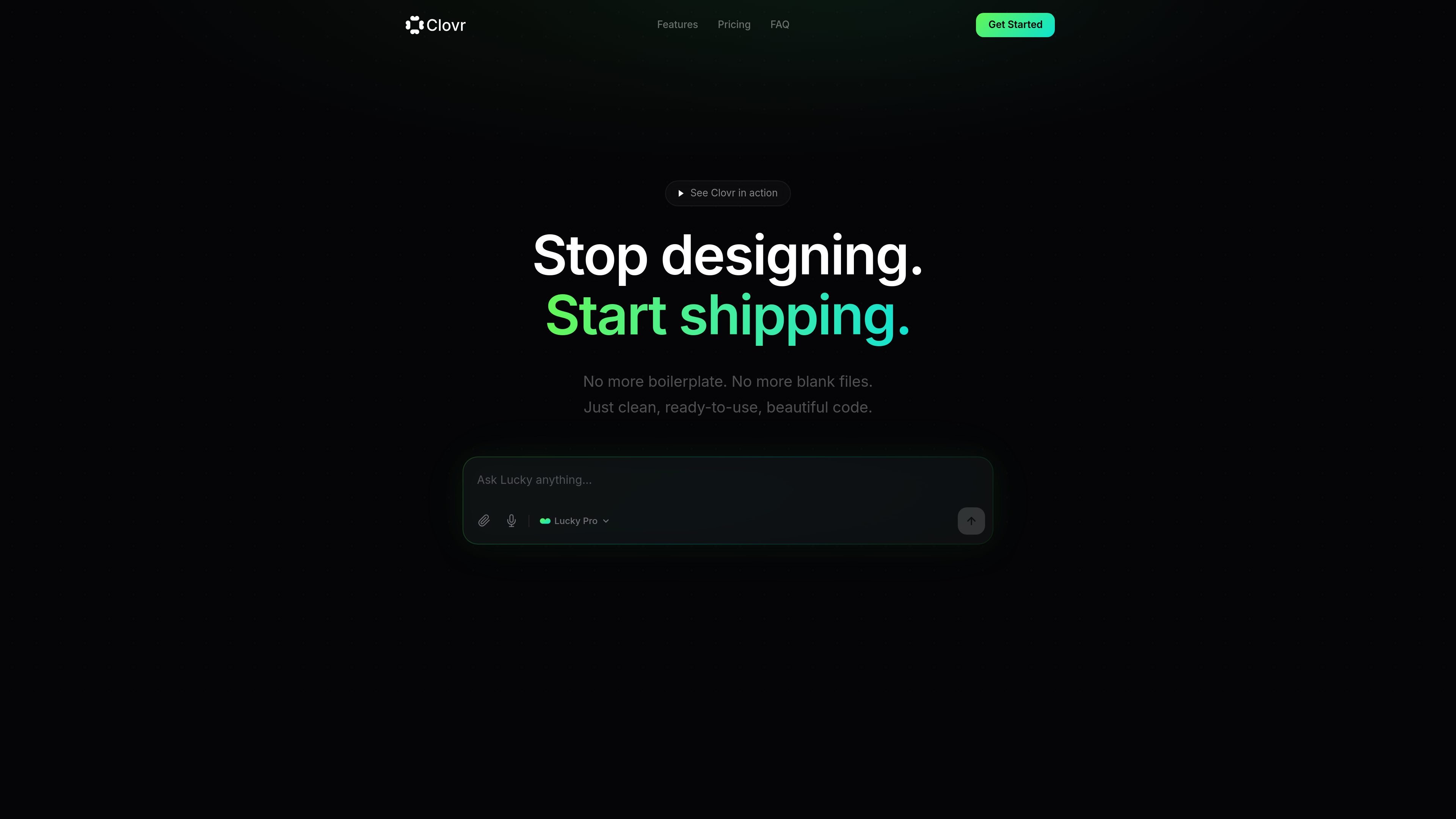
Clovr is a frontend scaffolding tool that takes a short prompt and turns it into a production-ready starting point for a web app. The homepage describes a simple flow: write a sentence, get a scaffold, and hand it to your agent.
The product focuses on generating real project structure rather than boilerplate. It emphasizes full Next.js apps with routing, layouts, proper directory conventions, and components that are ready for further work in tools such as Claude Code, Cursor, or Codex.
Describe an idea in a sentence and Clovr scaffolds the starting project around it, reducing the blank-page setup work.
Clovr generates real project architecture with routing, layouts, and directory conventions instead of a single-file code dump.
The output is structured for handoff so an agent can continue building from the generated project.
Scaffolds include clean typography, spacing, and other defaults so the starting UI is already polished.
Clovr emphasizes isolated, reusable components rather than monolithic pages, which supports later iteration and extension.
Users can download the project, push it to GitHub, or deploy it to Vercel after generation.
A solo builder can turn a rough product idea into a structured frontend starting point without manually creating the initial app skeleton.
A developer working with an agent can generate a scaffold, then continue implementation in Claude Code, Cursor, or Codex.
A team can begin with a consistent layout, component structure, and routing setup before customizing the unique parts of the product.
Someone moving quickly from concept to implementation can use the generated project as a base for download, GitHub, or Vercel deployment.
Clovr is a frontend generation tool that turns a short prompt into a scaffolded project the user can hand off to an agent for further building.
The site says Clovr generates real project architecture rather than a single-file code dump, and it presents the output as ready for agent handoff.
The source does not say that you need coding experience, but it does describe a prompt-first workflow where you write a sentence and hand the result to an agent.
Clovr is positioned around frontend production work rather than visual design tools, and the homepage emphasizes code scaffolding, project structure, and agent-ready output.
The site frames Clovr for builders who want to move from idea to production frontend quickly, including solo builders and teams using agents such as Claude Code, Cursor, or Codex.

ByteAsk is a terminal-first AI coding agent for C and C++ that edits repositories and verifies changes with the real compiler, debugger, sanitizers, and tests before showing a diff. It offers a free tier plus paid plans, with editor connectors and zero-retention handling described in the source.

Ghost est un assistant IA en terminal pour discuter, générer du code et lancer des tâches en ligne de commande. Modèles gratuits, Linux, macOS, Windows, open source.

Devin is an AI coding agent and software engineer that helps developers and engineering teams plan and execute complex software tasks. It is available through desktop, cloud, JetBrains, and CLI surfaces, with plans for individuals, teams, and enterprises.

imgcook is a design-to-code tool that converts design drafts into front-end code. It supports plugin-based and developer workflows for Sketch, Photoshop, VS Code, and CLI usage.

CreateOS Sandbox is an isolated compute environment for running code and agent workloads inside Firecracker micro-VMs. It is designed for workflows that need machine-level isolation, private networking between sandboxes, and programmatic control through SDK, CLI, or MCP.

hob is an independent workspace for coding agents that keeps agent sessions, terminals, history, and follow-up work organized around the tools and providers you already use. It is aimed at developers who want local control over routing, history, and workspace structure rather than a bundled model stack.