
Run desktop AI agents remotely
Start Claude Code, Codex, or another CLI agent in a terminal on your own machine, then supervise it from your phone instead of waiting at the desk.

CodeMote is an iPhone and iPad app that lets you control terminals, AI coding agents, files, and Git on your own machine. It helps developers supervise long-running work remotely without sending code to a cloud copy.
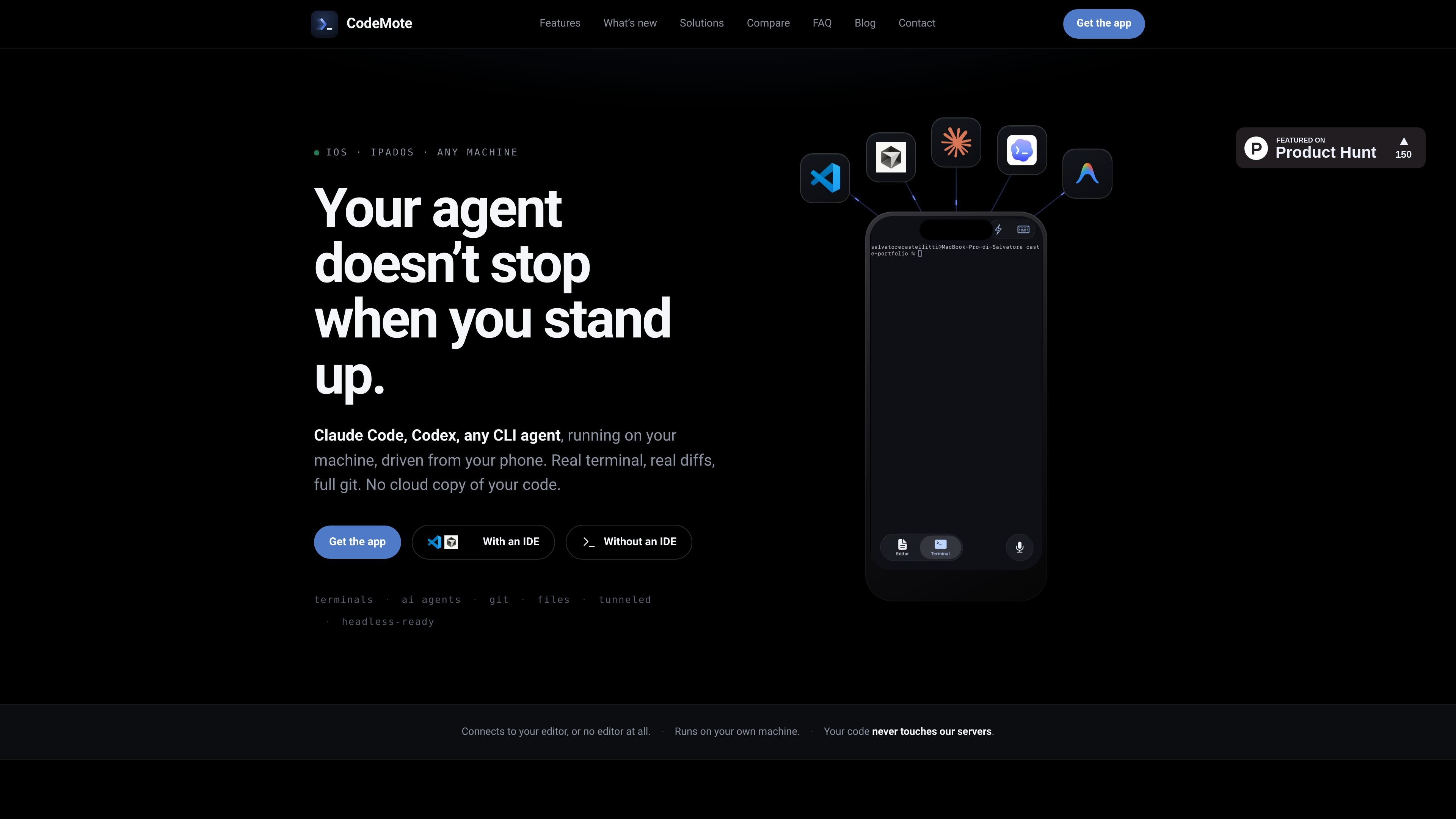
CodeMote is an iPhone and iPad app for controlling a development session on your own computer from your phone. It connects to VS Code, Cursor, Antigravity, and other VS Code forks, or to a standalone CLI session on machines with Node.js, so you can work with terminals, files, Git, and AI coding agents without moving the project into a cloud workspace.
The product is built for long-running or interruptible development work. You can start an agent, watch the terminal in real time, approve or redirect actions when it pauses, and continue to access the live session from the Lock Screen or after backgrounding the app. Code and repository data stay on your machine rather than being mirrored to CodeMote’s servers.
Start Claude Code, Codex, or another CLI agent in a terminal on your own machine, then supervise it from your phone instead of waiting at the desk.
Watch the active terminal stream in a Lock Screen Live Activity, with a waiting state and notification when the agent needs a decision.
Open the real diff, inspect file changes in context, and review what the agent actually changed before you approve it.
Browse the full file tree, open files, and edit code directly on the machine where the project lives.
Use stage, diff, commit, push, branch, and history from the app, without relying on a cloud mirror of the repository.
Pair by scanning a QR code from the editor or CLI, with revokable tokens and a direct encrypted connection over Microsoft dev tunnels.
Start a long refactor or agent run on your computer, then leave your desk and keep approving steps from your phone when the agent pauses.
Open the repo on your phone, inspect the actual diff, and push a fix when something breaks while you are away from your laptop.
Review changes from the couch or another room by browsing files, checking diffs, and using Git without opening the laptop.
Run the product on a headless server, VPS, Raspberry Pi, or other Node.js machine without needing a full editor installed.
Monitor progress from the Lock Screen while the app is backgrounded, then return to the same live session later.
CodeMote is an iPhone and iPad app that controls your own editor and terminal session on your computer, including AI coding agents, Git, and file browsing, over a direct encrypted connection.
No. The site says code, terminals, files, and Git data are never mirrored to CodeMote’s servers. The connection is made directly between your phone and your computer through Microsoft dev tunnels.
Yes. The app is designed to run Claude Code and other terminal-based coding agents from your phone, so you can watch the live terminal and approve, redirect, or stop them when they need input.
The app currently ships for iPhone and iPad only. The companion extension works in VS Code on macOS, Windows, and Linux, and the standalone CLI can run on any machine with Node.js 18 or newer.
Yes. You can browse the file tree, edit files, and use Git actions such as stage, diff, commit, push, branch, and history from the phone app.

ByteAsk is a terminal-first AI coding agent for C and C++ that edits repositories and verifies changes with the real compiler, debugger, sanitizers, and tests before showing a diff. It offers a free tier plus paid plans, with editor connectors and zero-retention handling described in the source.

CreateOS Sandbox is an isolated compute environment for running code and agent workloads inside Firecracker micro-VMs. It is designed for workflows that need machine-level isolation, private networking between sandboxes, and programmatic control through SDK, CLI, or MCP.

hob is an independent workspace for coding agents that keeps agent sessions, terminals, history, and follow-up work organized around the tools and providers you already use. It is aimed at developers who want local control over routing, history, and workspace structure rather than a bundled model stack.

Manta AI is an autonomous web app testing tool for teams that want to map application behavior, catch regressions, and generate tests without writing scripts or maintaining selectors. It works from a URL and supports plain-English test flows, run results with screenshots, and scheduled or deployment-triggered checks.

Redline is a budgeting tool for Claude Code that paces sessions to stay within time, token, cost, or plan-percentage limits. It uses Claude Code’s native hooks and statusline to help sessions finish with a usable result instead of stopping abruptly.

SonOf connects to your repo and PM tool, audits the codebase and surrounding product context, and turns approved work into shipped tickets with senior engineering review. It is aimed at founders and engineering leaders who need backlog help without hiring a full team immediately.