
Live and VOD clipping
Paste a Twitch or Kick VOD, or clip a live stream URL in real time. The page says live clipping captures the last 30 seconds and that full streams up to 8+ hours are supported for VOD processing.

ContentPilots is an AI clipping and publishing tool for streamers that turns Twitch and Kick live streams or VODs into short-form clips with captions, chat overlays, and scheduling. It supports posting to platforms such as YouTube Shorts, TikTok, Instagram Reels, LinkedIn, and X.
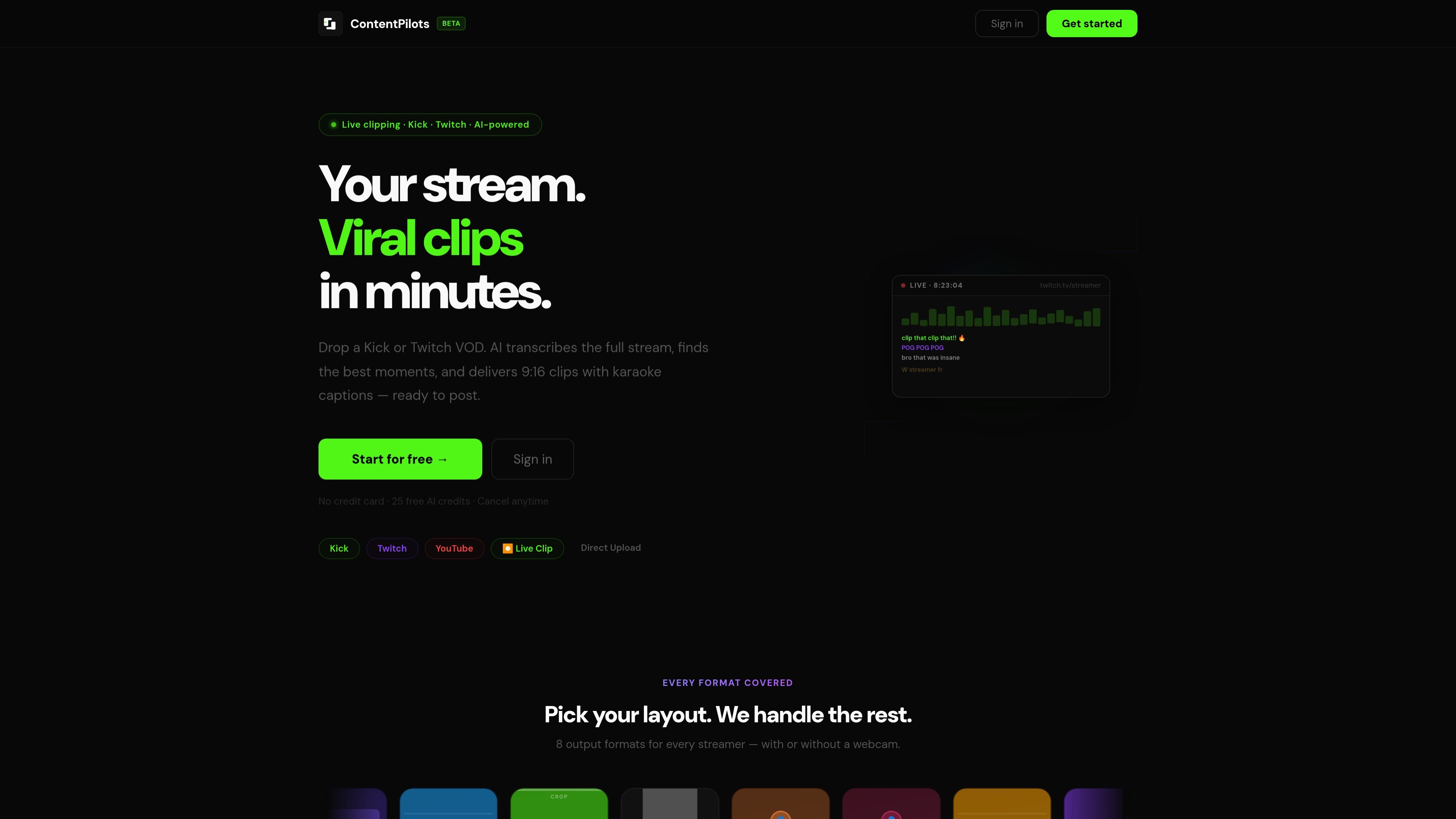
ContentPilots is an AI-powered clipping and publishing tool for streamers. It is built around Twitch and Kick workflows, turning live streams or VODs into short-form clips with captions, layout choices, and optional chat burned into the video.
The product supports both real-time clipping and VOD processing. According to the site, it can clip the last 30 seconds of a live stream, analyse full recordings up to 8+ hours, and then prepare clips for posting to platforms such as TikTok, Reels, Shorts, LinkedIn, and X from one dashboard.
Paste a Twitch or Kick VOD, or clip a live stream URL in real time. The page says live clipping captures the last 30 seconds and that full streams up to 8+ hours are supported for VOD processing.
The system transcribes the stream, analyses the full recording, and selects moments based on reactions, big plays, and crowd responses. It is positioned to surface clips that are more likely to perform well on short-form platforms.
Create 9:16 clips with word-by-word animated captions in styles such as yellow, white, pop, and bounce. The product also mentions karaoke captions as a core output format.
Add live chat reactions directly into clips so viewers can see when a moment sparked chat activity. The site specifically calls out Twitch and Kick chat overlays in shorts.
Choose from 8 output formats, including layouts for clips with or without a webcam. Examples on the site include blur background, split, crop, zoom fill, pillarbox, and webcam placements.
Schedule and publish clips through a multi-platform dashboard. The page lists YouTube Shorts, TikTok, Instagram Reels, LinkedIn, and X, and also says AI can generate titles, descriptions, and hashtags per platform.
A streamer wants a clip from a live broadcast immediately after a reaction, play, or joke lands. ContentPilots can take the last 30 seconds of the live stream and apply captions and layout automatically.
A creator has a long Twitch or Kick VOD and wants the best highlights without manually scrubbing the timeline. The product says it can analyse full streams and pick likely viral moments from recordings up to 8+ hours.
A creator wants clips that already fit short-form formats. ContentPilots can create 9:16 outputs with karaoke captions, webcam-aware layouts, and chat overlays so the clip is closer to publish-ready.
A creator manages posts across more than one platform and needs the same clip formatted and scheduled in different places. The dashboard supports scheduling to YouTube Shorts, TikTok, Instagram Reels, LinkedIn, and X.
A creator wants to keep a hand on the edit without doing the entire cut manually. The site supports manual HH:MM:SS timestamps alongside automated clip generation, which gives a more guided workflow.
ContentPilots can clip from a Twitch or Kick VOD, or clip the last 30 seconds of a live stream in real time. The site also shows direct upload as a workflow option.
The product page says AI transcribes the stream, finds strong moments, and can apply karaoke-style captions, camera layouts, and chat overlays before export or scheduling.
The pricing page says you can connect YouTube Shorts, TikTok, Instagram Reels, LinkedIn, and X from one dashboard for scheduling. The privacy policy also mentions YouTube, TikTok, and Instagram account connections.
The pricing page advertises 25 free AI credits, no credit card required, and a free account start. The terms say the service uses a credit-based system and paid plans include a monthly credit allowance.
The source does not list team seats or collaboration features. The product documentation shown here focuses on a single account workflow for clipping, formatting, and scheduling.

Virvid is an AI shorts generator for creators and marketers who want to make faceless short-form videos for TikTok, Instagram Reels, and YouTube Shorts. It supports both manual video creation and automated daily posting workflows.

Topple.lol is a public pay-to-rank leaderboard where listings start at $1 and their bid balance decays over time and with clicks. It helps makers and marketers buy short-term visibility for product sites or X profiles while tracking live board stats.

Video Effects SDK adds real-time webcam effects such as background blur, background replacement or removal, denoising, framing, beautification, and color grading. It is built for teams shipping live video experiences on web, desktop, and mobile platforms.

DeepMotion is a web-based AI motion capture and 3D animation platform with Animate 3D for video-to-animation and SayMotion for text-to-animation. It helps creators and teams generate motion in a browser and export results in common production formats.

Radar is a self-hostable media intelligence and social listening app for monitoring public sources, analyzing mentions, and generating briefs or content outputs with optional Claude AI. It is aimed at individuals and small teams that want an enterprise-style workflow without a cloud account.

Frames vous aide à créer rapidement des posters de lancement et des visuels marketing pour Instagram, Twitter et Product Hunt, avec des modèles. Gratuit.