
Notch-based workspace
Crest turns the MacBook notch into a floating hub that appears when needed and hides away when you are done, so the area above the screen can hold useful information instead of staying empty.

Crest is a macOS app that turns a notch-equipped MacBook’s notch into a compact hub for Now Playing, dashboard widgets, clipboard history, and other utility modules. A free version is available, with Crest Pro adding additional planning, system, developer, and translation tools.
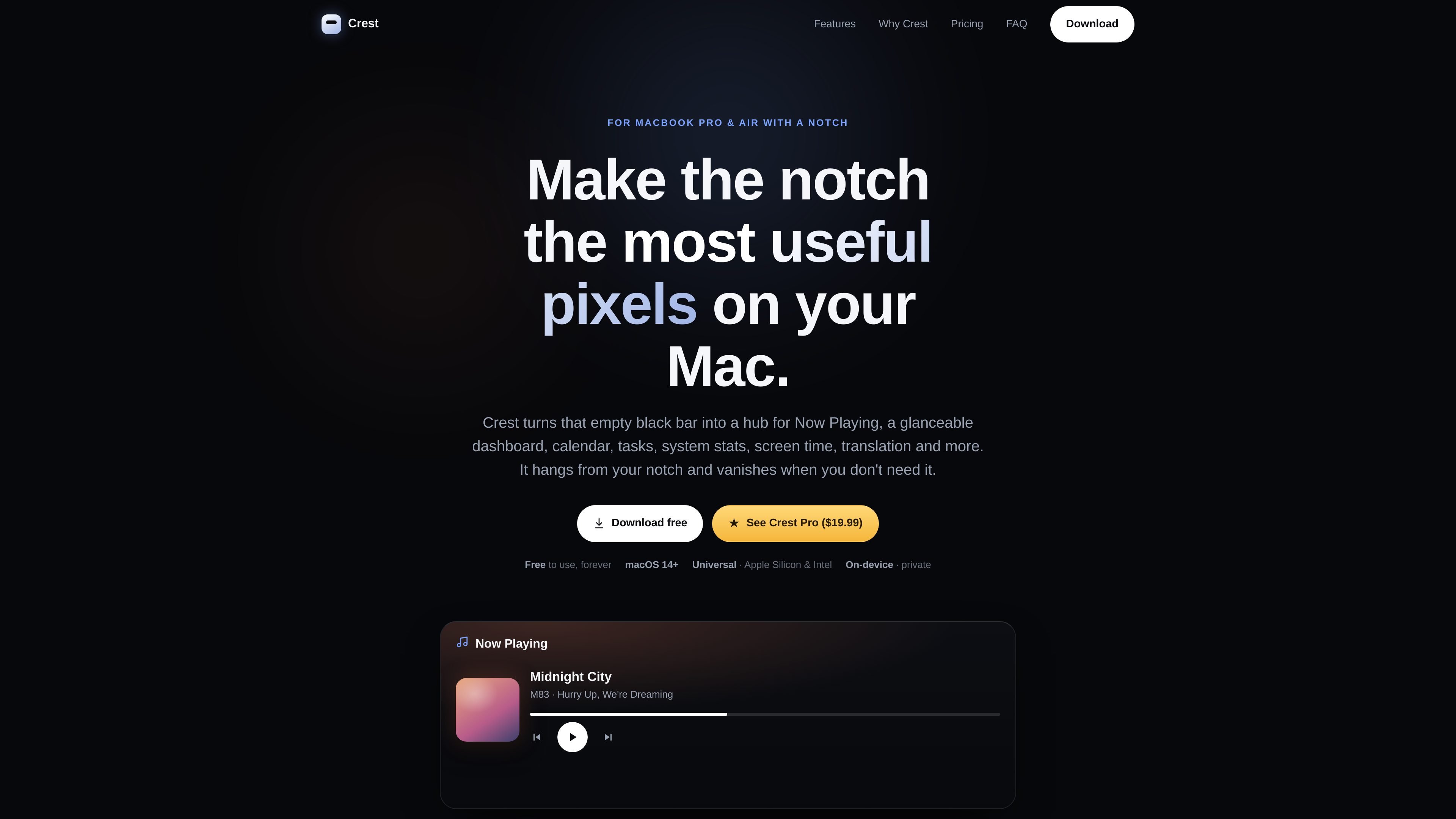
Crest is a Mac notch app that uses the notch area on MacBook Pro and MacBook Air models with a notch as a compact surface for everyday tools and information. It places modules such as Now Playing, calendar, tasks, system stats, screen time, translation, and a dashboard directly in the notch.
The product is built for macOS 14 Sonoma or later and is offered as a universal app for Apple Silicon and Intel Macs. Crest is free to use, while Crest Pro is a one-time upgrade priced at $19.99 that unlocks the remaining modules and includes free updates for life.
Crest turns the MacBook notch into a floating hub that appears when needed and hides away when you are done, so the area above the screen can hold useful information instead of staying empty.
The free tier includes Now Playing with album art and lyrics, a glanceable dashboard, a drag-and-drop shelf, and clipboard history.
Pro unlocks additional modules for planning and focus, including calendar, day progress, todo, notes, and pomodoro.
Pro also adds live system and device utilities such as system monitor, screen time, Bluetooth, and launcher.
The app includes developer and AI-oriented modules such as code hosting, AI coding, quick AI, and on-device translation.
Crest is designed for macOS 14 Sonoma or later and is available as a universal build for Apple Silicon and Intel Macs.
Use the free modules to keep music playback, clipboard history, and a simple dashboard visible without opening separate windows.
Add calendar, todo, notes, and pomodoro modules if you want the notch to act as a lightweight planning area during focused work sessions.
Monitor screen time, battery-related device activity, Bluetooth, or broader system status from the notch while working.
Use the launcher, code hosting, AI coding, and quick AI modules when you want quick access to development and AI-oriented tools without leaving the current app.
Keep translation and other on-device utilities close at hand when you need occasional language or reference help during regular Mac use.
Crest is designed for MacBook Pro and MacBook Air models that have a notch. The site says macOS 14 Sonoma or later is required.
The site says installation is simple: download Crest, drag it to Applications, and open it. Free use starts immediately, and Pro can be unlocked later from inside the app.
Crest includes free modules such as Now Playing, a dashboard, shelf, and clipboard history. Crest Pro adds the remaining modules, including calendar, todo, notes, pomodoro, system monitor, screen time, Bluetooth, launcher, code hosting, AI coding, quick AI, and on-device translation.
The pricing page states that Crest Pro is a one-time purchase, includes free updates for life, can be used on up to 2 Macs, and activates once before working offline.
The site presents Crest as a personal Mac app and does not describe any team management, shared workspace, or collaboration features.
MealTime est votre compagnon de recettes personnel, conçu pour fonctionner hors ligne, vous aidant à sauvegarder, organiser, planifier des repas et générer des listes de courses intelligentes, tout en garantissant la confidentialité de vos données.

Goldfish is an AI memory app for macOS that helps you reply, write, summarize, and continue using the context already on your Mac. It stores memory locally and writes in your tone.

Biji est une plateforme polyvalente conçue pour améliorer la productivité grâce à des outils et des fonctionnalités innovants.

Gemma AI is a phone call reminder app that calls you with scheduled reminders instead of push notifications. It helps people who want a more direct way to stay on schedule, with Google Calendar sync and conversational call interactions.

Redline is a budgeting tool for Claude Code that paces sessions to stay within time, token, cost, or plan-percentage limits. It uses Claude Code’s native hooks and statusline to help sessions finish with a usable result instead of stopping abruptly.

Claude Overlay is a Windows desktop overlay for Claude Code that reads your screen so you can ask questions, inspect content, and request edits without leaving the current app. It runs on your existing Claude subscription through the Claude CLI, so no separate API key is required.