
Web Parsing and Snapshot Archiving
Supports high-quality parsing of web articles and saves webpage snapshots for later review of the original content.

Cubox is an AI read-later assistant that helps people collect, read, annotate, and organize web content in one place. It supports multi-device syncing, browser extensions, and AI-assisted article understanding.
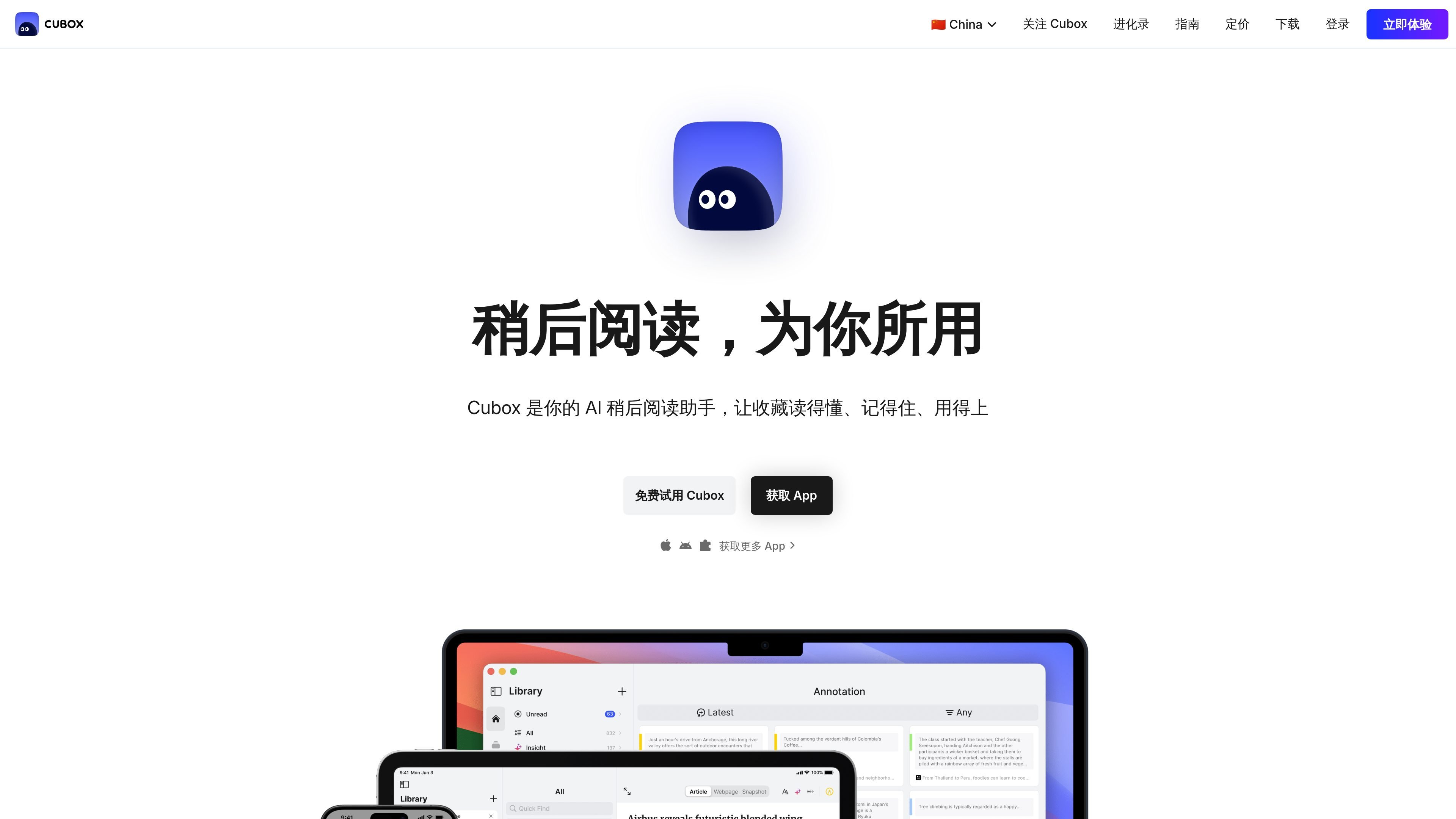
Cubox is an AI read-later assistant for users who need to save, read, and organize web information over the long term. It brings together web articles, WeChat messages, newsletters, social posts, and email newsletters into a single reading library, then uses parsing, annotation, organization, and AI-assisted understanding to turn saved content into knowledge assets that can be revisited, searched, and used.
The product emphasizes cross-platform sync and a native client experience, supporting Mac, iOS, Android, e-ink devices, and browser extensions for Chrome, Edge, Firefox, and Safari. The homepage and pricing page also show that Cubox offers a free trial, membership subscriptions, and gift card / activation code purchase options.
Supports high-quality parsing of web articles and saves webpage snapshots for later review of the original content.
Quickly saves messages forwarded from WeChat, and also supports collecting content from web pages, social media, email newsletters, and apps.
Provides immersive reading, a multicolor annotation system, and unlimited saves and annotations, making it suitable for long-term personal knowledge organization.
Supports nested folders and a tag system to help users organize content by topic, project, or priority.
Provides automatic saving for newsletters and API sources, making it suitable for connecting fixed information streams to a unified reading library.
The Pro+AI version includes an AI reading assistant, AI article interpretation, AI phantom highlighting, and a monthly AI usage quota.
Save web articles, social posts, email newsletters, and WeChat messages into one library to avoid information being scattered across different apps.
Process unread content in batches during commutes, workouts, or other spare moments, using summaries and AI assistance first to decide what deserves deeper reading.
Build a long-term research, writing, or project knowledge base by preserving important materials with tags, nested folders, annotations, and snapshots.
Connect fixed information sources to newsletter or API-based automatic saving to reduce manual copying and duplicate saves.
Use browser extensions or native clients to save, search, and revisit original content anytime while keeping the same reading state across devices.
Cubox provides Mac, iOS, Android, and e-ink clients, as well as browser extensions for Chrome, Edge, Firefox, and Safari. The page also notes that the all-platform subscription is tied to a Cubox account and does not limit the number of signed-in devices.
The Pro membership focuses on unlimited saves and annotations, high-quality parsing and snapshot archiving for web articles, quick saving from WeChat forwards, immersive reading, a multicolor annotation system, nested folders and tags, and automatic saving for newsletters and API sources. Pro+AI adds an AI reading assistant, AI article interpretation, AI phantom highlighting, up to 1,500 AI uses per month, and future AI upgrades.
The page offers a 14-day free trial for Cubox Pro+AI.
If the membership expires and is not renewed, the account data is still retained, and users can export their data at any time.
The page shows that Cubox supports purchasing and redeeming memberships with gift cards or activation codes; the FAQ also mentions that activation codes can be bought from other stores or used after receiving a gift card.

Goldfish is an AI memory app for macOS that helps you reply, write, summarize, and continue using the context already on your Mac. It stores memory locally and writes in your tone.

Lasso is an ecommerce product data platform for enriching catalog records, processing supplier files, generating product content, and monitoring competitors. It combines a web app with a REST API, SDK, and MCP server for teams and developers.

ArtDeck is a visual reference board app for iPhone, iPad, and Mac that lets artists collect mixed reference material on one canvas and study it with ToolBox lenses. It works offline, supports optional iCloud sync, and is sold as a one-time purchase with no account required.

Malyatko is a baby tracker for logging feeding, sleep, growth, teething, and milestones in one app. It works on iPhone, Apple Watch, and widgets, with no sign-up, offline use, and family sharing through iCloud.

Struere is an AI-native platform for turning spreadsheet data into structured operational software with dashboards, alerts, and automations. It is aimed at teams that want to replace manual spreadsheet workflows without building custom tools from scratch.

Un outil alimenté par l'IA qui résume rapidement et efficacement les documents PDF, fournissant des informations claires et permettant aux utilisateurs d'interagir avec le contenu.