
Modular voice stack
Dograh lets you assemble a voice agent from separate inbound, speech-to-text, language model, text-to-speech, and telephony components, or switch to a single speech-to-speech pipeline.

Dograh is open-source voice agent infrastructure for building and running voice agents on your own servers, in your VPC, or in Dograh’s managed cloud. It combines modular voice pipelines, MCP-based agent building, and a speech-to-speech option for real-time conversations.
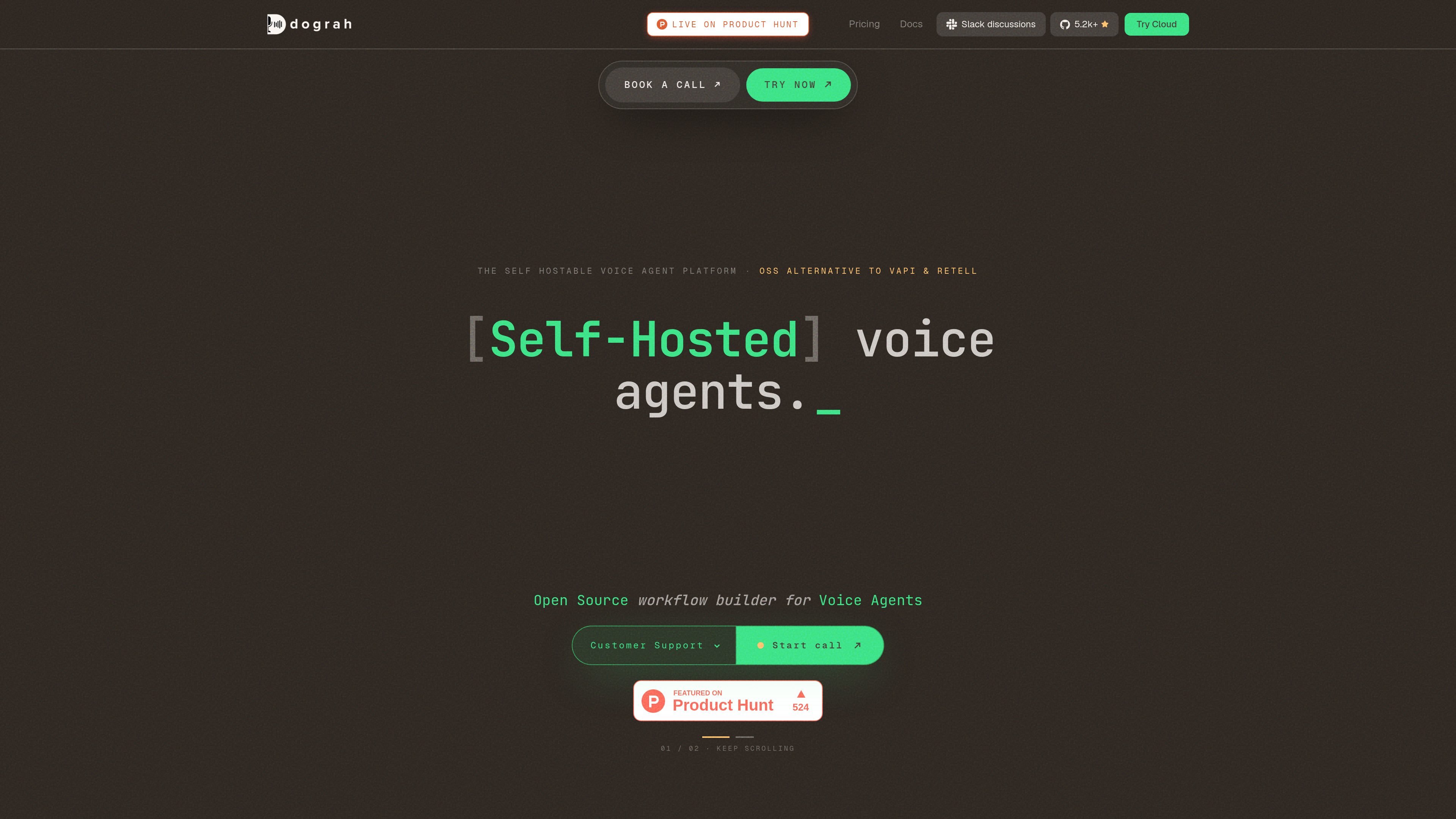
Dograh is open-source voice agent infrastructure for teams that want to build, deploy, and run voice agents on infrastructure they control. The product is positioned as a self-hostable alternative, with options to run on your own servers, inside your VPC, or through Dograh’s managed cloud.
The site shows two main ways to build agents: a modular cascade with inbound channel, STT, LLM, TTS, and telephony components, or a speech-to-speech flow that keeps audio in and audio out without a text round trip. Dograh also ships a Model Context Protocol server so agentic IDE tools can create and modify agents directly against the stack.
The platform is aimed at teams that care about data residency, auditability, and deployment flexibility. Dograh states that self-hosted or private-cloud deployments can keep calls, recordings, transcripts, prompts, customer PII, and even model inference within the customer boundary, and the pricing page says the open-source platform is free forever when self-hosted.
Dograh lets you assemble a voice agent from separate inbound, speech-to-text, language model, text-to-speech, and telephony components, or switch to a single speech-to-speech pipeline.
The product is built around deployment control: run it on your own servers, inside your VPC, or in Dograh’s managed cloud, depending on how much operational responsibility you want to keep.
Dograh ships a Model Context Protocol server so agentic tools can create, edit, and deploy voice agents directly from the IDE or other MCP clients.
The site describes support for real-time audio-to-audio conversations, including turn-taking and interruption handling, with Gemini 3.1 Flash Live or GPT Realtime 2 mentioned for speech-to-speech use.
For self-hosted deployments, Dograh says teams can plug in models that run in their own perimeter, including STT and TTS options such as Whisper, Voxtral, Canary Qwen, Kokoro, and Chatterbox.
The pricing page states that the self-serve plan includes BYOK or Dograh models, and that the platform supports usage-based billing with 10 concurrent calls included on the self-serve tier.
Use Dograh when you need a voice agent platform that can live inside your own infrastructure boundary, whether that means on-premise servers, a private cloud, or a VPC you control.
Use the MCP server to build or update agents from an IDE when your team prefers agentic coding workflows and wants to generate call scripts, nodes, and deployment wiring without switching tools.
Choose the speech-to-speech path for live conversations that benefit from lower latency and more natural turn-taking, such as interruption-prone calls or interactive assistants.
Use the modular stack when you want to swap individual parts of the pipeline, such as changing telephony, STT, LLM, or TTS providers without rebuilding the whole system.
Adopt the platform for regulated use cases where data residency, auditability, and self-hosting are important, such as fintech, healthtech, legal intake, insurance, banking, or government workflows.
Dograh is designed to run either on your own infrastructure or in Dograh’s managed cloud. The site also describes a private-cloud deployment where Dograh deploys the stack inside your VPC and operates it for you.
The homepage says Dograh ships a Model Context Protocol server, so tools such as Claude Code, Cursor, OpenClaw, Codex, or other MCP clients can connect to it and create or modify voice agents from the IDE.
The site presents a cascade pipeline with inbound channels, STT, LLM, TTS, and telephony, and it also describes a speech-to-speech option for real-time audio in and audio out.
Dograh’s pricing page says the open-source platform is free forever to self-host, while its managed cloud uses pay-as-you-go pricing starting at 1¢ per minute platform fee, with custom volume and enterprise options available.
The site highlights regulated-industry and jurisdictional use, including fintech, healthtech, telemedicine, insurance, banking, legal intake, pharma, defense, and government, but it does not provide detailed setup guidance or product limits on the pages reviewed.

CreateOS Sandbox is an isolated compute environment for running code and agent workloads inside Firecracker micro-VMs. It is designed for workflows that need machine-level isolation, private networking between sandboxes, and programmatic control through SDK, CLI, or MCP.

Wallie is an open-source AI streamer that watches your screen, hears chat, and generates live commentary in a configurable persona. It runs locally on your machine with your own keys and is aimed at faceless content, autonomous streams, and real-time reactions.

AakarDev AI helps teams manage AI provider access, project-level setups, logs, and analytics from one dashboard. It supports BYOK workflows and lists providers including OpenAI, Google Gemini, Anthropic, Groq, Mistral AI, and Perplexity AI.

Trigger.dev chat agent is a durable AI chat backend for developers building stateful conversations that can survive refreshes, crashes, and long-running turns. It connects with the AI SDK `useChat` flow and runs on managed infrastructure with no timeout on a turn.

ByteAsk is a terminal-first AI coding agent for C and C++ that edits repositories and verifies changes with the real compiler, debugger, sanitizers, and tests before showing a diff. It offers a free tier plus paid plans, with editor connectors and zero-retention handling described in the source.

Codex Plugins bundle reusable skills, app integrations, and MCP servers into workflows you can install in the Codex app or use from Codex CLI. They help extend Codex with connected-service tasks, reusable instructions, and shared team workflows.