
Indented DSL for AI workflows
Define workflows in a compact, indentation-based language rather than scattering AI logic across application code.

Finyuus is a code-first platform for building, running, and governing AI workflows. It helps teams separate workflow logic, approvals, and tools from the main application while executing workflows through Temporal.
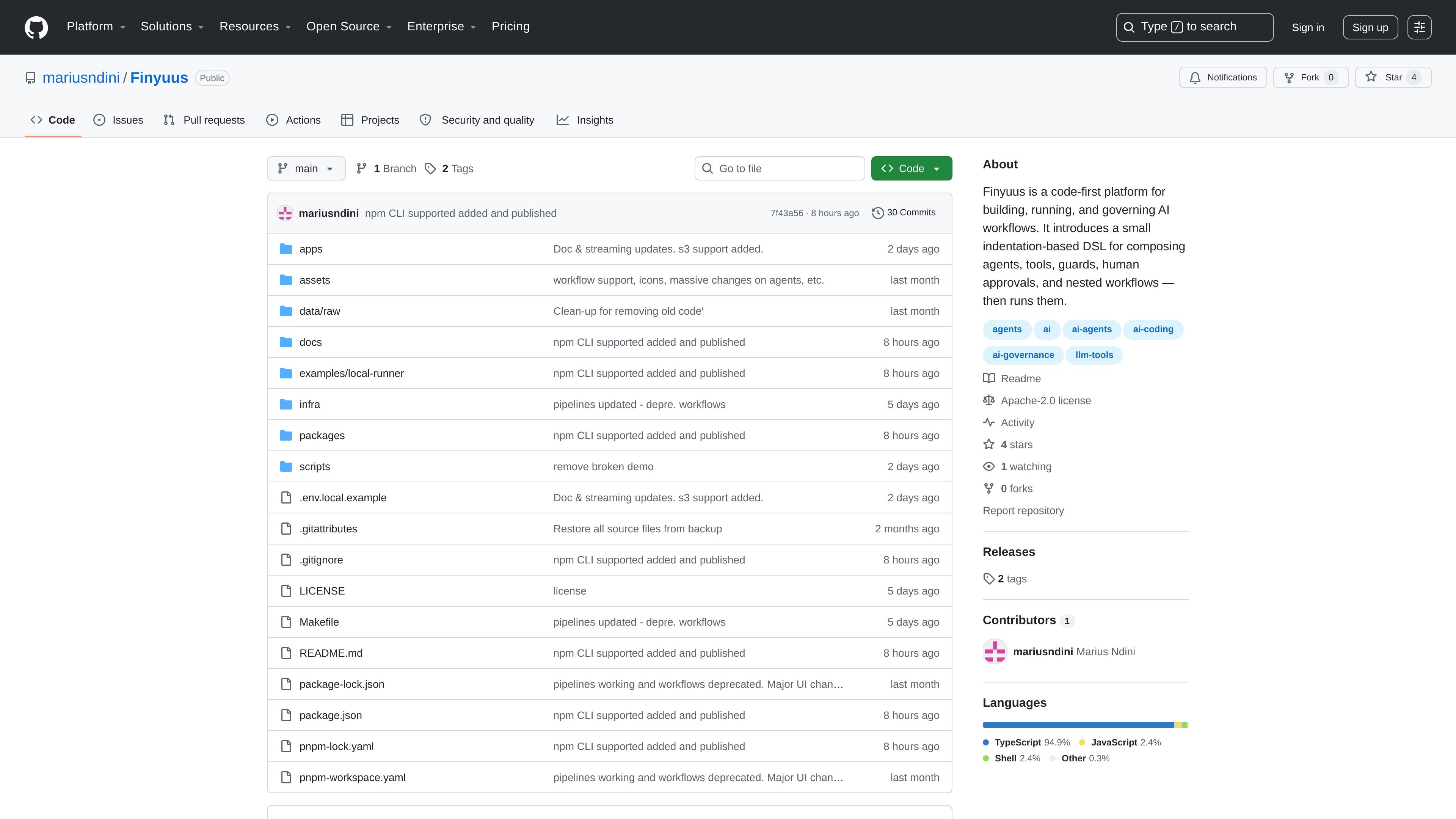
Finyuus is a code-first platform for building, running, and governing AI workflows. Its main idea is to separate AI logic from application code by expressing workflows in a small, indentation-based DSL and then executing those workflows through a runtime and control plane.
The repository describes Finyuus as a system for defining, versioning, observing, auditing, and operating agents, prompts, tools, guards, approvals, and nested workflows independently from the applications that use them. It is designed around durable execution, governance, and operational control rather than ad hoc scripting.
The DSL supports agent and model calls, tool invocations, guards, human approvals, control flow, child pipelines, and structured file or table operations. The project also includes local development guidance, a CLI runner for testing pipeline files, and a full local platform with a web app, worker, and supporting services.
Define workflows in a compact, indentation-based language rather than scattering AI logic across application code.
Compose agents, tools, guards, approvals, variables, conditions, loops, routes, parallel branches, child pipelines, files, and tables in one workflow definition.
Run workflows through Temporal for durable execution rather than treating them as one-off scripts.
Version agents, tools, guards, schemas, and pipelines so changes can be managed independently from the host application.
Include human approval steps and policy checks in the same workflow as model calls and tool usage.
Use the CLI to execute .fy pipeline files locally without bringing up Temporal, ClickHouse, MinIO, Redis, or Langfuse.
Define a workflow that validates input, calls an agent, checks output, and pauses for a human approval before returning a final result.
Keep prompts, tools, guards, and workflow logic outside the main application so teams can change AI behavior without rebuilding the product around it.
Run .fy pipeline files locally with the CLI to test workflow syntax, control flow, and examples before using the full runtime stack.
Model multi-step workflows that branch, loop, call child pipelines, and operate on structured data files or tables.
Use the repository’s local platform setup to inspect the app, worker, Temporal UI, and supporting services during development.
Finyuus is a code-first platform for building, running, and governing AI workflows. It combines an indentation-based DSL with a runtime that executes workflows through Temporal.
The DSL supports agents and model calls, native, HTTP, and pipeline-backed tools, guards, human approvals, conditions, loops, routes, parallel branches, child pipelines, and file/table operations.
The repository documents both the DSL and local development setup. For local testing, the CLI can run .fy pipeline files without starting the full platform, while the full platform uses Docker-based local infrastructure plus a web app and worker.
Finyuus runs workflows with Temporal and includes a centralized environment for versioning, observing, auditing, and operating agents, tools, guards, schemas, and pipelines.
The repository is open source on GitHub. The pricing page shows GitHub's free tier as well as paid Team and Enterprise plans, but the repository itself does not add product-specific pricing details.

CreateOS Sandbox is an isolated compute environment for running code and agent workloads inside Firecracker micro-VMs. It is designed for workflows that need machine-level isolation, private networking between sandboxes, and programmatic control through SDK, CLI, or MCP.

Codex Plugins bundle reusable skills, app integrations, and MCP servers into workflows you can install in the Codex app or use from Codex CLI. They help extend Codex with connected-service tasks, reusable instructions, and shared team workflows.

AakarDev AI helps teams manage AI provider access, project-level setups, logs, and analytics from one dashboard. It supports BYOK workflows and lists providers including OpenAI, Google Gemini, Anthropic, Groq, Mistral AI, and Perplexity AI.

Trigger.dev chat agent is a durable AI chat backend for developers building stateful conversations that can survive refreshes, crashes, and long-running turns. It connects with the AI SDK `useChat` flow and runs on managed infrastructure with no timeout on a turn.

ByteAsk is a terminal-first AI coding agent for C and C++ that edits repositories and verifies changes with the real compiler, debugger, sanitizers, and tests before showing a diff. It offers a free tier plus paid plans, with editor connectors and zero-retention handling described in the source.

Struere is an AI-native platform for turning spreadsheet data into structured operational software with dashboards, alerts, and automations. It is aimed at teams that want to replace manual spreadsheet workflows without building custom tools from scratch.