
Native desktop runtime
Install the native desktop app on macOS or Windows and keep assistants one shortcut away. The desktop surface is described as the place where assistants run on your own machine.

Flowly is a personal AI desktop app with companion mobile apps for macOS, Windows, iOS, and Android. It runs local-first on your own AI keys and adds optional managed hosting when integrations need always-on bots.
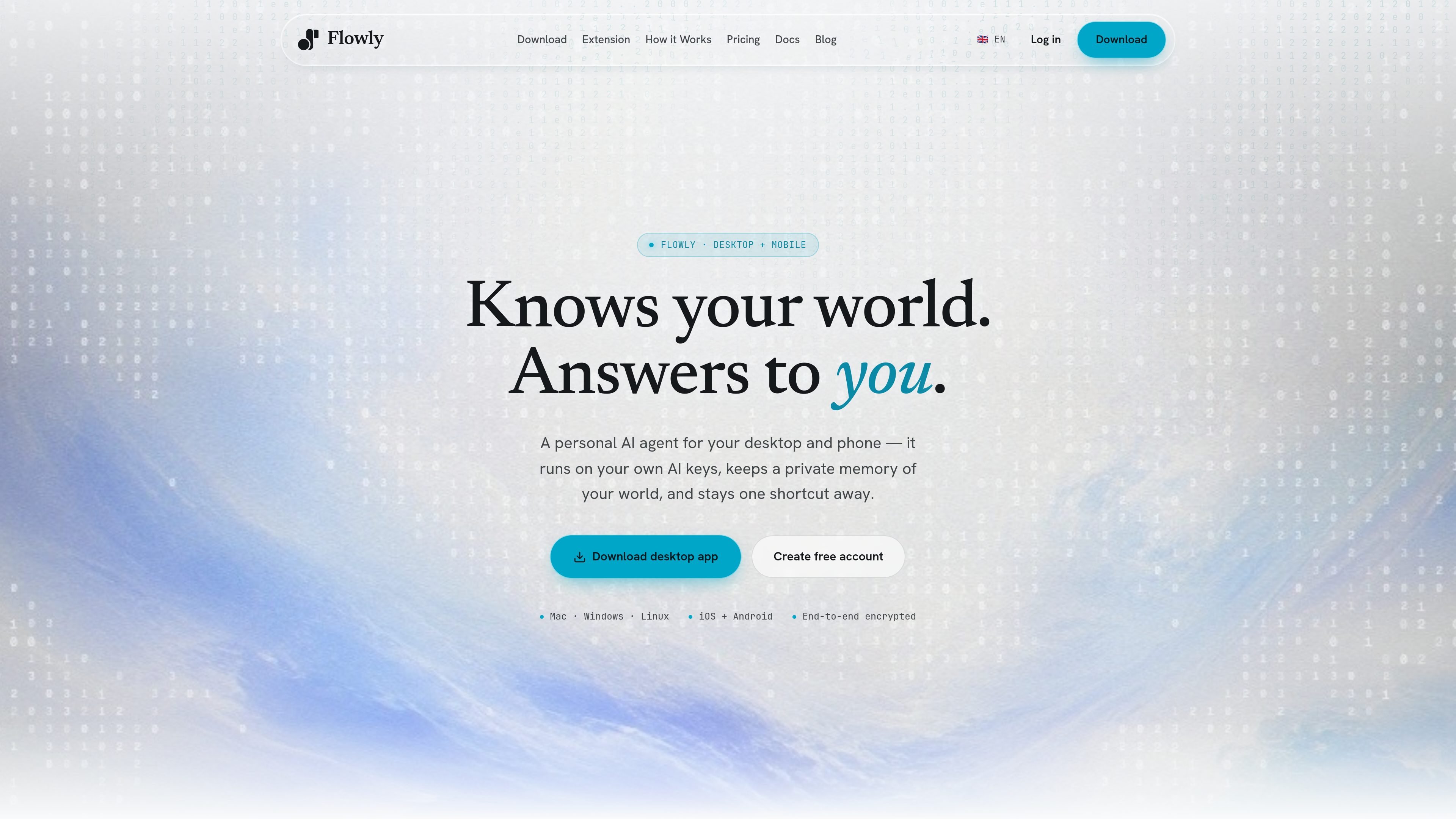
Flowly is a personal AI desktop app with companion mobile apps for iPhone and Android. Its desktop product is available for macOS and Windows, with a terminal option also offered on the download page. The site describes Flowly as a local-first assistant that runs on your own AI keys and keeps a private memory of your world.
The core workflow is to start on desktop, stay synced on mobile, and add managed hosting only when an integration needs always-on infrastructure. Flowly is positioned for people who want a personal assistant they can chat with naturally, supervise across devices, and extend with integrations without setting up their own servers from scratch.
Install the native desktop app on macOS or Windows and keep assistants one shortcut away. The desktop surface is described as the place where assistants run on your own machine.
Flowly keeps a private memory of your world and is described as learning across chats and correcting itself as you use it.
Use the same account on iPhone and Android companions to supervise assistants from anywhere while staying in sync with the desktop app.
The product can surface morning briefings, reminders, and alerts so the assistant can reach out proactively instead of waiting for a prompt.
Flowly supports BYOK mode and says you can connect your own OpenAI, Anthropic, or OpenRouter key, or any OpenAI-compatible provider.
Beyond chat, the site lists Telegram, WhatsApp, Discord, Gmail, calendars, productivity tools, and more, with some messaging-style connectors requiring managed hosting.
Use Flowly as a day-to-day personal assistant on your computer when you want a persistent workspace that stays close to your files and routine. The desktop app is designed to be installed locally and kept one shortcut away.
Keep the same assistant available on your phone so you can review and supervise what it is doing when you are away from your desk. The site describes the mobile apps as synced companions rather than separate assistants.
Set up reminders, briefings, and alerts so the assistant can initiate useful prompts instead of waiting for you to open a chat window. This is suited to lightweight personal organization workflows.
Connect messaging and workspace tools such as Telegram, WhatsApp, Discord, Gmail, and calendars when you need the assistant to operate in the places where your work already happens. Managed hosting may be needed for bots that must stay online all the time.
Use BYOK mode if you already have provider accounts and want Flowly to route through your own OpenAI, Anthropic, or OpenRouter key. This can fit users who prefer billing and model choice to stay with their existing provider.
Install Flowly Desktop for macOS or Windows, then sign in or create an account during onboarding. You can also download the companion mobile apps and use the same account to keep assistants synced across devices.
Flowly supports local-first use on desktop, and managed hosting is optional. When an integration needs always-on reachability, you can enable hosted infrastructure from Settings → Servers, and Flowly provisions it automatically.
Flowly is presented as local-first: conversations stay on your own device, and the cloud relay forwards encrypted traffic so the assistant remains reachable. The site says Flowly does not read conversations for unrelated model training.
Flowly supports Claude Haiku 4.5 and Sonnet 4.6, GPT-5.5, GLM-5, Kimi K2.6, Qwen 3.5, Grok 4.3, DeepSeek v4 Pro, MiniMax, and MiMo. With BYOK, you can connect an OpenAI-compatible provider.
Yes. The pricing page says monthly billing is cancel-anytime, and when you cancel you keep access until the end of the billing period. Paid-plan data is preserved for 30 days after cancellation.

Goldfish is an AI memory app for macOS that helps you reply, write, summarize, and continue using the context already on your Mac. It stores memory locally and writes in your tone.

CreateOS Sandbox is an isolated compute environment for running code and agent workloads inside Firecracker micro-VMs. It is designed for workflows that need machine-level isolation, private networking between sandboxes, and programmatic control through SDK, CLI, or MCP.

Biji est une plateforme polyvalente conçue pour améliorer la productivité grâce à des outils et des fonctionnalités innovants.

Codex Plugins bundle reusable skills, app integrations, and MCP servers into workflows you can install in the Codex app or use from Codex CLI. They help extend Codex with connected-service tasks, reusable instructions, and shared team workflows.

Gemma AI is a phone call reminder app that calls you with scheduled reminders instead of push notifications. It helps people who want a more direct way to stay on schedule, with Google Calendar sync and conversational call interactions.

Wallie is an open-source AI streamer that watches your screen, hears chat, and generates live commentary in a configurable persona. It runs locally on your machine with your own keys and is aimed at faceless content, autonomous streams, and real-time reactions.