
Real-time analytics dashboard
Shows live active user monitoring, property comparison, traffic recipes, and quota tracking for GA4 data.

GA4-Dashboard-MCP is a self-hosted Google Analytics 4 dashboard with real-time traffic views, visitor insights, and a 3D globe visualization. It also includes a separate MCP server for querying GA4 data from supported AI assistants.
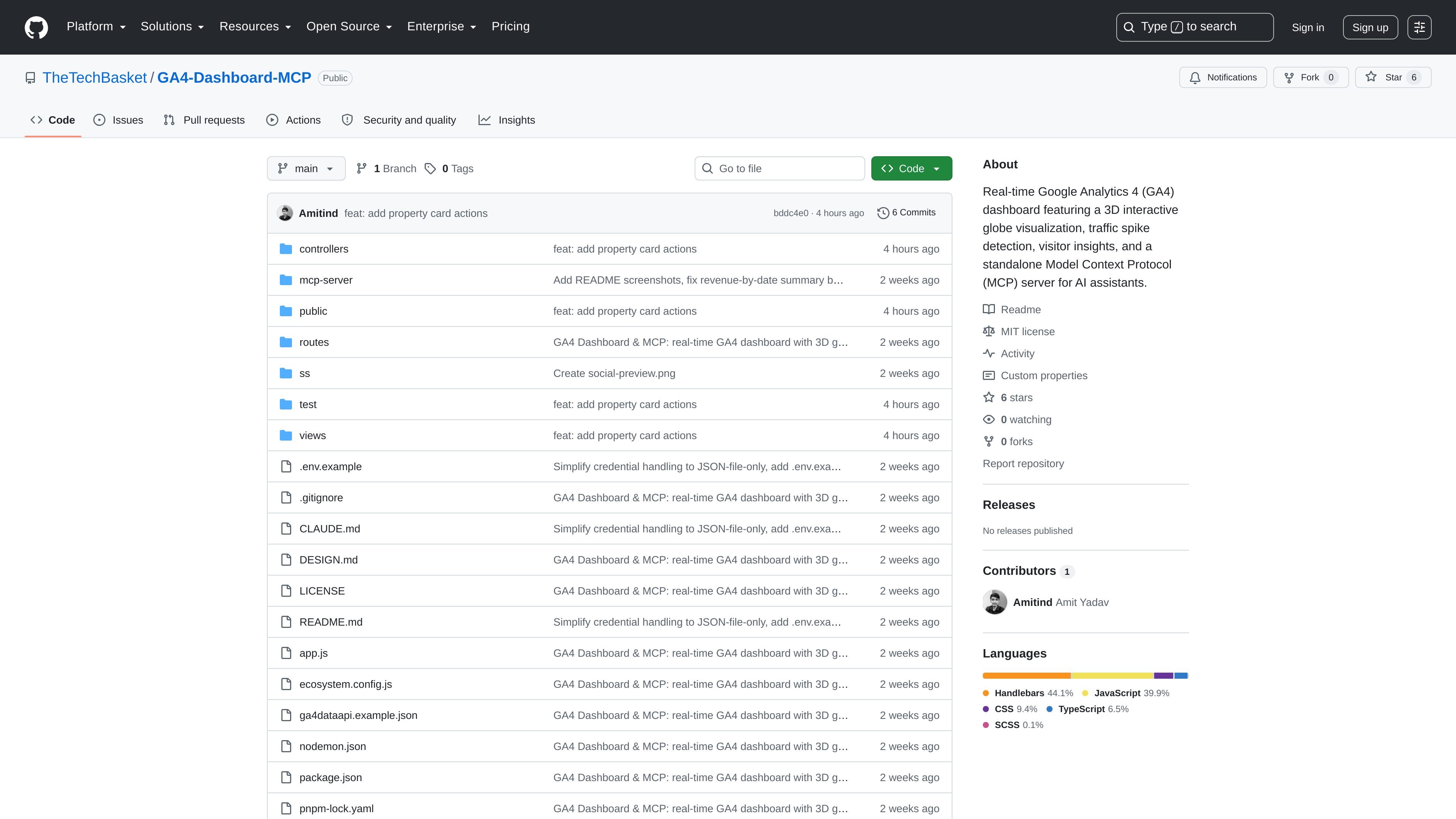
GA4-Dashboard-MCP is a Google Analytics 4 dashboard project that combines live reporting with a separate Model Context Protocol (MCP) server for AI assistants. The dashboard focuses on real-time website activity, traffic changes, visitor summaries, and a 3D globe visualization of global traffic.
The repository documentation says the dashboard runs on Node.js and uses pnpm, while the MCP server is a separate package in mcp-server/ with its own dependencies and credentials. Setup relies on a Google Cloud service account with Google Analytics Data API and Google Analytics Admin API access, and the app provides a /setup page when credentials are missing.
Shows live active user monitoring, property comparison, traffic recipes, and quota tracking for GA4 data.
Uses Three.js to map live website activity across world countries in a 3D globe view.
Detects sudden traffic surges and classifies them by source, including referral, direct, and campaign traffic.
Summarizes new versus returning visitors, device breakdowns, and top geographies into persona-style insights.
Exposes GA4 Admin and Data API tools through a standalone MCP server for AI assistants.
Redacts full URL parameters and query strings to reduce the chance of private data appearing in dashboards.
Review active users, compare properties, and watch quota usage from a live GA4 dashboard during normal site operations.
Inspect where traffic is coming from when a sudden surge occurs and use the spike classification to separate referral, direct, and campaign activity.
Open the 3D globe view when you want to understand geographic distribution of live website activity at a glance.
Connect the MCP server to an AI assistant such as Claude Desktop, Cursor, or Antigravity to query GA4 properties, funnels, and reports through tools.
The README describes a setup flow that uses a Google Cloud service account with the Google Analytics Data API and Google Analytics Admin API enabled. If no credentials are present, the app sends users to a /setup page with the same steps.
The dashboard is built for real-time GA4 monitoring. It includes active user monitoring, property comparison, traffic classification, visitor insights, and a 3D globe view of live activity.
Yes. The MCP server is separate from the dashboard and lives in mcp-server/. The README says it can be used with MCP clients such as Claude Desktop, Antigravity, and Cursor.
The README says the project can be started locally with pnpm dev for development or pnpm start for production after installing dependencies and adding GA4 credentials.
The repository does not show a product pricing model on the project page. The visible pricing page is GitHub's own plan page, not pricing for this project itself.

ByteAsk is a terminal-first AI coding agent for C and C++ that edits repositories and verifies changes with the real compiler, debugger, sanitizers, and tests before showing a diff. It offers a free tier plus paid plans, with editor connectors and zero-retention handling described in the source.

PromptScout tracks how ChatGPT, Gemini, Google AI Overviews, and Perplexity mention your brand or competitors, then pairs those results with source analysis and website audits. It helps teams decide what to fix in content, positioning, or site readiness next.

SaveMRR is a Stripe retention tool for SaaS teams that scans billing data for churn and MRR leaks, then automates recovery through dunning, cancel-save offers, win-back emails, and onboarding nudges. It is built for founders and bootstrapped teams using Stripe.

CreateOS Sandbox is an isolated compute environment for running code and agent workloads inside Firecracker micro-VMs. It is designed for workflows that need machine-level isolation, private networking between sandboxes, and programmatic control through SDK, CLI, or MCP.

Hype is a web tool for finding trending YouTube topics by category, time range, and scoring mode. It helps creators spot emerging ideas, inspect source videos, and decide what to cover next.

Sleek Analytics is a privacy-friendly web analytics tool with real-time visitor tracking, Core Web Vitals, and revenue attribution. It helps site owners understand traffic and conversions without cookie banners or a heavy setup.