
Real open-source examples
GitHits gives AI coding agents access to real implementations from repositories, issues, discussions, and pull requests so they can ground answers in working patterns instead of guesses.

GitHits gives AI coding agents version-aware access to open-source code, docs, and package metadata so they can ground implementation decisions in real examples instead of guessing.
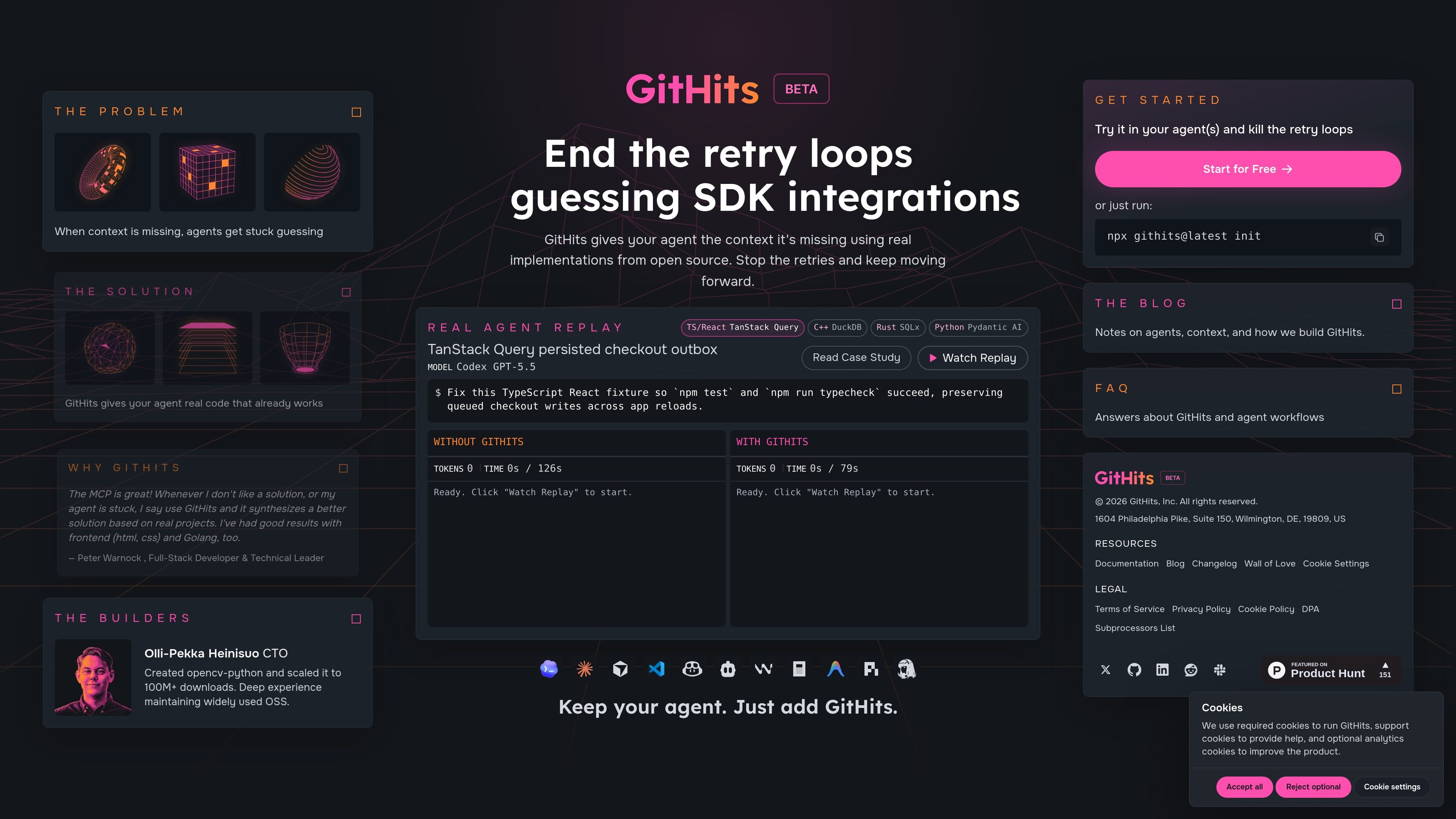
GitHits is a context layer for AI coding agents. It gives them version-aware access to open-source examples, dependency source code, documentation, package metadata, and dependency relationships so they can inspect the wider stack around a local repository.
The site positions GitHits as a way to reduce guesswork when agents encounter undocumented behavior, unfamiliar integrations, dependency edge cases, or version-specific implementation details. Instead of retrying and improvising, the agent can pull from real code and related documentation before making a change.
GitHits gives AI coding agents access to real implementations from repositories, issues, discussions, and pull requests so they can ground answers in working patterns instead of guesses.
Agents can search, grep, list files, and read exact line ranges across packages and repositories, which supports targeted investigation of unfamiliar code paths.
GitHits includes hosted docs and repo-backed documentation access, helping agents compare implementation behavior with written guidance.
The product can inspect dependencies, versions, vulnerabilities, changelogs, and upgrade changes to add ecosystem context around libraries an agent is using.
GitHits exposes dependency relationships and transitive dependencies across packages and versions, which helps agents understand how the stack fits together.
Supported sources and registries include GitHub, Docs Sites, npm, PyPI, Hex.pm, crates.io, vcpkg, Zig, NuGet, Maven Central, Packagist, RubyGems, Go, and Swift.
Use GitHits when an AI agent is trying to integrate a library or SDK but the local repository does not explain the expected pattern. The product adds external source code and docs that can show how the integration is actually implemented.
Use GitHits when an agent is stuck on undocumented behavior or an edge case in a dependency. Instead of repeatedly rewriting the same guess, it can inspect real implementations and version-specific source material.
Use GitHits when you want an agent to compare package versions, changelogs, and vulnerabilities before editing code. That helps the agent account for upgrade changes and avoid relying on stale assumptions.
Use GitHits when a team needs to trace how libraries relate across packages and versions. The dependency graph view provides broader context than a single repository can offer.
GitHits is designed to help AI coding agents access open-source implementations, dependency source code, documentation, and package metadata when the local repository alone is not enough to answer a question.
The source describes GitHits as version-aware access to real open-source examples, code navigation, docs, and package metadata. It does not document a full setup flow beyond an init command shown on the site.
GitHits can surface code examples, navigate source files, inspect documentation, and inspect package information such as versions, vulnerabilities, changelogs, and upgrade changes.
The site shows support for GitHub, Docs Sites, npm, PyPI, Hex.pm, crates.io, vcpkg, Zig, NuGet, Maven Central, Packagist, RubyGems, Go, and Swift.
The site does not provide pricing details on the pricing URL; that page currently returns a 404 and only indicates the page was not found.

ByteAsk is a terminal-first AI coding agent for C and C++ that edits repositories and verifies changes with the real compiler, debugger, sanitizers, and tests before showing a diff. It offers a free tier plus paid plans, with editor connectors and zero-retention handling described in the source.

CreateOS Sandbox is an isolated compute environment for running code and agent workloads inside Firecracker micro-VMs. It is designed for workflows that need machine-level isolation, private networking between sandboxes, and programmatic control through SDK, CLI, or MCP.

hob is an independent workspace for coding agents that keeps agent sessions, terminals, history, and follow-up work organized around the tools and providers you already use. It is aimed at developers who want local control over routing, history, and workspace structure rather than a bundled model stack.

Manta AI is an autonomous web app testing tool for teams that want to map application behavior, catch regressions, and generate tests without writing scripts or maintaining selectors. It works from a URL and supports plain-English test flows, run results with screenshots, and scheduled or deployment-triggered checks.

SonOf connects to your repo and PM tool, audits the codebase and surrounding product context, and turns approved work into shipped tickets with senior engineering review. It is aimed at founders and engineering leaders who need backlog help without hiring a full team immediately.

Ghost est un assistant IA en terminal pour discuter, générer du code et lancer des tâches en ligne de commande. Modèles gratuits, Linux, macOS, Windows, open source.