
Image and video generation
Generate images and video from AI models in a single interface, with tools for creation, editing, and fast iteration.

Glam AI is a web-based AI image and video generation platform for creators, agencies, influencer teams, and brands. It combines image creation, video workflows, and a business API for content creation and in-app effects.
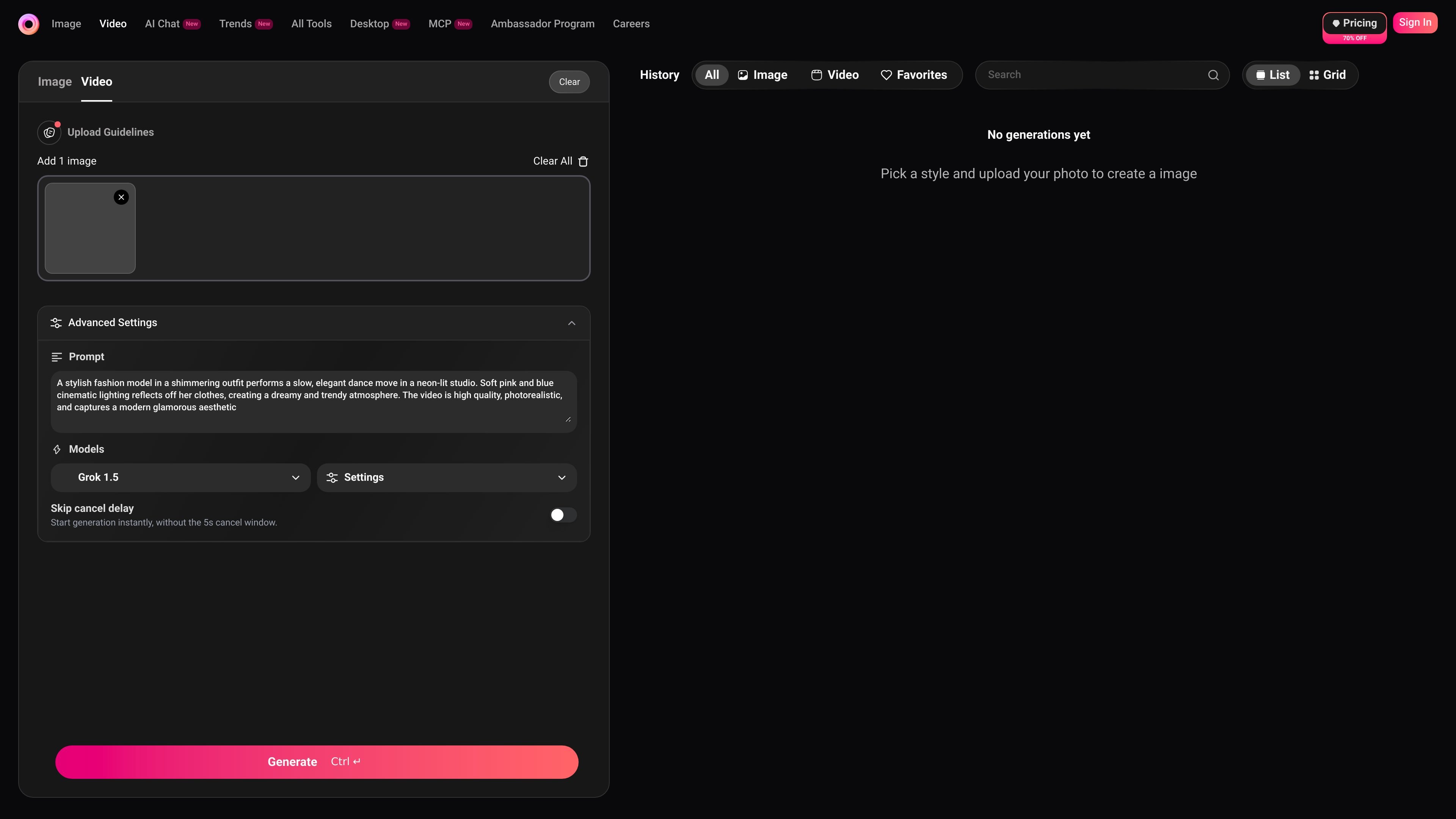
Glam AI is an AI image and video generation platform for creators, agencies, influencer teams, and brands that need to produce visual content quickly. The site presents it as a web-based creative engine that combines image generation, video generation, editing, and style-driven workflows in one product.
The platform includes tools for generating images, creating short videos, applying trends and visual effects, and working from selfies or reference images. Its pricing page shows multiple subscription tiers with access to Glam Labs models, fast and slow generations, model access, and feature access, while the business page describes a B2B API for integrating AI filters and effects into other apps.
Generate images and video from AI models in a single interface, with tools for creation, editing, and fast iteration.
Turn a reference image or selfie into studio-style content using Daily Shots, trend-based looks, and similar photo workflows.
Create short motion-led clips with tools such as Image Set, Multi-Angle, Motion Swap, and animated photo effects.
Access many model options in one place, including GPT Image 2, Seedance 2.0, Kling 3.0, Recraft v4 Pro, and other listed models on the pricing page.
Work from a large library of ready-to-use styles and trends, including 400+ trending styles and 2000+ ready-to-use styles mentioned on the site.
Use a business-oriented API offering to embed AI filters and effects into apps for photo editing, branding, and content creation.
Create polished social content from a selfie or reference image using Daily Shots, trend looks, or other style-led workflows.
Produce visual assets and iterate quickly across multiple models and styles without switching tools for each task.
Generate branded visuals, effects, and creative content through the business API for product experiences or in-app editing.
Turn static images into short motion clips or try motion-focused effects for social content and campaigns.
Test multiple outputs side by side to compare how a prompt performs across models and choose the best result.
You can sign in on the web using the same email used at checkout. Glam AI says access is unlocked automatically after a website purchase.
If your subscription was bought directly on the website and the checkout page included a money-back guarantee, Glam AI says you can request a refund within 14 days of purchase if you are not satisfied with the content quality and at least one listed condition applies, such as low-quality results or the app not working correctly. Support can be reached at [email protected].
Subscriptions renew automatically at the end of each period. Glam AI says you should cancel at least 24 hours before the current period ends to avoid the next charge.
The source describes Glam AI as a web platform and B2B API for content creation, but it does not provide a full compatibility list or integration directory.

VIDEOAI.ME is an AI video generator for making spokesperson-style videos, ads, explainers, and social content from a script. It is aimed at founders, marketers, agencies, and creators who want to produce videos without filming.

PicCopilot is an AI content platform for e-commerce that turns product photos into marketing visuals, model shots, videos, and social content. It offers a free plan plus paid tiers for templates, model swap, virtual try-on, and batch-oriented creation.

TapNow is a web-based AI visual creation platform for businesses, creators, and teams. It supports image and video generation along with editing, planning, and collaboration tools.

Kling AI is an AI creative studio for generating and editing images and videos, with web, mobile, and API access for creators and developers. It supports a broad set of visual workflows, including video generation, image creation, editing, and native 4K output for the V3 series.

Topview AI is a web-based AI video creation platform for social ads, ecommerce creatives, avatar videos, and short drama workflows. It combines channel-based templates, prompt-driven generation, reference uploads, and storyboard-based production tools.

Une plateforme IA tout-en-un qui combine des outils pour l'image, la vidéo, la voix, l'écriture et le chat afin d'améliorer la créativité et la collaboration.