
AI root-cause analysis
HookLens receives failed webhook traffic and turns it into structured triage so teams can see what failed and why without manually inspecting raw delivery logs.

HookLens is an AI-powered webhook monitoring and triage tool for engineering teams. It intercepts failed webhook events, diagnoses root causes, and can notify teams in Slack or Discord.
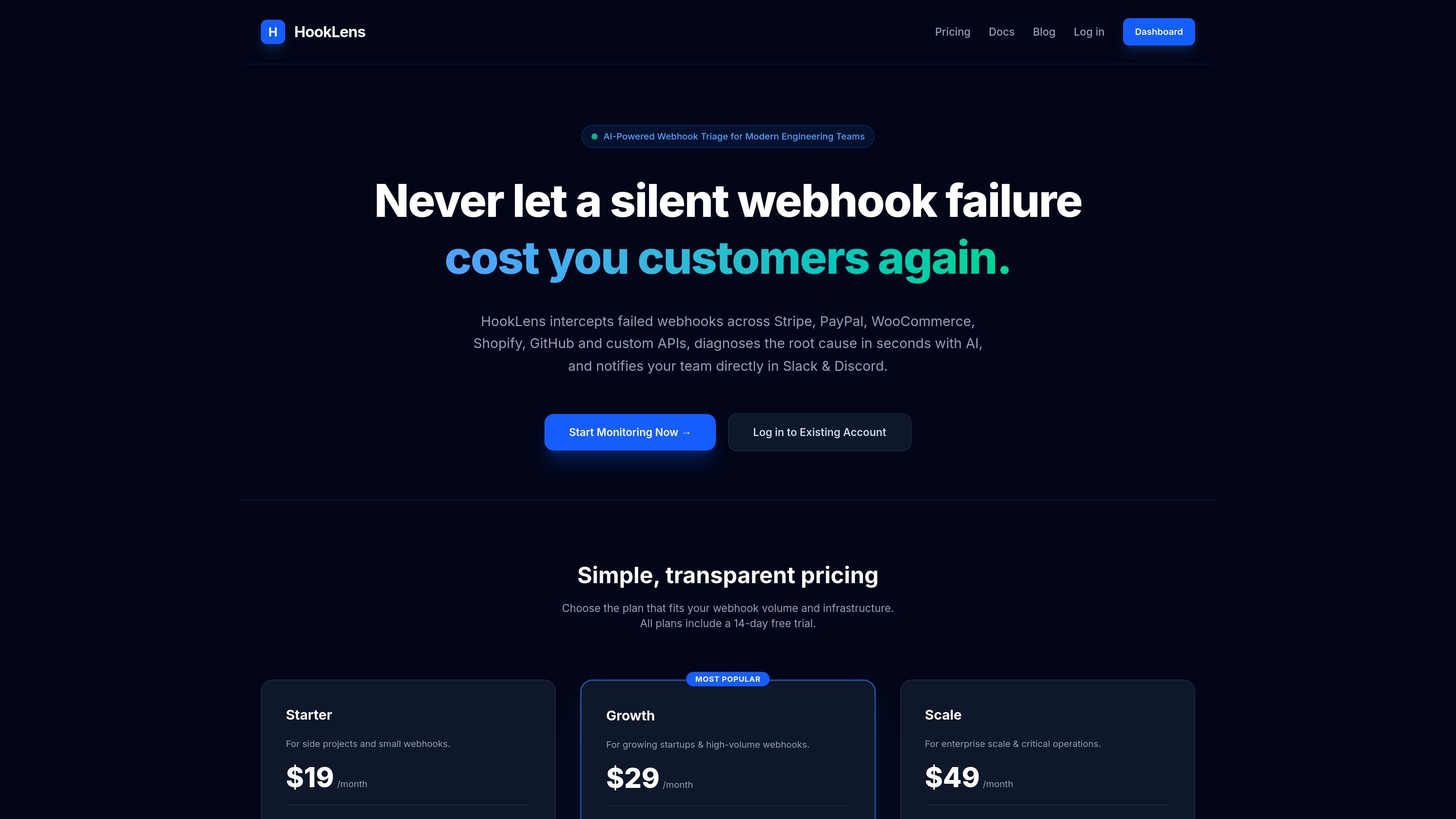
HookLens is an AI-powered webhook triage and monitoring product for engineering teams that need to find out why webhook deliveries fail. It intercepts failed webhooks, analyzes the event, and presents a root-cause diagnosis so teams can respond faster to broken payments, order events, or custom API traffic.
The site shows support for Stripe, PayPal, Shopify, and WooCommerce webhooks, with GitHub and Twilio listed as coming soon. HookLens also offers project-specific ingest URLs, Slack and Discord notifications, and plan tiers that scale by event volume and retention needs.
HookLens receives failed webhook traffic and turns it into structured triage so teams can see what failed and why without manually inspecting raw delivery logs.
The product provides a unique ingest URL per project, letting teams route specific event streams into separate monitoring projects and keep their webhook data organized.
The Stripe setup guide uses snapshot payloads so HookLens can receive full order and customer metadata for diagnosis, rather than a reduced event body.
The homepage and changelog show monitoring for Stripe, PayPal, Shopify, WooCommerce, GitHub, and custom webhook failures, with some integrations marked as coming soon.
HookLens can notify teams in Slack and Discord, and the Scale plan adds webhook dispatch for alerting or downstream routing.
Connect Stripe webhooks to HookLens to monitor checkout sessions, payment events, and subscription changes, then review the AI diagnosis when a delivery fails or a test event is sent.
Route Shopify, WooCommerce, or PayPal webhook streams into HookLens to catch failed orders, payment errors, cancellations, or chargeback-related events and triage them in one place.
Use project-specific ingest URLs and API keys to keep billing, order, or custom API streams separate, which is useful when different teams own different event sources.
Send alerts to Slack or Discord so on-call or operations teams can see failed webhook activity without checking the dashboard constantly.
Adopt the no-code Stripe flow from the docs when you want to wire up monitoring quickly without building custom ingestion logic first.
HookLens intercepts failed webhooks, analyzes the payload, and surfaces AI-generated diagnostics in the dashboard. The docs show a Stripe setup where you copy a unique ingest URL from your project, add it as a webhook endpoint in Stripe, choose snapshot payloads, and send test events to verify the connection.
The source explicitly shows support for Stripe webhooks and lists Shopify, PayPal, WooCommerce, and custom APIs on the homepage. The changelog also mentions WooCommerce and PayPal monitoring, while GitHub and Twilio are listed as coming soon.
Pricing is tiered by webhook volume and infrastructure needs. The published plans are Starter at $19/month, Growth at $29/month, and Scale at $49/month, and all plans include a 14-day free trial.
The Stripe guide says each project has its own unique ingestion URL and API key, and the monitoring setup is designed to work without coding for that provider. Different projects can therefore be configured separately, which is useful when teams want to isolate billing, orders, or other event streams.
The source does not document all supported APIs, authentication methods, or platform limits beyond the pricing tiers and listed integrations. It also does not provide detailed implementation guidance for every provider on the site pages reviewed.

ClawTick is an AI agent automation platform for scheduling jobs from the CLI, dashboard, or REST API. It is aimed at developers and teams running LangChain, CrewAI, webhook, or custom agent workflows that need monitoring, alerts, and logs.

OpenFlags is an open-source, self-hosted feature flag platform for modern JavaScript teams. It supports local evaluation, targeted rollouts, and controlled launches while keeping flag data in your own infrastructure.

ByteAsk is a terminal-first AI coding agent for C and C++ that edits repositories and verifies changes with the real compiler, debugger, sanitizers, and tests before showing a diff. It offers a free tier plus paid plans, with editor connectors and zero-retention handling described in the source.

PromptScout tracks how ChatGPT, Gemini, Google AI Overviews, and Perplexity mention your brand or competitors, then pairs those results with source analysis and website audits. It helps teams decide what to fix in content, positioning, or site readiness next.

CreateOS Sandbox is an isolated compute environment for running code and agent workloads inside Firecracker micro-VMs. It is designed for workflows that need machine-level isolation, private networking between sandboxes, and programmatic control through SDK, CLI, or MCP.

Sleek Analytics is a privacy-friendly web analytics tool with real-time visitor tracking, Core Web Vitals, and revenue attribution. It helps site owners understand traffic and conversions without cookie banners or a heavy setup.