
Audio and video transcription
Transcribe uploaded audio or video files, with instant language detection and support for spoken content such as meetings, lectures, podcasts, and social media clips.

HypeScribe is an AI transcription tool for audio, video, meetings, podcasts, and social links. It produces searchable transcripts, summaries, action items, and Q&A, with a free tier and paid plans.
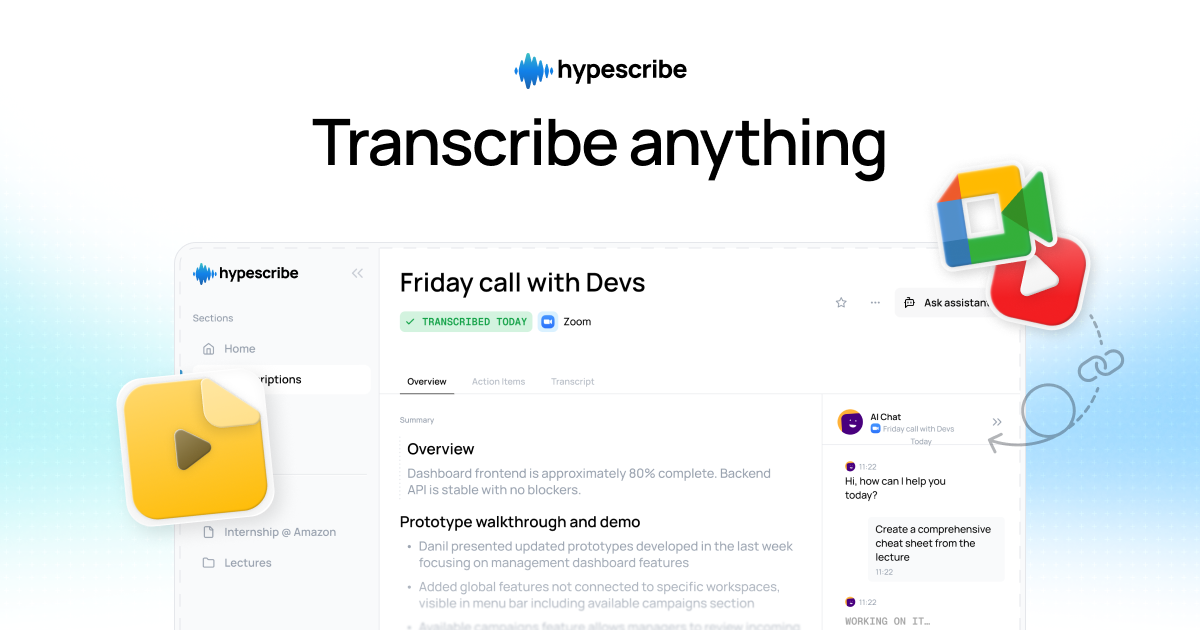
HypeScribe is an AI transcription product for audio, video, meetings, podcasts, and social media links. It turns spoken content into searchable text and adds summaries, key facts, action items, and interactive Q&A on top of the transcript.
The product is designed for people who want to process recordings without worrying about minute caps or file length limits. The site says it supports instant language detection, a built-in note taker for Zoom, Google Meet, and Microsoft Teams, and export options including PDF, TXT, DOCX, and Markdown.
Transcribe uploaded audio or video files, with instant language detection and support for spoken content such as meetings, lectures, podcasts, and social media clips.
Process files through a token-based model where one token equals one transcription, regardless of file length, and the product states that files have unlimited length on paid plans.
Generate summaries, key facts, action items, and interactive Q&A from a transcript so users can move from raw recording to usable notes.
Join live calls as a note taker for Zoom, Google Meet, and Microsoft Teams, with real-time transcription and summaries.
Accept pasted links or uploads from supported sources including YouTube, Instagram, VK, Facebook, Rutube, Reddit, Twitter, Vimeo, Google Drive, and Zoom.
Store transcriptions in a searchable transcript library and let users choose between GPT-4o and Claude for AI output.
Capture meeting notes, deadlines, and follow-ups from live calls so teams can review what was discussed after the meeting ends.
Turn lectures or recorded classes into searchable text and summaries for studying, review, or note cleanup.
Extract quotes, timestamps, and summaries from podcasts or long-form audio without replaying the full recording.
Paste social video links or upload clips to convert short-form content into text that can be searched, summarized, or reused.
Use the transcript library and Q&A tools to find details in older recordings without manually scanning each file.
Yes. The pricing page says every new user gets 3 free transcriptions per month with no credit card required.
Yes. The pricing page says files can be uploaded or links can be pasted, including sources such as YouTube, Instagram, TikTok, Zoom, and Google Drive.
The pricing page includes export options for PDF, TXT, DOCX, and Markdown.
The pricing page says you can cancel at any time from your account settings and that there are no cancellation fees.
The pricing page says to contact [email protected] for custom enterprise pricing.

Tactiq is an AI note taker for Google Meet, Zoom, and Microsoft Teams that transcribes meetings live and turns them into summaries, action items, and follow-up outputs. It is built around a Chrome extension and supports team workflows through sharing and integrations.

Scripta is a privacy-first AI notetaker that records, transcribes, and summarizes meetings directly on your device. The public site currently shows a Mac beta download and a Windows waitlist.

Speech to Text Converter is a browser-based transcription tool for live dictation and uploaded audio or video files. It offers a free tier for short tasks and a Pro plan for unlimited transcription, AI summaries, translation, speaker identification, and advanced exports.

An OpenAI API guide for choosing the right speech architecture for live audio, translation, transcription, speech generation, and audio-capable chat. It helps developers map each speech application to the appropriate session type, endpoint, and connection method.

Crates est un espace personnel pour enregistrer et découvrir, afin d’organiser liens, captures, PDF, images et autres contenus à revoir. Recherchez selon vos goûts.

Pewbeam is a church presentation app that listens to sermons, detects Bible verse references in real time, and displays the matching passage on screen. It is built for pastors, projection teams, and church media volunteers who want to reduce manual slide control during live services.