
Window and tab management
Open a new window with Cmd+N and manage tabs with Cmd+T, Cmd+W, and Cmd+Shift+[ / Cmd+Shift+] for previous and next tab navigation.

Justty is a minimal native macOS terminal built with SwiftUI and libghostty. It supports real shell sessions, tabs, theming, and configurable layout options for everyday command-line use.
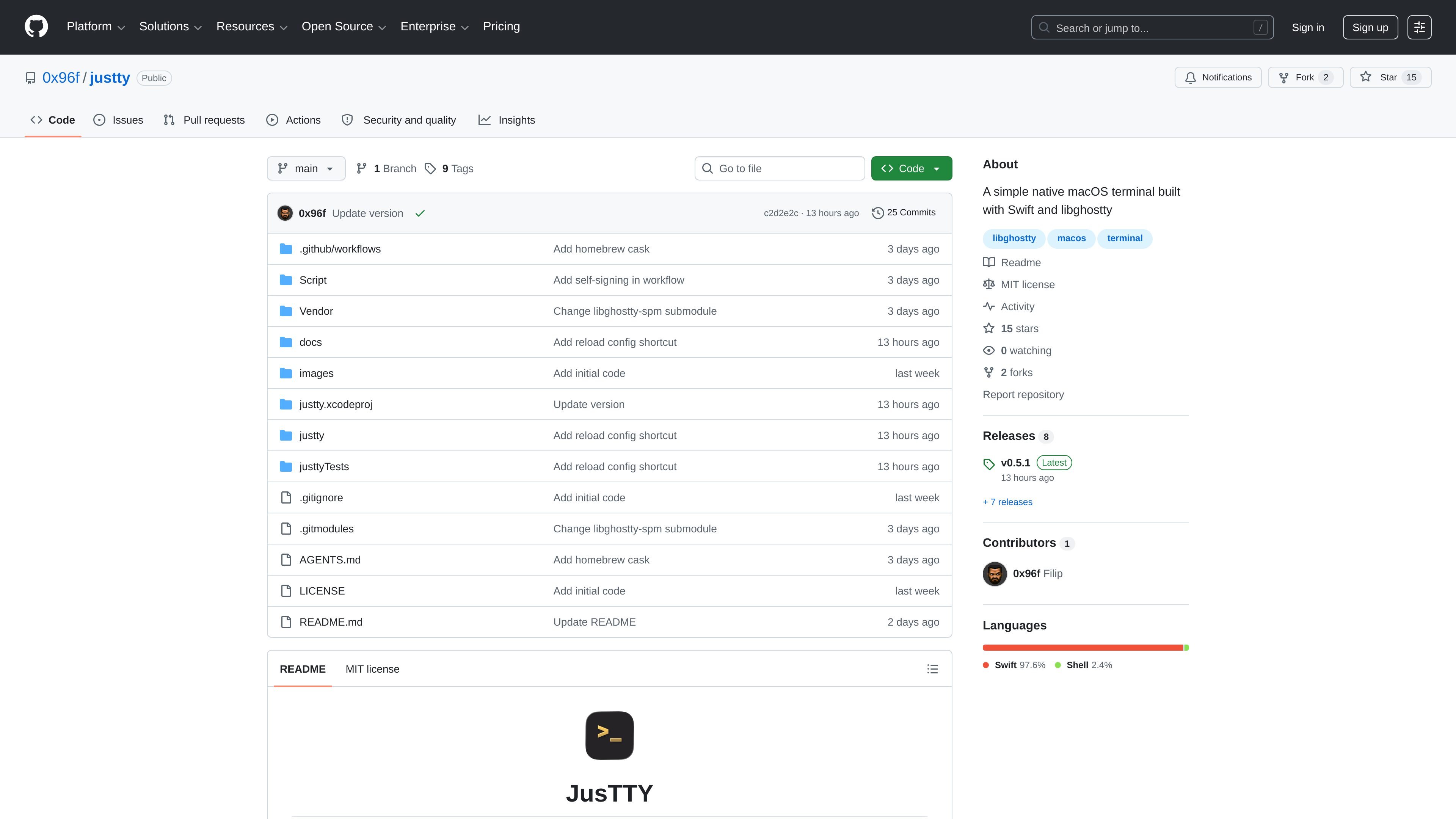
Justty is a minimal native macOS terminal built with SwiftUI and libghostty. It focuses on quick command-line use rather than trying to match every Ghostty feature, which makes the app a lighter-weight terminal option for everyday shell work.
The project ships with documented install paths through a Homebrew tap and release downloads, plus setup notes for self-signed builds, quarantine handling, and source builds. It requires macOS 15.6+ and can be built from source with Xcode 16+ and the macOS SDK.
Open a new window with Cmd+N and manage tabs with Cmd+T, Cmd+W, and Cmd+Shift+[ / Cmd+Shift+] for previous and next tab navigation.
Terminal sessions use a real PTY through Ghostty’s .exec mode, with the shell launched from the user account and app sandboxing left off so shells can spawn normally.
Tab titles follow the running shell or program, and new tabs open in the active tab’s working directory when available.
Search within terminal output with Cmd+F, highlight matches in scrollback, and move through results from the find bar.
Adjust font family, size, weight, line height, padding, window position, and grid dimensions from Settings, with preferences saved to config.yml.
Choose light and dark themes from the GhosttyTheme catalog, with app chrome and window styling matched to the selected theme.
Use Justty when you want a native terminal for running shell commands, checking logs, or doing quick command-line tasks without a more complex terminal workflow.
Use the tab and window controls to keep several shell sessions open at once while switching between commands, directories, or processes.
Adjust font, spacing, size, and theme settings when you need the terminal to match your display preferences or window layout.
Use the Homebrew tap when you want an install flow that is documented and includes a cask that clears quarantine on install.
Build from source if you need to inspect or modify the app, using the documented Xcode and submodule setup steps.
Justty is a native macOS terminal app built with Swift and libghostty. The source describes it as a minimal terminal suited to quick commands rather than full Ghostty parity.
The documented installation path is Homebrew: trust the tap, tap 0x96f/justty, and install the justty cask. The README also describes a manual install from the latest release zip.
The project states macOS 15.6+ is required. It also needs Xcode 16+ with Swift 5 and the macOS SDK only if you want to build from source.
No. The notes say Justty is self-signed and not notarized, so macOS may show Gatekeeper warnings on first launch. Homebrew installs clear quarantine automatically, while manual installs may need the Open workflow or a quarantine removal step.
The docs say Justty is not meant to expose full Ghostty capability. Features such as splits, panes, inspector support, custom ghostty.conf profiles, and remappable shortcuts in the UI are listed as out of scope.

ByteAsk is a terminal-first AI coding agent for C and C++ that edits repositories and verifies changes with the real compiler, debugger, sanitizers, and tests before showing a diff. It offers a free tier plus paid plans, with editor connectors and zero-retention handling described in the source.

CreateOS Sandbox is an isolated compute environment for running code and agent workloads inside Firecracker micro-VMs. It is designed for workflows that need machine-level isolation, private networking between sandboxes, and programmatic control through SDK, CLI, or MCP.

hob is an independent workspace for coding agents that keeps agent sessions, terminals, history, and follow-up work organized around the tools and providers you already use. It is aimed at developers who want local control over routing, history, and workspace structure rather than a bundled model stack.

Ably Chat is a chat API platform for building custom realtime chat applications. It supports room-based messaging, typing indicators, presence, reactions, and message updates, with usage-based pricing options for different deployment stages.

MacSpoof change ou randomise l’adresse MAC Wi‑Fi sur macOS pour reconnecter aux réseaux et limiter l’enregistrement de votre identité sur Wi‑Fi public.

Manta AI is an autonomous web app testing tool for teams that want to map application behavior, catch regressions, and generate tests without writing scripts or maintaining selectors. It works from a URL and supports plain-English test flows, run results with screenshots, and scheduled or deployment-triggered checks.