
Single compose tool
Kit exposes one tool, compose, rather than many separate agent tools. The compose program can read files, run tests, apply edits, retry failed commands, and return structured data in a single round trip.

Kit is a coding agent runtime for developers who want a single-tool agent workflow in the terminal or through compatible editors. It supports ACP, A2A, and MCP, with long-running sessions, subagents, and model/provider choice through OpenAI, OpenRouter, or the Speakeasy AI Control Plane.
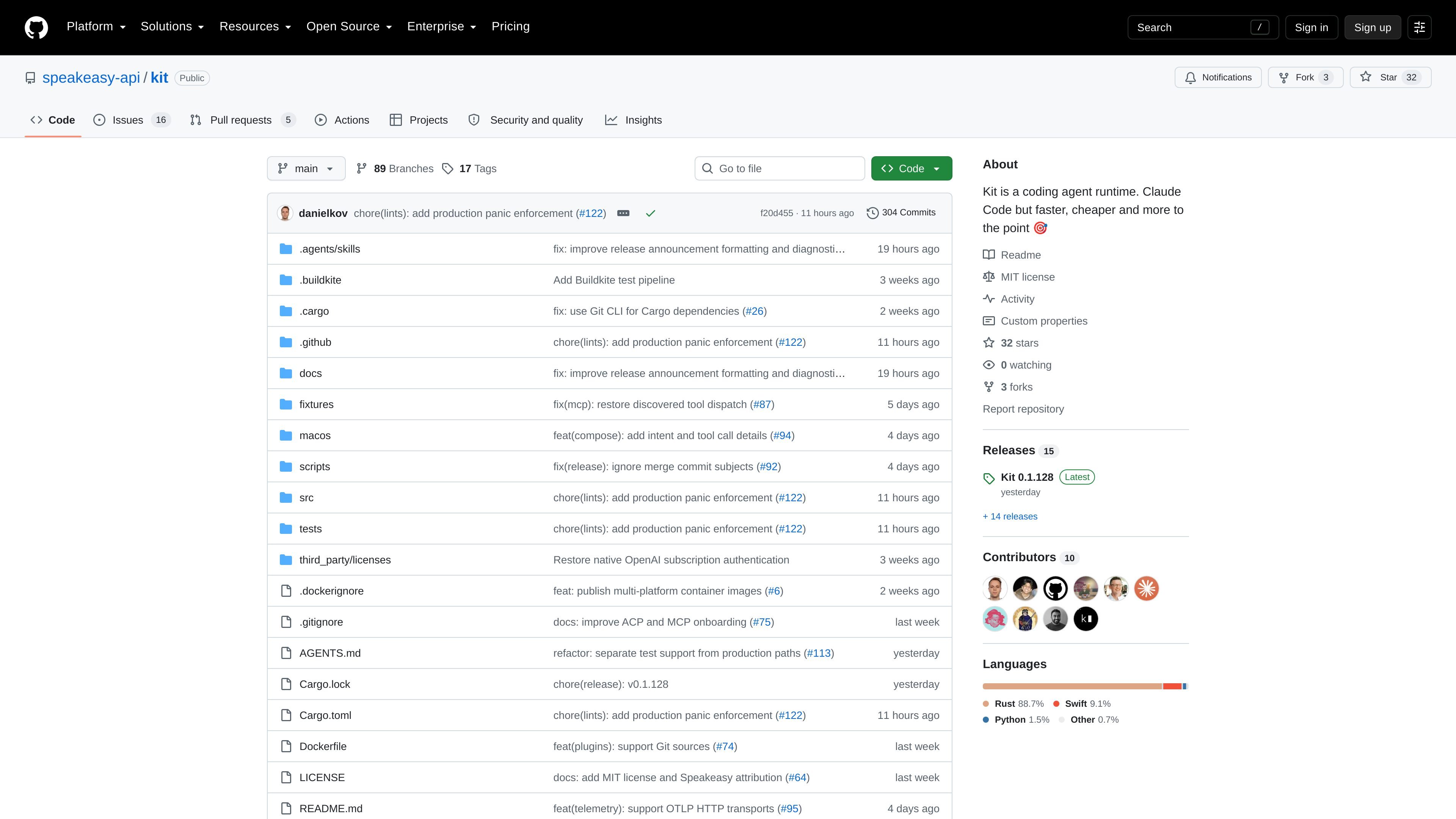
Kit is a coding agent runtime that gives the model one tool for writing and running programs. It ships as a terminal client, an Agent Client Protocol (ACP) server, an A2A endpoint, and a subagent orchestrator in one static binary.
The project positions Kit as a lower-friction alternative to agent harnesses that expose many tools. Instead of many round trips, Kit centers work on a single compose operation written in Runlet, which can read files, run commands, edit code, and coordinate subagents while returning structured output.
Kit exposes one tool, compose, rather than many separate agent tools. The compose program can read files, run tests, apply edits, retry failed commands, and return structured data in a single round trip.
The runtime supports shell, edit, subagent, prompt, fork, tool_search, tool, auth, skill, a2a, and docs calls inside Runlet programs. Independent calls can run concurrently, with data dependencies and after blocks used to control order.
Subagents are first-class values that can be continued, forked, inspected, or closed. The documentation also says you can require JSON matching a schema and use Claude Code, Codex, Cursor, or Kit as the subagent harness over ACP.
Kit provides ACP v1 and v2 over stdio, HTTP/SSE, and WebSocket, plus A2A v1 in both directions. It also supports MCP, Agent Skills, and Agent Plugin packages.
The runtime keeps an append-only JSONL transcript on disk, compacts context automatically at 80% of the window, and lets you resume sessions from tui, prompt, or any ACP client.
Kit supports ChatGPT subscriptions through native OAuth, and it can also use models through OpenRouter and the Speakeasy AI Control Plane. The /model command changes the model during a session.
Use Kit when you want a coding agent to do more than call individual tools one at a time. The compose program can bundle reads, edits, tests, retries, and subagent delegation into one workflow.
Use the ACP server when you want Kit to plug into editors or other ACP-compatible clients. The repository states that ACP separates clients from runtimes, which reduces the need for custom integrations.
Use the terminal UI or prompt command for interactive project work. The README shows starting a session against a project root, then either continuing in tui or running a one-shot request that returns a session ID.
Use the headless server mode when you need Kit available over remote ACP or HTTP. The quick start includes a serve command with options for remote ACP, HTTP, and disabling local stdio or A2A as needed.
Use Kit’s protocol support when you need to coordinate with other agent systems or reusable tools. The docs explicitly mention A2A, MCP, Agent Skills, Agent Plugin packages, and subagents over ACP.
Kit is installed as a static binary. The README shows an install script for macOS arm64 and Linux x86-64, a Docker image, and a source build path using the Rust toolchain in the repository.
Kit is designed to work through ACP, so it can run in compatible editors and ACP clients. The README also says it supports A2A, MCP, Agent Skills, and Agent Plugin packages.
The README describes Kit as a runtime with a terminal client, an ACP server, an A2A endpoint, and a subagent orchestrator. It is meant to coordinate coding work through the compose tool and Runlet programs.
Kit is not described as a security boundary. The README says it has no permissions framework, sandbox, or web UI, and that it should run inside a security boundary you trust.
The documentation includes quick-start commands for logging in with OpenAI, OpenRouter, or Speakeasy, then launching the terminal UI, running one-shot prompts, or serving ACP for editors and clients.

ByteAsk is a terminal-first AI coding agent for C and C++ that edits repositories and verifies changes with the real compiler, debugger, sanitizers, and tests before showing a diff. It offers a free tier plus paid plans, with editor connectors and zero-retention handling described in the source.

Ghost est un assistant IA en terminal pour discuter, générer du code et lancer des tâches en ligne de commande. Modèles gratuits, Linux, macOS, Windows, open source.

Vi3ecode is a maintained development environment for working with AI coding agents. It keeps project context, terminal, Git, memory, flows, review, and communication connected around the agent you already use.

Lucid Train is a local-first AI coding harness that turns repository code into architecture diagrams and uses those diagrams as specifications for coding agents. It is available as a desktop app and a lightweight Rust CLI, and it can run with local models or your own API keys.

CreateOS Sandbox is an isolated compute environment for running code and agent workloads inside Firecracker micro-VMs. It is designed for workflows that need machine-level isolation, private networking between sandboxes, and programmatic control through SDK, CLI, or MCP.

hob is an independent workspace for coding agents that keeps agent sessions, terminals, history, and follow-up work organized around the tools and providers you already use. It is aimed at developers who want local control over routing, history, and workspace structure rather than a bundled model stack.