
AI coding agent
Write, debug, refactor, and ship code with an AI agent that works from codebase context, positioned as an alternative to tools like OpenCode and Claude Code.

Konxios is a local-first AI operating system for developers, creators, and teams that combines coding, task management, inbox triage, browser automation, and agent workflows in one workspace. It supports local and cloud models and is currently available for macOS during beta.
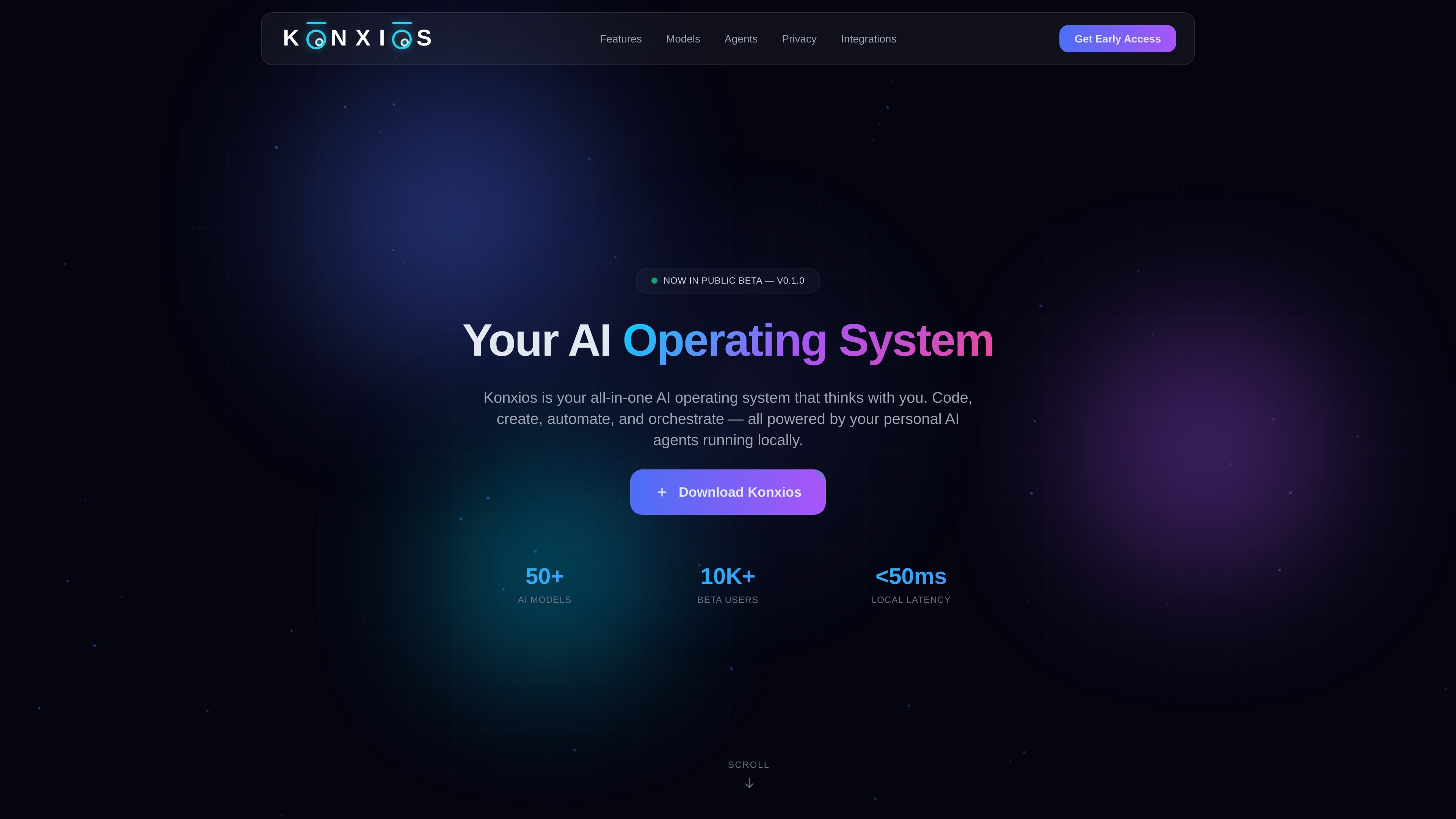
Konxios is an AI operating system built for developers, creators, and teams that want code, automation, and assistant workflows in one workspace. The homepage describes it as an all-in-one system that lets users code, create, automate, and orchestrate with personal AI agents running locally.
The product combines an AI coding agent, personal assistant, task and goal management, a smart inbox, browser automation, Docker isolation, and support for both local and cloud models. Its positioning is local-first, with privacy and on-device processing emphasized alongside Telegram-based access and notifications.
Write, debug, refactor, and ship code with an AI agent that works from codebase context, positioned as an alternative to tools like OpenCode and Claude Code.
Manage tasks, goals, and inbox items with a personal AI companion that organizes work and helps keep priorities visible.
Break goals into tasks and let the system learn priorities as you work through them.
Triage emails, messages, and notes in one place so inputs are organized instead of scattered across separate tools.
Use the built-in browser to navigate pages, scrape data, fill forms, and automate web workflows with AI agents.
Run models locally or through cloud providers from one interface, including local runtimes such as Ollama and LM Studio and cloud options such as OpenAI, Anthropic, Z.ai, and OpenRouter.
Use the coding agent to inspect, debug, and refactor application code while keeping context from the broader codebase in one workspace.
Use the personal assistant, smart inbox, and task tools to keep goals, incoming messages, and follow-ups organized together.
Use browser automation and agents to navigate websites, scrape information, and complete form-based workflows.
Use Docker isolation and local model support when you want projects and AI processing separated from the rest of the machine.
Use Telegram-based chat, commands, and notifications to interact with agents and receive updates without changing tools.
Konxios is a local-first AI operating system that combines an AI coding agent, personal assistant, task and goal management, a smart inbox, browser automation, and an agent system in one workspace.
The site says Konxios is free during beta, and it is available to download for macOS. Windows and Linux are listed as coming soon.
Konxios can run local models through tools such as Ollama and LM Studio, and it can also connect to cloud models and gateways including OpenAI, Anthropic, Z.ai, and OpenRouter.
The homepage emphasizes Docker isolation for projects and local processing. It also states that data stays on your machine unless you consent to it leaving.
The Telegram integration is described as built in, with a native chat interface, bot commands, notifications, and shared agent outputs inside Konxios.

ByteAsk is a terminal-first AI coding agent for C and C++ that edits repositories and verifies changes with the real compiler, debugger, sanitizers, and tests before showing a diff. It offers a free tier plus paid plans, with editor connectors and zero-retention handling described in the source.

CreateOS Sandbox is an isolated compute environment for running code and agent workloads inside Firecracker micro-VMs. It is designed for workflows that need machine-level isolation, private networking between sandboxes, and programmatic control through SDK, CLI, or MCP.

hob is an independent workspace for coding agents that keeps agent sessions, terminals, history, and follow-up work organized around the tools and providers you already use. It is aimed at developers who want local control over routing, history, and workspace structure rather than a bundled model stack.

Manta AI is an autonomous web app testing tool for teams that want to map application behavior, catch regressions, and generate tests without writing scripts or maintaining selectors. It works from a URL and supports plain-English test flows, run results with screenshots, and scheduled or deployment-triggered checks.

Redline is a budgeting tool for Claude Code that paces sessions to stay within time, token, cost, or plan-percentage limits. It uses Claude Code’s native hooks and statusline to help sessions finish with a usable result instead of stopping abruptly.

SonOf connects to your repo and PM tool, audits the codebase and surrounding product context, and turns approved work into shipped tickets with senior engineering review. It is aimed at founders and engineering leaders who need backlog help without hiring a full team immediately.