
One design, tiled across the sheet
Create a single label design and print it repeated across an entire sheet, which is useful when you need multiple identical labels for a batch of products.

Labeliladi is a free label maker for handmade products that lets you design one label and print it across a sheet using Avery sticker sheets or a regular printer. It is aimed at small-batch makers who need simple packaging labels without a dedicated label printer.
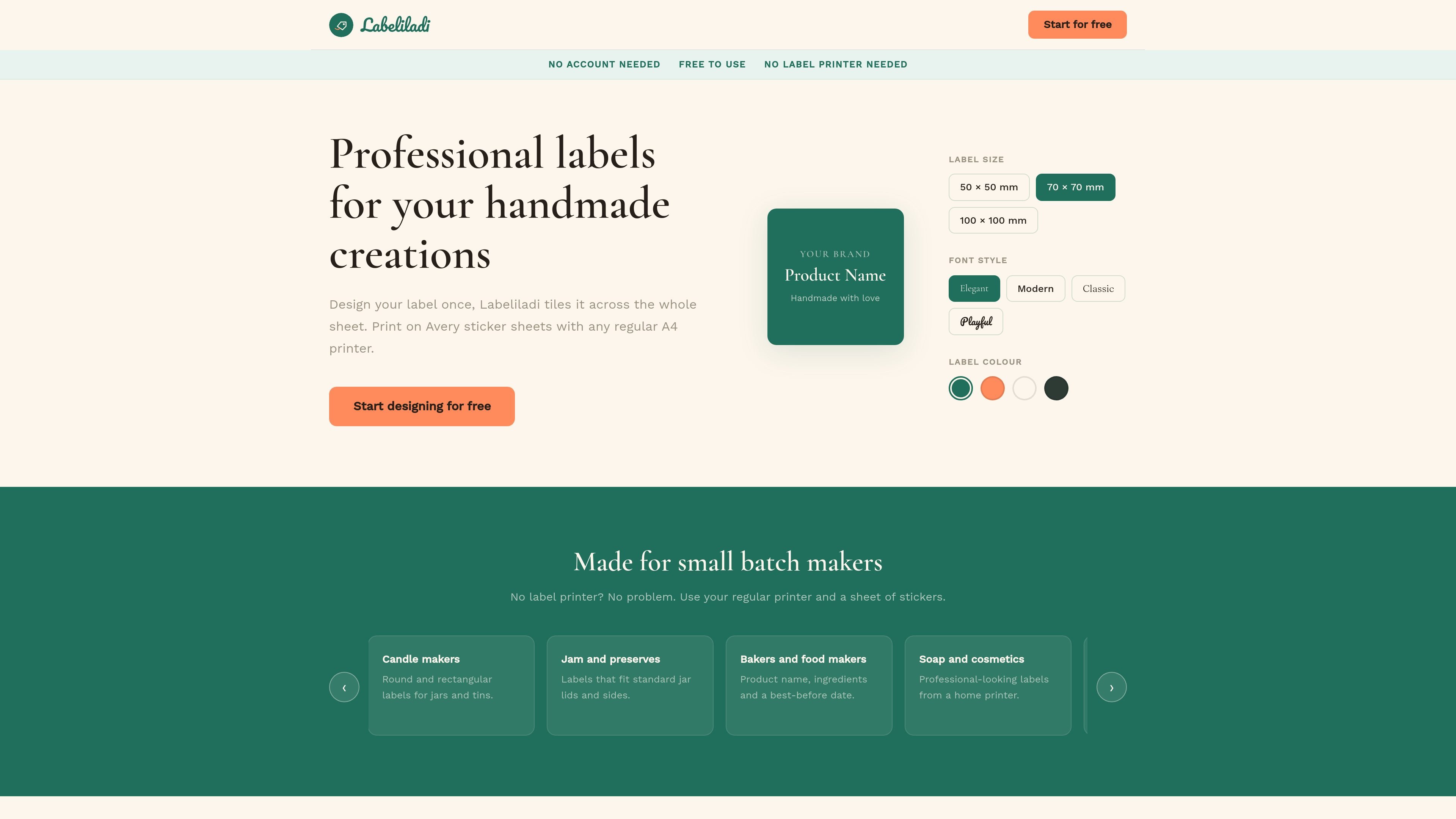
Labeliladi is a free label maker for handmade products. It is built around a simple workflow: design one label, then print that design across a full sheet of sticker labels.
The site says it works with Avery sticker sheets and any regular printer, so it is aimed at makers who want professional-looking packaging without buying a dedicated label printer. The editor supports common label sizes, custom dimensions, round labels, and basic design controls such as fonts, colors, images, and field-based text.
The homepage positions the tool for small batch use cases such as candles, jam and preserves, baked goods, soap and cosmetics, market stalls, Etsy shops, floristry, spice blends, pet treats, and gift boxes. That makes it a fit for makers who need to produce labels in short runs and change designs often.
Create a single label design and print it repeated across an entire sheet, which is useful when you need multiple identical labels for a batch of products.
Use common sheet sizes or enter custom dimensions. The editor also shows round labels as an option and supports portrait or landscape layout.
Add structured fields such as product name, description, maker name, and date, then arrange them in the layout.
Upload a logo or image in PNG, JPG, or SVG format and place it in the label design.
Adjust typography, alignment, spacing, colors, borders, and background styling to match the label to the product.
Save sheets and export to print or PDF from the editor.
Create matching labels for candles, jars, tins, or bottles when you need consistent branding across a batch.
Print product names, ingredients, and best-before dates for baked goods, preserves, spice blends, and pet treats.
Make labels for market stalls or Etsy orders when you want to print a fresh sheet for each run without a label printer.
Add care instructions or product names to bouquets, dried arrangements, soap, and cosmetics packaging.
Finish hampers, gift boxes, or custom packaging with labels that use logos, images, and simple text fields.
Labeliladi is designed so you create one label and then print that design across the whole sheet. The rendered editor shows options for label size, fields, typography, colors, images, and print/PDF output.
The homepage says it works with Avery sticker sheets and any regular printer, so you can print without a dedicated label printer.
Yes. The site says you can choose common sizes or enter custom dimensions, and the editor also shows preset sizes such as 95 × 45 mm, 90 × 32 mm, 40 × 17 mm, and a round option.
The page text shows options to add product name, description, maker name, date, and more, and the editor supports typography, alignment, spacing, colors, borders, and logo or image uploads.
The source shows a save feature for sheets, but it does not provide details about accounts, sharing, or multi-user workflows.

Lasso is an ecommerce product data platform for enriching catalog records, processing supplier files, generating product content, and monitoring competitors. It combines a web app with a REST API, SDK, and MCP server for teams and developers.

DailyPlay.ai is a behavioral growth platform that uses AI site scanning and micro-games to help brands improve engagement and conversion. It supports web, mobile, and other digital touchpoints, with a one-line script setup and a free engagement scan.

PixelDrive is a bulk image generation API for creating many on-brand images from one template through a browser editor, REST API, CSV batch, or MCP. It suits teams that need repeatable image output with cacheable renders and usage-based pricing.

EchoTik est une plateforme d'analyse de données de commerce électronique TikTok conçue pour aider les vendeurs et les créateurs de commerce électronique à prendre des décisions basées sur les données pour la sélection de produits et l'analyse de marché.

imgcook is a design-to-code tool that converts design drafts into front-end code. It supports plugin-based and developer workflows for Sketch, Photoshop, VS Code, and CLI usage.

PicCopilot is an AI content platform for e-commerce that turns product photos into marketing visuals, model shots, videos, and social content. It offers a free plan plus paid tiers for templates, model swap, virtual try-on, and batch-oriented creation.