
Prompt-to-mission decomposition
Turns a single prompt into a mission plan with a target, budget, deadline, and sign-off points, then runs the work as a coordinated set of agents.

Medley is a Claude Code plugin that turns prompts into coordinated multi-agent missions. It helps people using Claude Code structure and monitor research, outreach, ops, and other multi-step work.
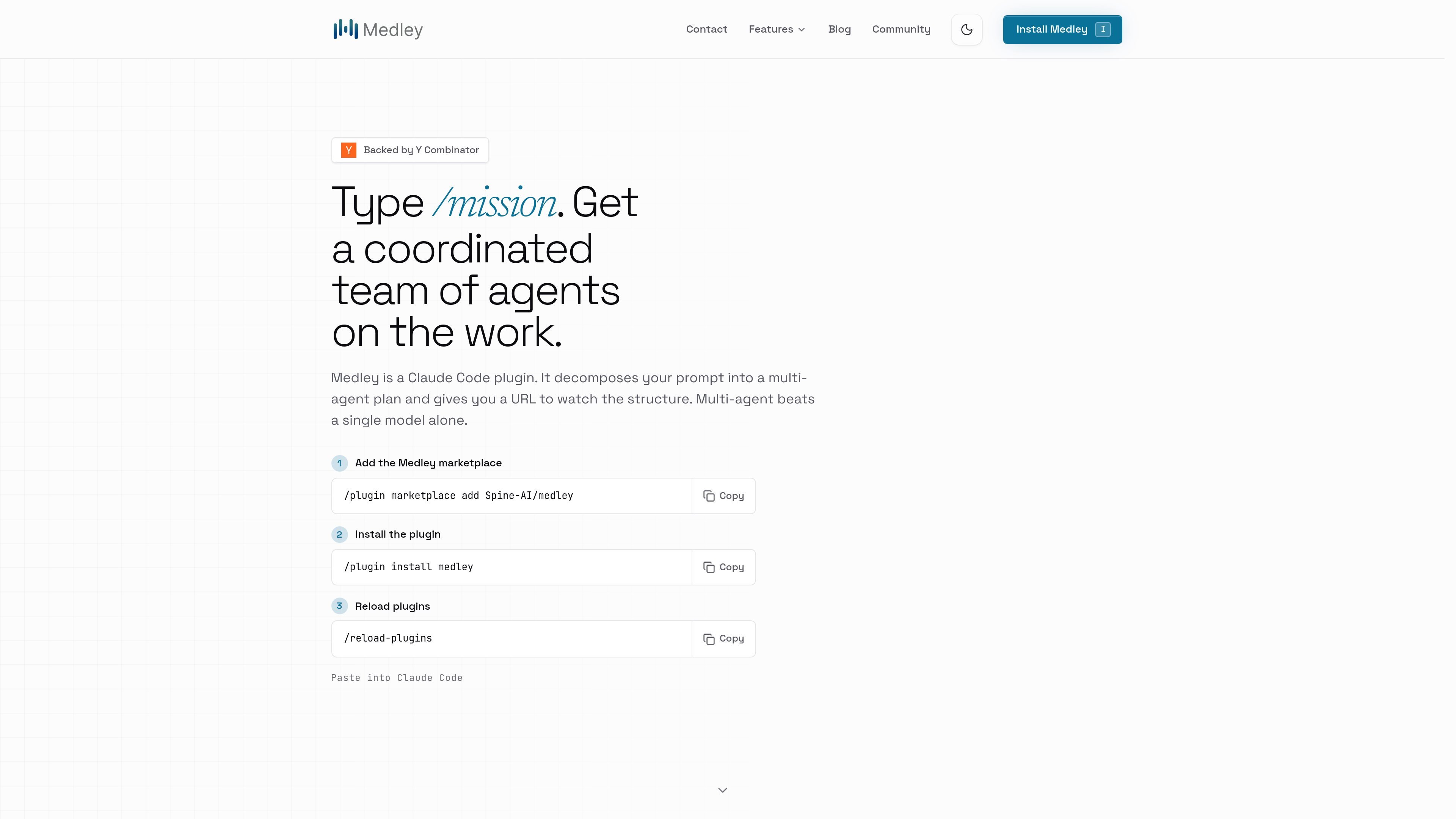
Medley is a Claude Code plugin that turns a prompt into a coordinated multi-agent mission. Instead of letting one model handle everything in a single pass, it decomposes the work into structured steps and presents that structure at a URL you can inspect.
The product is built for people who already use Claude Code and want more coordination for work that spans research, outreach, documentation, hiring, ops, and coding-adjacent tasks. The install flow is simple: add the Medley marketplace entry, install the plugin, reload plugins, and run /mission from Claude Code.
Turns a single prompt into a mission plan with a target, budget, deadline, and sign-off points, then runs the work as a coordinated set of agents.
Supports parallel missions across multiple agents and projects, with explicit dependencies so sub-tasks can be separated cleanly.
Shows the mission structure in both Claude Code and a browser URL, including task tree, status, and handoffs.
Works inside Claude Code as a plugin, so you keep using the terminal environment you already rely on rather than switching to a separate app.
Uses the models you already have access to in Claude Code, including Claude, GPT, Gemini, and more, rather than a fixed model stack.
Adds guardrails for sensitive actions and asks before publishing, sending outbound messages, spending, or contacting people.
Break a goal like “get my first 10 customers” into research, outreach, list-building, and review steps, with humans brought in only where sign-off is needed.
Coordinate multi-step build work that benefits from parallel agents and clear handoffs instead of a single long terminal session.
Run research, reporting, hiring, and ops tasks as missions when you want work carried out inside Claude Code rather than in a separate project dashboard.
Keep missions visible across sessions so an ongoing task can continue without losing the context and structure of the plan.
Review a mission board in the browser to monitor task trees, status, and handoffs before approving sensitive outputs.
Medley is a Claude Code plugin. You give it a prompt, and /mission turns that prompt into a multi-agent plan with a task tree, dependencies, and a URL where you can watch the structure.
Yes. The source says Medley is not a replacement for Claude Code; it adds mission planning, multi-agent execution, and a browser view of the structure while you keep working in Claude Code.
No. Medley is designed to ask before sensitive actions such as publishing, sending outbound messages, spending, or contacting people. You can increase autonomy gradually within the guardrails you set.
Medley is free and uses the models you already have access to in Claude Code. The install flow says to add the Spine-AI/medley marketplace, install the plugin, reload plugins, then type /mission.
The FAQ describes Medley as local-first and bring-your-own-keys on Mac, with missions, keys, and agent conversations staying on your device rather than on Medley’s servers.

ByteAsk is a terminal-first AI coding agent for C and C++ that edits repositories and verifies changes with the real compiler, debugger, sanitizers, and tests before showing a diff. It offers a free tier plus paid plans, with editor connectors and zero-retention handling described in the source.

CreateOS Sandbox is an isolated compute environment for running code and agent workloads inside Firecracker micro-VMs. It is designed for workflows that need machine-level isolation, private networking between sandboxes, and programmatic control through SDK, CLI, or MCP.

hob is an independent workspace for coding agents that keeps agent sessions, terminals, history, and follow-up work organized around the tools and providers you already use. It is aimed at developers who want local control over routing, history, and workspace structure rather than a bundled model stack.

Manta AI is an autonomous web app testing tool for teams that want to map application behavior, catch regressions, and generate tests without writing scripts or maintaining selectors. It works from a URL and supports plain-English test flows, run results with screenshots, and scheduled or deployment-triggered checks.

SonOf connects to your repo and PM tool, audits the codebase and surrounding product context, and turns approved work into shipped tickets with senior engineering review. It is aimed at founders and engineering leaders who need backlog help without hiring a full team immediately.

Macuse is a macOS app that lets AI assistants control native Mac apps through MCP and use Computer Use for any app. It works with clients like Claude Desktop, Cursor, and Raycast, and keeps automation on-device.