
Inspect & Export sections
Select a section such as a hero, navbar, card, or pricing table and export it as clean HTML with Tailwind CSS or plain CSS.

MiroMiro is a browser extension that converts live website UI into copyable HTML, Tailwind, CSS, design tokens, assets, and Lottie files. It helps designers and developers reuse real page sections and styles in tools like Cursor, Claude, v0, Lovable, and Bolt.
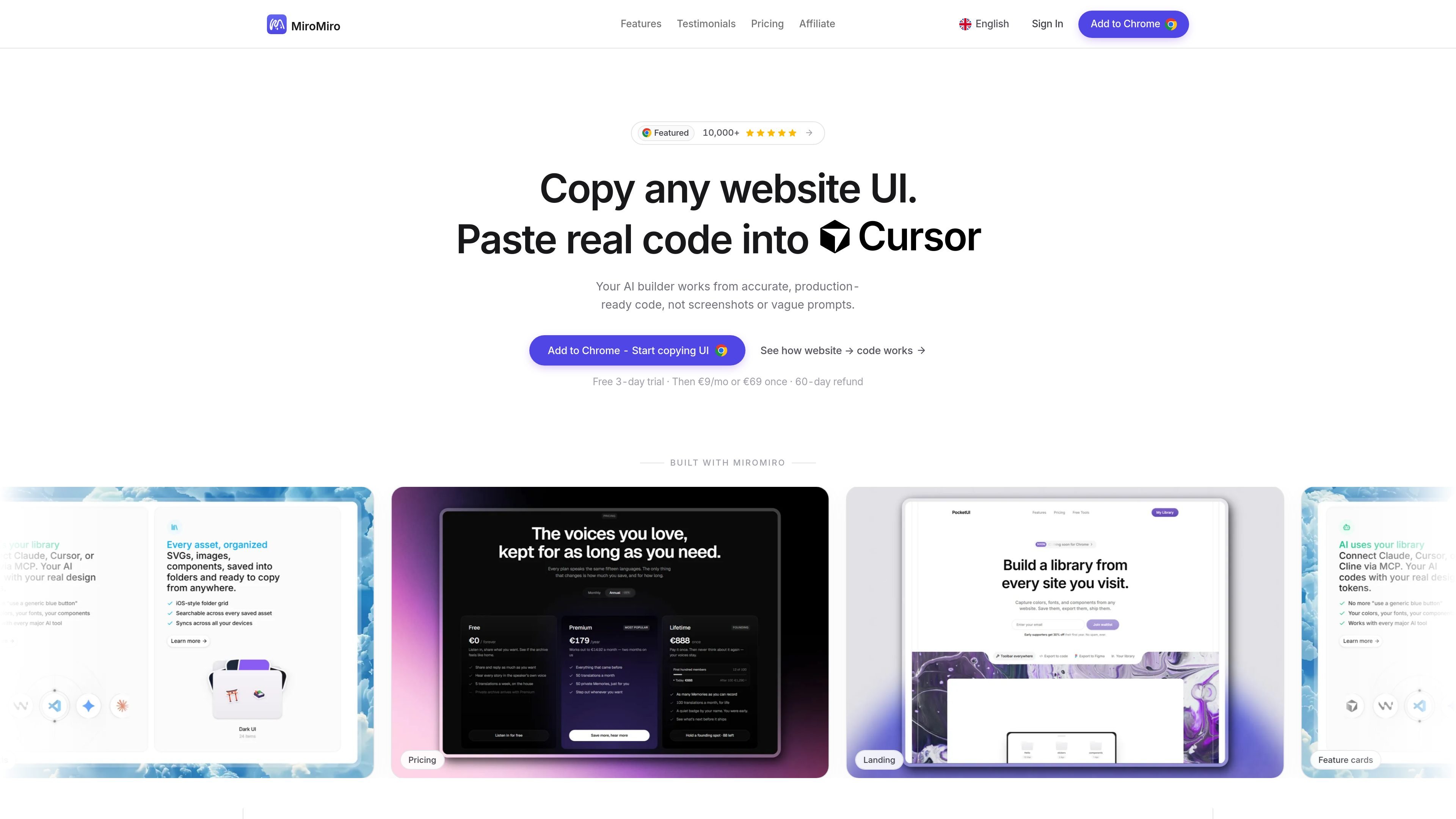
MiroMiro is a browser extension and design-to-code tool that turns live websites into editable front-end assets. It is built for people who want to copy real page sections, inspect the rendered styles, and move those results into tools such as Cursor, Claude, v0, Lovable, Bolt, or a codebase without redrawing the UI from scratch.
The product focuses on extracting the actual rendered DOM rather than guessing from screenshots. It can export sections as HTML and Tailwind CSS, inspect live CSS values, extract design tokens, download visual assets, and capture Lottie animations, all while running locally in the browser.
Select a section such as a hero, navbar, card, or pricing table and export it as clean HTML with Tailwind CSS or plain CSS.
Hover any element to see exact CSS values, then edit colors, fonts, spacing, shadows, gradients, and more directly on the live page before copying the result.
Download images, videos, SVGs, icons, and inline vector graphics from a website in their original form instead of recreating them from a screenshot.
Detect Lottie animations on a page, preview them, and export the animation as JSON or dotLottie for use in code or animation tools.
Pull colors, fonts, radius, shadows, and other design tokens from a live site so they can be reused as Tailwind config or CSS variables.
Check text and UI color combinations on the page against WCAG AA and AAA contrast thresholds without leaving the site.
Copy a live hero, navbar, pricing table, or card component and paste the output into an AI coding assistant or your codebase for a faster starting point.
Inspect a production page, adjust spacing, colors, typography, or shadows live, and keep the edited CSS or Tailwind values for later implementation.
Download original assets from a page, including images, videos, SVGs, and icons, when you need editable source materials instead of screenshots.
Capture the design system behind a live site by pulling colors, fonts, radii, shadows, and other tokens into Tailwind or CSS variables.
Check contrast on the page while reviewing designs so accessible color combinations can be verified before they ship.
Yes. The site says MiroMiro exports components as clean, semantic Tailwind plus HTML, and mentions pasting the output into Cursor, Claude, v0, Lovable, Bolt, or ChatGPT.
Install the extension, open a website, and click or hover the element you want. MiroMiro then shows the CSS or Tailwind values so you can copy them without using Chrome DevTools.
MiroMiro detects Lottie animations on a page, lets you preview them, and download standard Lottie JSON or dotLottie files.
Yes. The pricing page and feature pages describe a free trial and local browser-based extraction, and the extension is available for Chrome, Edge, Brave, Opera, and Firefox.
The site says extraction runs locally in your browser and that MiroMiro is a tool like DevTools or a screenshot. It also advises respecting copyright for anything you ship commercially.

Pixso est un outil de conception UI natif d'IA de nouvelle génération qui permet aux utilisateurs de générer des ébauches de conception et du code en un seul clic, servant d'alternative nationale à Figma.

Refero MCP for AI agents connects an MCP-compatible agent to Refero’s curated library of web and iOS product interfaces and user flows. It helps agents research real design patterns before generating UI, with access included in the Refero Pro plan.

Make Real is a Next.js app that turns hand-drawn wireframes into working HTML prototypes using the tldraw SDK and AI models. It helps users sketch on a canvas, generate code, and review the result in an embedded preview.

PixelDrive is a bulk image generation API for creating many on-brand images from one template through a browser editor, REST API, CSV batch, or MCP. It suits teams that need repeatable image output with cacheable renders and usage-based pricing.

imgcook is a design-to-code tool that converts design drafts into front-end code. It supports plugin-based and developer workflows for Sketch, Photoshop, VS Code, and CLI usage.

Napkin AI transforme du texte en visuels éditables pour présentations, documents et contenus partageables. Génération à partir du texte, collaboration, export PPT, PNG, SVG ou PDF.