
WooCommerce-native integration
The plugin connects directly to WooCommerce product pages and is positioned as a no-code setup for store owners who do not want custom hooks or workarounds.

Mirrago Virtual Try-On is a WordPress plugin for WooCommerce stores that adds an AI try-on button to product pages. It is aimed at merchants who want a no-code setup that helps shoppers preview products before buying.
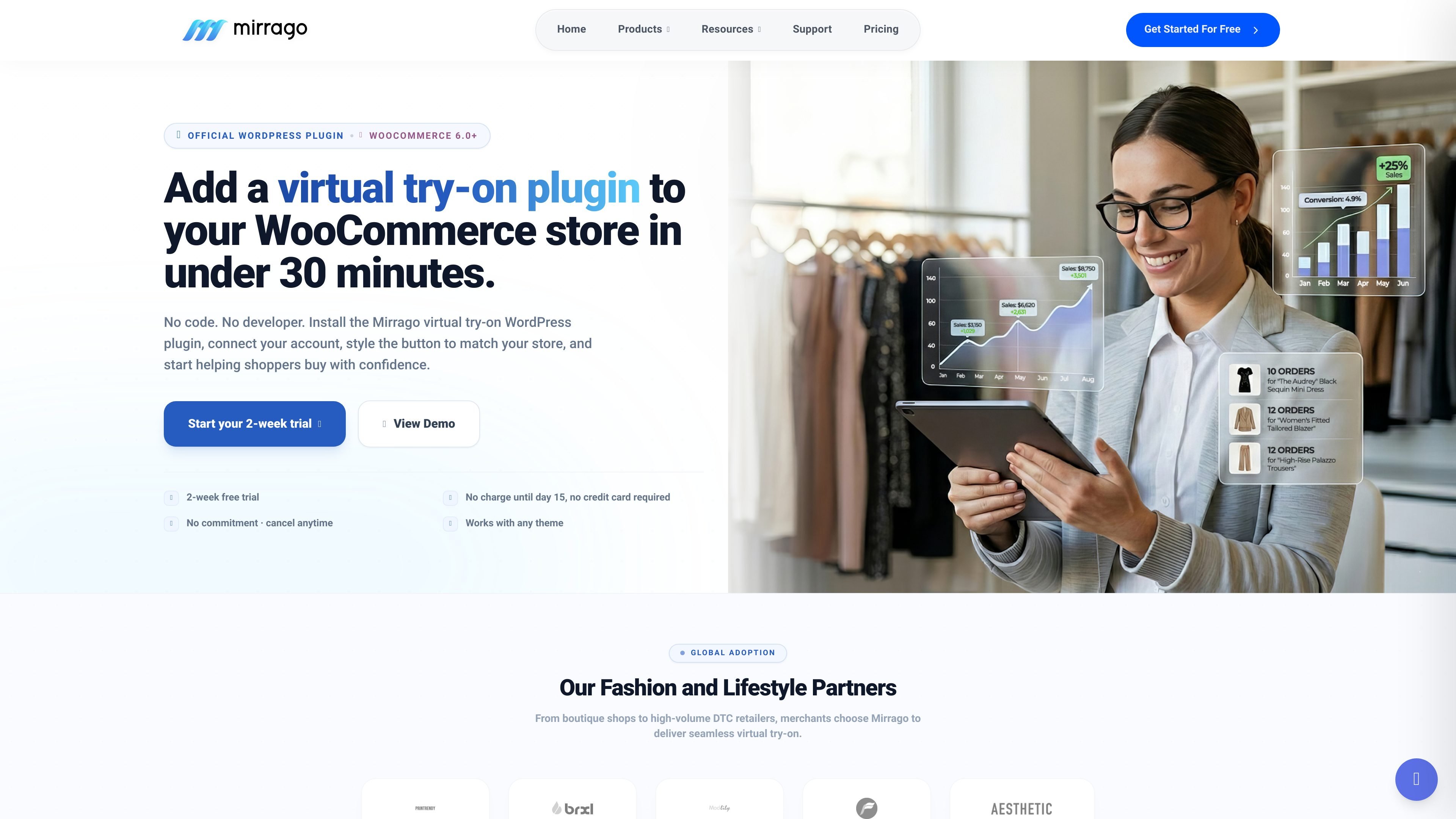
Mirrago Virtual Try-On is a WordPress plugin for WooCommerce stores that adds an AI virtual try-on button to product pages. The page positions it as a no-code way for merchants to let shoppers preview products visually before purchase.
The setup flow is designed to be quick: install the plugin, connect the account through a guided wizard, customize the button to match the store, and launch the try-on experience on product pages. The site says it works with any theme and is tested on 200+ themes.
Mirrago also offers a separate developer portal with REST API and SDKs for teams that want to integrate virtual try-on into other applications. The broader product pages describe analytics, scalable infrastructure, and custom AI training for platform-level use cases.
Pricing is presented as a trial plus paid plans, including a 14-day free trial and tiered monthly plans for growing brands. The product pages frame the tool for fashion and lifestyle merchants who want to improve purchase confidence and reduce uncertainty at checkout.
The plugin connects directly to WooCommerce product pages and is positioned as a no-code setup for store owners who do not want custom hooks or workarounds.
After activation, a setup wizard guides the merchant through account connection, plan selection, button styling, and launch.
Merchants can adjust button color, shape, spacing, label text, and icon visibility to match the storefront without writing CSS.
The try-on flow is responsive across desktop, tablet, and mobile, and the page notes that most try-ons happen on mobile.
Each WordPress site receives a secure per-site token, so account connection does not rely on manual API key handling.
The product pages mention a try-on button that appears automatically on connected product pages, letting shoppers start the visual preview from the item page.
A WooCommerce merchant can add a try-on button to product pages so shoppers can preview how an item may look before buying.
Brands that want a low-friction setup can use the plugin’s guided flow instead of hiring a developer or building a custom integration.
Store teams that care about visual consistency can customize the try-on button to match their branding without editing CSS.
Merchants selling on mobile-heavy storefronts can use the responsive experience to support shoppers who browse and try products on phones or tablets.
Organizations with broader platform needs can look at Mirrago’s API developer portal for custom applications beyond WordPress.
Mirrago is an AI-powered virtual try-on solution for online fashion shopping. It lets customers preview how clothing may look on them before buying.
The WordPress plugin is set up through a guided flow: install the plugin, connect your account with a secure token, customize the try-on button, and then launch on product pages.
The homepage says the plugin is designed for WooCommerce stores and works with any theme. The plugin page also says it is tested on 200+ themes.
The pricing page lists a 14-day free trial, a Launch plan at $249 per month, a Scale plan at $599 per month, and an Enterprise plan starting at $1,500+ per month.
According to the support and product pages, Mirrago provides product-page try-on buttons, API and product deep-linking for store integration, and analytics such as try-on frequency, favorites, color preferences, and style trends.

Lasso is an ecommerce product data platform for enriching catalog records, processing supplier files, generating product content, and monitoring competitors. It combines a web app with a REST API, SDK, and MCP server for teams and developers.

DailyPlay.ai is a behavioral growth platform that uses AI site scanning and micro-games to help brands improve engagement and conversion. It supports web, mobile, and other digital touchpoints, with a one-line script setup and a free engagement scan.

Make Real is a Next.js app that turns hand-drawn wireframes into working HTML prototypes using the tldraw SDK and AI models. It helps users sketch on a canvas, generate code, and review the result in an embedded preview.

Speculos is a deployment tool for Claude Code that publishes what you built to a shareable URL. It supports private, org-wide, or public apps and adds team controls for company domains, data connections, and customer-cloud deployments.

EchoTik est une plateforme d'analyse de données de commerce électronique TikTok conçue pour aider les vendeurs et les créateurs de commerce électronique à prendre des décisions basées sur les données pour la sélection de produits et l'analyse de marché.

Awish is an AI-powered no-code automation platform that turns natural-language requests into automated workflows across connected apps. It serves individuals and teams that want to automate repetitive tasks, chat-based assistants, and workflow updates without manual configuration.