
AI video generation
Generate animated videos with narration, music, and sound effects from a single idea or scene prompt.

MotionVid is a web-based AI motion graphics and video creation tool for turning prompts and images into animated videos. It helps creators produce editable video content, explainer animations, and promotional clips without After Effects or design skills.
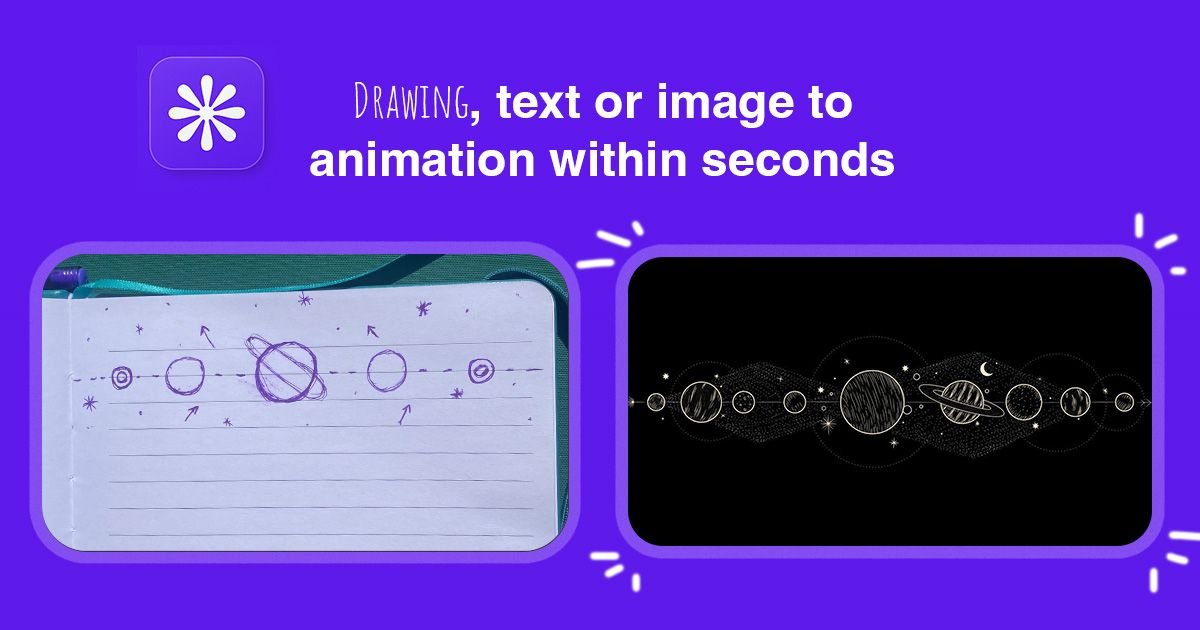
MotionVid is an AI motion graphics and video creation platform that turns prompts and images into animated videos, motion graphics, and visual content. The site presents it as a tool for generating content quickly without design skills or After Effects.
The product centers on a video editor and a set of creation modes for motion graphics, story continuations, and image generation. Its published examples include product promos, commercials, explainers, ads, UGC clips, maps, diagrams, logo reveals, and other animated formats.
Generate animated videos with narration, music, and sound effects from a single idea or scene prompt.
Use AI chat, a scene timeline, and stackable zoom clips in one canvas to refine motion graphics after generation.
Create editable motion graphics such as chapter animations, title reveals, process animations, explainer videos, typography animations, social animations, software demos, diagrams, logo animations, mockups, launch videos, and project update visuals.
Upload a start image and an end image to generate a cinematic transition clip between the two frames.
Generate multiple visual directions from one image with AI suggestions and select favorites for further use or upscaling.
Create image outputs such as photography, infographics, cinema shots, and angled views from one prompt through the site’s image modes.
Turn a product image or idea into a short promotional clip with motion, narration, and music for launches or social sharing.
Build animated explainers, charts, timelines, and diagrams that simplify a concept without manual After Effects work.
Create high-converting ad variations, UGC-style clips, and short-form social animations for feed testing.
Animate maps, routes, and location markers for travel stories, geography explainers, or location-based narratives.
Use image-to-video workflows to continue a scene, compare creative directions, or generate a cinematic transition between two frames.
MotionVid generates motion graphics, animated videos, and AI-powered visual content from prompts and images, with editing tools for refining the result after generation.
The source describes AI chat editing, a scene timeline, stackable zoom clips, editable motion graphics, and output styles such as explainers, ads, UGC, product videos, maps, diagrams, and logo animations.
Yes. The pricing page says MotionVid offers subscription plans and that all plans include access to the available models, with differences based on credit limits and export capacity.
The source does not document third-party integrations. It does mention Discord support on the Basic plan and priority support on higher plans.
The site positions MotionVid for creators and teams that want to produce motion graphics and AI video without After Effects or design skills, but it does not describe a full team workflow or collaboration system.

TapNow is a web-based AI visual creation platform for businesses, creators, and teams. It supports image and video generation along with editing, planning, and collaboration tools.

VIDEOAI.ME is an AI video generator for making spokesperson-style videos, ads, explainers, and social content from a script. It is aimed at founders, marketers, agencies, and creators who want to produce videos without filming.

Video Effects SDK adds real-time webcam effects such as background blur, background replacement or removal, denoising, framing, beautification, and color grading. It is built for teams shipping live video experiences on web, desktop, and mobile platforms.

PixelDrive is a bulk image generation API for creating many on-brand images from one template through a browser editor, REST API, CSV batch, or MCP. It suits teams that need repeatable image output with cacheable renders and usage-based pricing.

Official HeyGen API documentation for building AI avatar videos, translations, lipsync, and interactive video-agent sessions. It supports direct API use plus MCP and CLI-style workflows for developers and AI agents.

DeepMotion is a web-based AI motion capture and 3D animation platform with Animate 3D for video-to-animation and SayMotion for text-to-animation. It helps creators and teams generate motion in a browser and export results in common production formats.