
Prompt-driven canvas workflow
Create motion graphics from prompts on an infinite canvas instead of editing a timeline. Each result stays attached to its prompt and can be iterated from the same workspace.

Motn is a web-based AI motion graphics canvas for generating branded animations, AI video clips, and code-native motion from prompts. It targets marketers, creators, agencies, founders, and developers who want exports in HTML, React, MP4, or WebM.
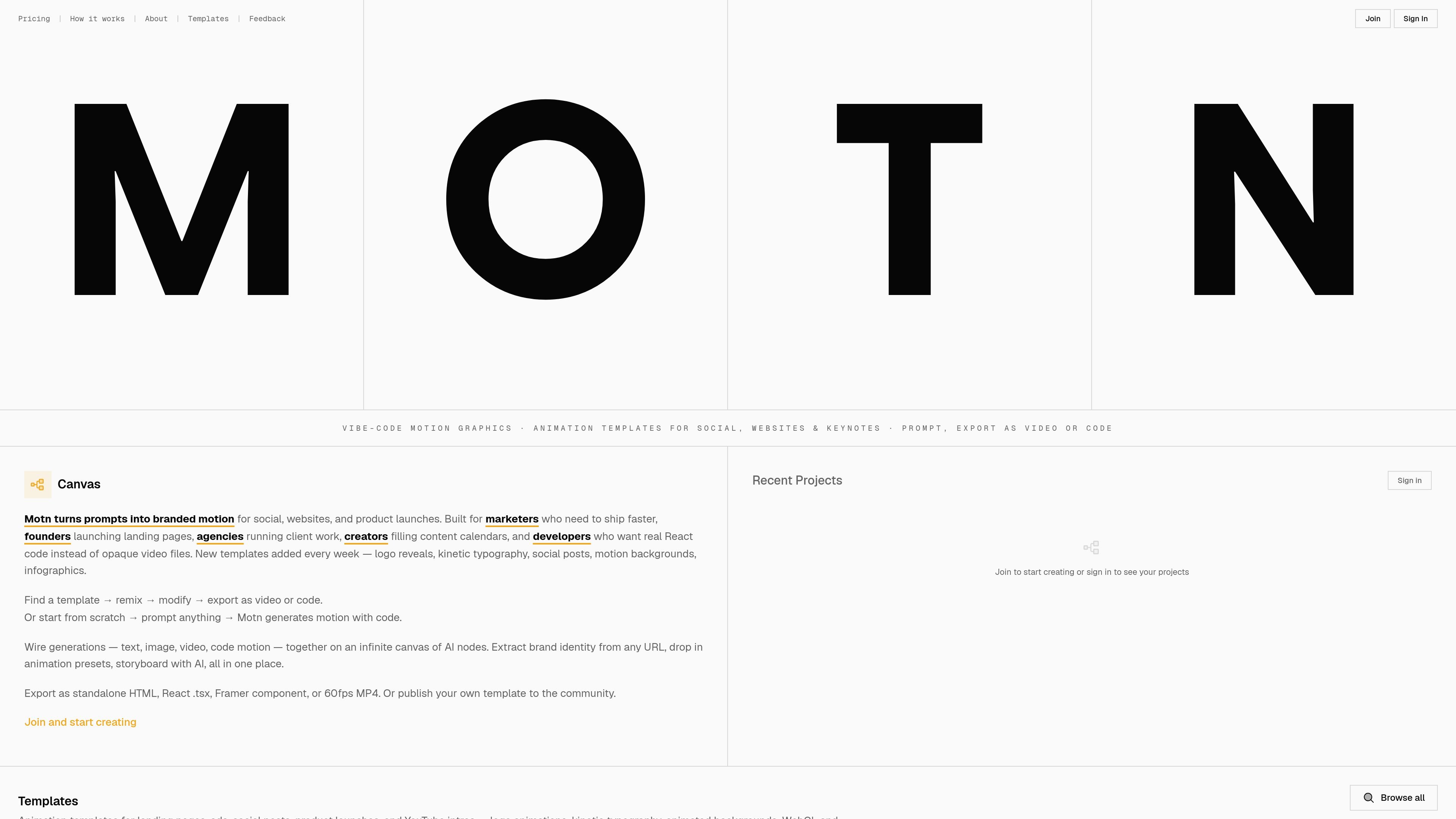
Motn is an AI motion graphics canvas for creating branded animations from prompts. Instead of a traditional timeline editor, it centers work on an infinite canvas where each generation becomes a node that stays connected to its prompt, assets, and variations.
The product is aimed at people who need motion graphics quickly, including marketers, creators, agencies, founders, and developers. It supports code-native animation generation, AI video clips, and 2D assets, with exports that include HTML, React components, MP4, and WebM.
Create motion graphics from prompts on an infinite canvas instead of editing a timeline. Each result stays attached to its prompt and can be iterated from the same workspace.
Generate code-native animations as real React components that run in the browser at 60fps. These outputs can be exported as HTML or embedded in React-based projects.
Use AI video generation for short clips from text or image references. The site lists Kling 3 Pro, Seedance 2.0, and Veo as available models.
Extract colors and fonts from a website URL, or set brand assets manually, then apply them across generations on the canvas.
Combine prompts, images, video, text, and code on the same canvas through connected nodes. The workflow supports side-by-side comparison and parallel iteration.
Export finished work as standalone HTML, raw React `.tsx`, MP4, or WebM, and share or publish templates for others to remix.
Generate branded social posts, story intros, motion backgrounds, and other short-form content that can be iterated quickly and exported for publishing.
Create landing page animations, product launch visuals, and app store previews without building them from a blank timeline editor.
Produce reusable React motion components that can be dropped into a Next.js or React app as code-native animation output.
Set up a client-specific canvas with brand assets, then generate and compare multiple animation variants for faster agency delivery.
Remix community templates for logo reveals, kinetic typography, infographics, and motion backgrounds, then adapt them to a brand or brief.
Motn is an AI motion graphics canvas. You describe an animation in plain language, then generate code-native animations, AI video clips, or 2D assets on a shared canvas.
No. Motn is designed for people who can describe what they want in a prompt. The output is real React code, but you do not need to write or read it unless you want to.
Motn exports standalone HTML, raw React component code, MP4 video, and WebM. The source also says exports are watermark-free and usable commercially.
Motn is built around a persistent infinite canvas. Brand context, reference images, and prior generations stay on the canvas, so you can iterate, fork versions, and compare results side by side.
The source positions Motn for marketers, creators, developers, agencies, studios, founders, and indie makers who need motion graphics quickly. It is especially aimed at branded motion, landing pages, social posts, logo animations, and infographics.

Prompty Town is a web product that turns a link into a building in a small internet city. It appears to let users buy a tile, add a prompt, and publish the result alongside other buildings.

VIDEOAI.ME is an AI video generator for making spokesperson-style videos, ads, explainers, and social content from a script. It is aimed at founders, marketers, agencies, and creators who want to produce videos without filming.
Creativly is a web-based AI creative studio for generating visual concepts, mockups, and stylized images from short inputs. It is aimed at designers, creators, and entrepreneurs who want fast visual ideation without writing long prompts.

Speculos is a deployment tool for Claude Code that publishes what you built to a shareable URL. It supports private, org-wide, or public apps and adds team controls for company domains, data connections, and customer-cloud deployments.

Official HeyGen API documentation for building AI avatar videos, translations, lipsync, and interactive video-agent sessions. It supports direct API use plus MCP and CLI-style workflows for developers and AI agents.

MakerLoft is a chat-first AI app builder for non-developers who want to create static sites or full-stack apps from a GitHub repository. It supports a free GitHub Pages path and a DigitalOcean-backed app path with sign-ins, payments, and an admin dashboard.