
Natural-language configuration
Describe the Mac you want in plain English and Nixmac writes the Nix, builds it, and applies it. The workflow is designed to reduce manual editing while still showing the generated configuration.
Nixmac is a macOS configuration manager that turns plain-English requests into Nix-based system changes. It helps users build, apply, and track reproducible Mac configurations with git-backed history and safety checks.
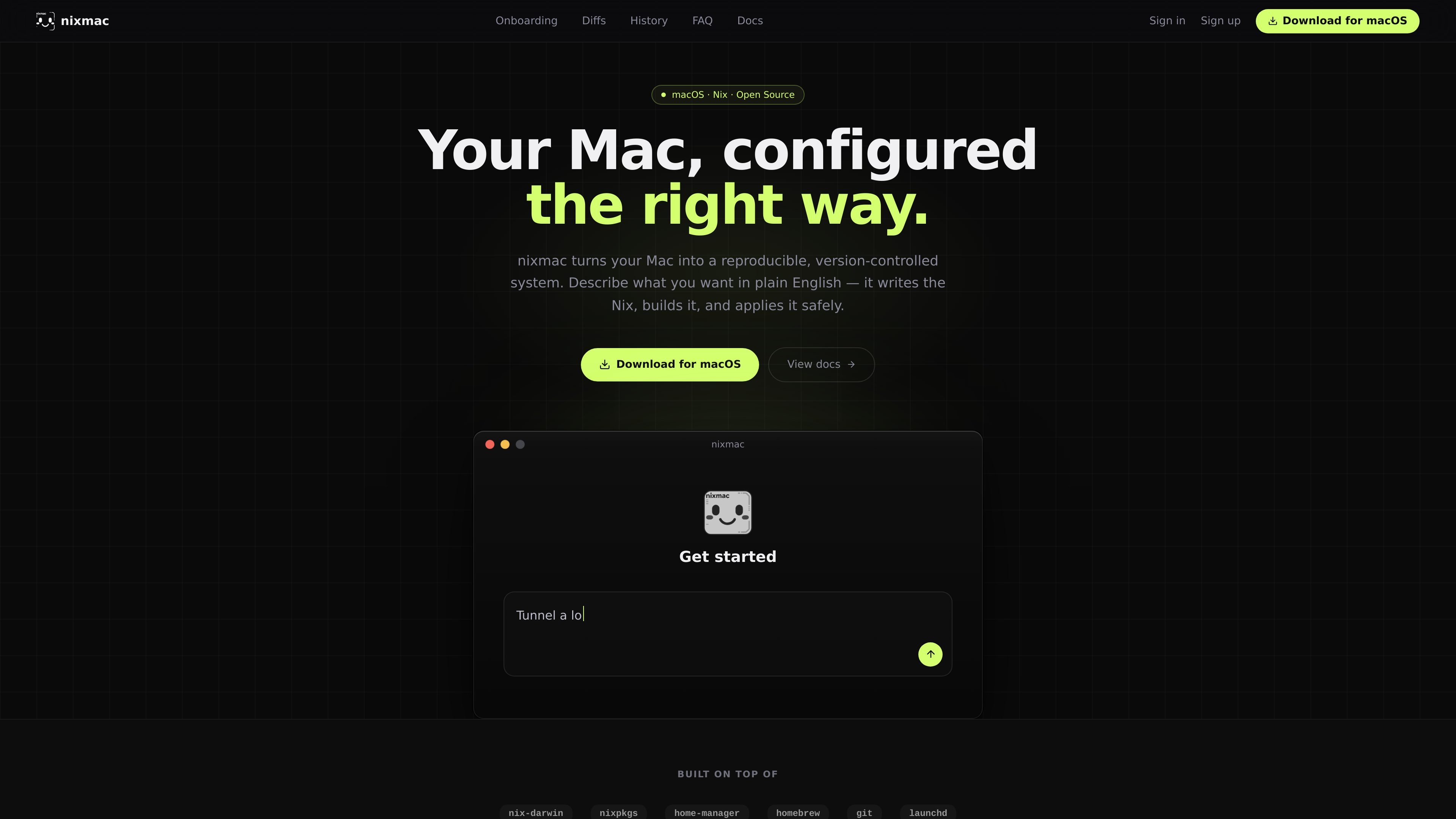
Nixmac is a macOS configuration manager built on nix-darwin. Its core job is to turn a plain-English description of the Mac you want into Nix code, build that configuration, and apply it safely to the system.
The product is aimed at people who want a reproducible, version-controlled Mac setup without hand-writing every detail. The homepage shows two starting paths: scaffold a new flake from a sensible template, or import an existing flake and continue from there.
It also includes an AI inference workflow for generating configuration changes. Users can use hosted models, bring their own API key, or run locally with Ollama, then review line-level diffs before changes are applied and committed to git.
Describe the Mac you want in plain English and Nixmac writes the Nix, builds it, and applies it. The workflow is designed to reduce manual editing while still showing the generated configuration.
Nixmac can scaffold a working flake from a template, with options such as nix-darwin plus Determinate, nixos-unified, or flake-parts. This helps users start with a structure that is meant to build cleanly on the first try.
If you already manage a Mac with Nix, Nixmac can point at an existing flake and continue from there. It can detect flake.nix files automatically and also accept a local folder or flake reference.
Nixmac runs read-only commands to detect settings, packages, and services you already changed on the Mac, including commands such as defaults, brew list, and launchctl. Those discoveries are grouped into code you can adopt.
Build progress is streamed in real time, with phases such as evaluating the flake, building packages, fetching from cache, compiling, and activating configuration. The page emphasizes that the build is verified end to end.
Changes apply atomically with darwin-rebuild switch, and the page says a failed build leaves the running system unchanged. Every apply is saved as a git commit with an AI-written semantic message, and drift detection can spot manual changes later.
Use Nixmac when you are setting up a new Mac and want a reproducible configuration without designing the flake structure from scratch. The template path scaffolds a working flake and focuses on getting to a buildable setup quickly.
Use the import flow if you already have a Nix-managed Mac and want to keep your existing work. Nixmac can detect an existing flake, read your current customizations, and turn them into tracked code.
Use the natural-language flow when you know the outcome you want but do not want to hand-edit the Nix files. You describe the change, review the generated diff, and then apply it after checking the build.
Use the live build and rollback behavior when you want stronger visibility during system changes. The tool shows each stage of the rebuild, then applies the result atomically so a failed build does not overwrite the running system.
Use the git-backed history and drift detection when you want to keep a record of changes over time. Manual edits can be detected and either adopted into the config or undone later.
Nixmac is a macOS configuration manager built on nix-darwin. It lets you describe the Mac you want in plain English, then generates Nix, builds it, and applies the result safely.
The page is positioned for people who want to manage a Mac with Nix without writing everything manually. It supports both starting from a new template and importing an existing flake.
The homepage says Nixmac is free and open source, and that no account is required to try it. It also offers hosted models with optional billing for AI inference.
The homepage includes a FAQ entry asking which macOS versions are supported, but the rendered text does not list the specific versions. The public page also states it is for Mac, so it is clearly macOS-focused.
Nixmac says changes are applied with darwin-rebuild switch and that if a build fails, the running system stays where it was. It also describes atomic application and automatic rollback on failure.

ByteAsk is a terminal-first AI coding agent for C and C++ that edits repositories and verifies changes with the real compiler, debugger, sanitizers, and tests before showing a diff. It offers a free tier plus paid plans, with editor connectors and zero-retention handling described in the source.

CreateOS Sandbox is an isolated compute environment for running code and agent workloads inside Firecracker micro-VMs. It is designed for workflows that need machine-level isolation, private networking between sandboxes, and programmatic control through SDK, CLI, or MCP.

hob is an independent workspace for coding agents that keeps agent sessions, terminals, history, and follow-up work organized around the tools and providers you already use. It is aimed at developers who want local control over routing, history, and workspace structure rather than a bundled model stack.

Manta AI is an autonomous web app testing tool for teams that want to map application behavior, catch regressions, and generate tests without writing scripts or maintaining selectors. It works from a URL and supports plain-English test flows, run results with screenshots, and scheduled or deployment-triggered checks.

SonOf connects to your repo and PM tool, audits the codebase and surrounding product context, and turns approved work into shipped tickets with senior engineering review. It is aimed at founders and engineering leaders who need backlog help without hiring a full team immediately.

Ghost est un assistant IA en terminal pour discuter, générer du code et lancer des tâches en ligne de commande. Modèles gratuits, Linux, macOS, Windows, open source.