
Notch-style live surface
When idle, the macOS overlay matches the notch cutout; on Windows, it appears as a borderless, always-on-top pill centered at the top of the main display.

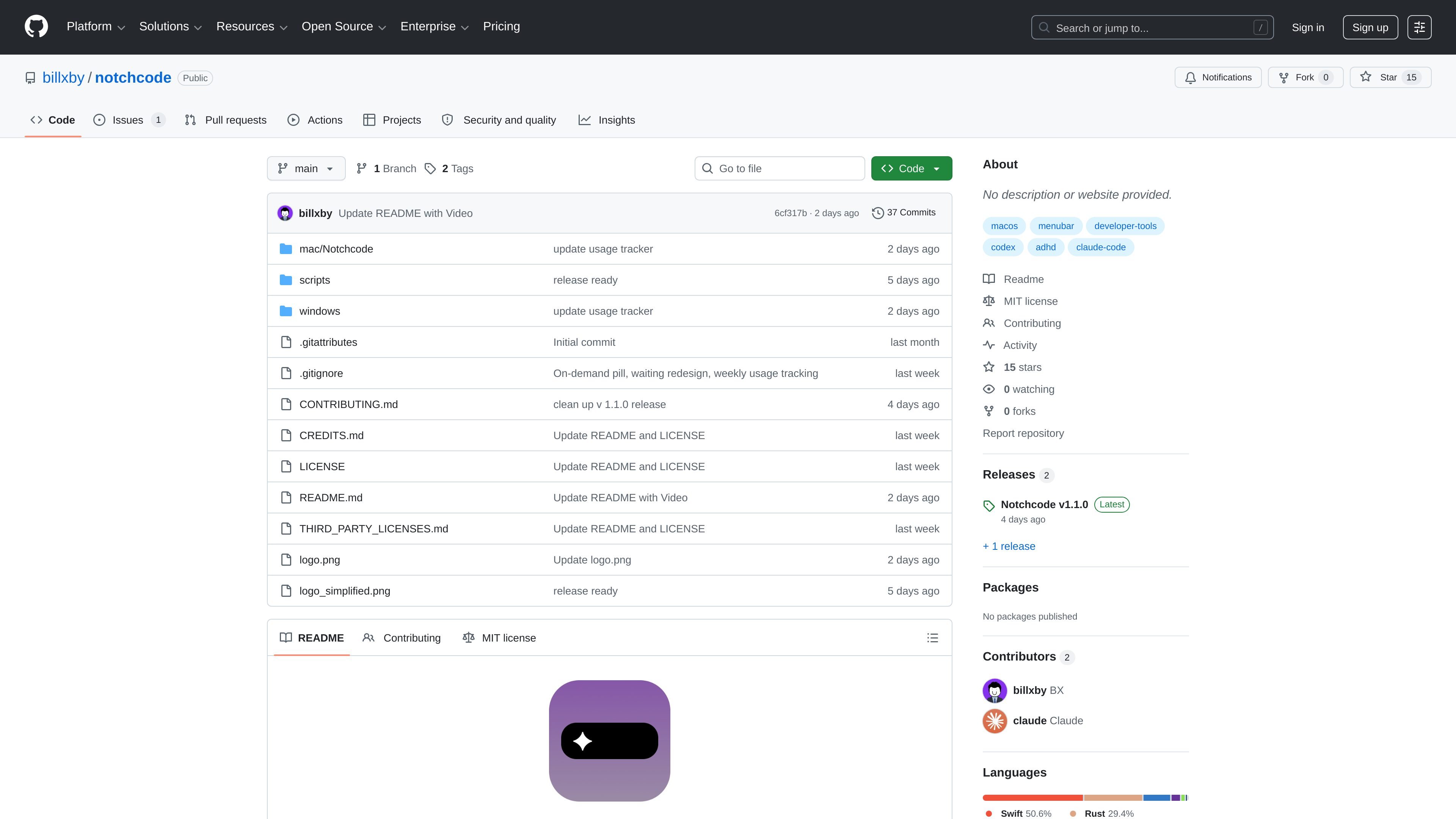
Notchcode is a desktop monitor for Claude Code and OpenAI Codex that shows active sessions in a MacBook-notch-style overlay on macOS and a top-center pill on Windows. It focuses on local session tracking, terminal jump-back, and on-device monitoring.
Notchcode is an ambient monitor for Claude Code and OpenAI Codex that lives in a MacBook notch-style overlay on macOS and a top-center status pill on Windows. It is designed to show active agent sessions without requiring users to switch away from their current workspace.
The project supports macOS 13+ and Windows 10 (1809+) / Windows 11. According to the README, it watches local session files and hook events, offers additive auto hook setup for Claude Code and Codex, and keeps everything on-device with no analytics, telemetry, or network calls beyond loopback.
When idle, the macOS overlay matches the notch cutout; on Windows, it appears as a borderless, always-on-top pill centered at the top of the main display.
Tracks multiple Claude Code sessions in real time through hooks, with a file-watcher fallback so sessions still appear if hooks are unavailable.
Monitors OpenAI Codex CLI sessions in the same pipeline and shows mixed Claude Code and Codex sessions side by side with CC/CD badges.
Lets you tap the notch to focus the relevant terminal when Claude is waiting on a permission prompt.
Shows conversation history as a live-tailed session drill-down when you tap into an active session.
Tracks local token usage with a weekly budget and a quiet warning before you hit the limit, then ends sessions gracefully and detects crashed sessions automatically.
Useful for people who keep Claude Code or Codex sessions running in parallel and want a persistent, glanceable view of what is active without opening another app.
Helps when Claude pauses for permission or input, since one tap can focus the terminal that needs attention.
Supports users who want to monitor token usage locally and get a warning before a weekly budget is exceeded.
Fits workflows where both Claude Code and Codex are used in the same day and need to be distinguished clearly in the interface.
Works for users who want a local-only monitor that uses on-device data, hook events, and a fallback file watcher instead of cloud reporting.
It supports macOS 13+ and Windows 10 (1809+) / Windows 11, according to the README.
The README says it works with Claude Code and/or Codex CLI, and v1.1.0 added Codex CLI support.
On macOS, the project says you can download a signed and notarized DMG from Releases or build from source with Xcode 16+. On Windows, you can download the installer from Releases or build with the Tauri app in `windows/app`.
The README says it watches local session files and hook events, and that everything stays on your machine with no analytics, telemetry, or network calls beyond loopback.

Ghost est un assistant IA en terminal pour discuter, générer du code et lancer des tâches en ligne de commande. Modèles gratuits, Linux, macOS, Windows, open source.

PromptScout tracks how ChatGPT, Gemini, Google AI Overviews, and Perplexity mention your brand or competitors, then pairs those results with source analysis and website audits. It helps teams decide what to fix in content, positioning, or site readiness next.

Sleek Analytics is a privacy-friendly web analytics tool with real-time visitor tracking, Core Web Vitals, and revenue attribution. It helps site owners understand traffic and conversions without cookie banners or a heavy setup.

Ably Chat is a chat API platform for building custom realtime chat applications. It supports room-based messaging, typing indicators, presence, reactions, and message updates, with usage-based pricing options for different deployment stages.

MacSpoof change ou randomise l’adresse MAC Wi‑Fi sur macOS pour reconnecter aux réseaux et limiter l’enregistrement de votre identité sur Wi‑Fi public.

ClawTick is an AI agent automation platform for scheduling jobs from the CLI, dashboard, or REST API. It is aimed at developers and teams running LangChain, CrewAI, webhook, or custom agent workflows that need monitoring, alerts, and logs.