
Scheduled and trigger-based runs
Set an agent to run on a schedule or a trigger so it can keep handling recurring work without manual follow-up.

Notion Agents automate recurring work for individuals and teams inside Notion, with Custom Agents that can run on schedules or triggers and connect to tools like Slack, Mail, and Calendar. The product includes a personal on-demand agent as well as team-wide automations for Business and Enterprise workspaces.
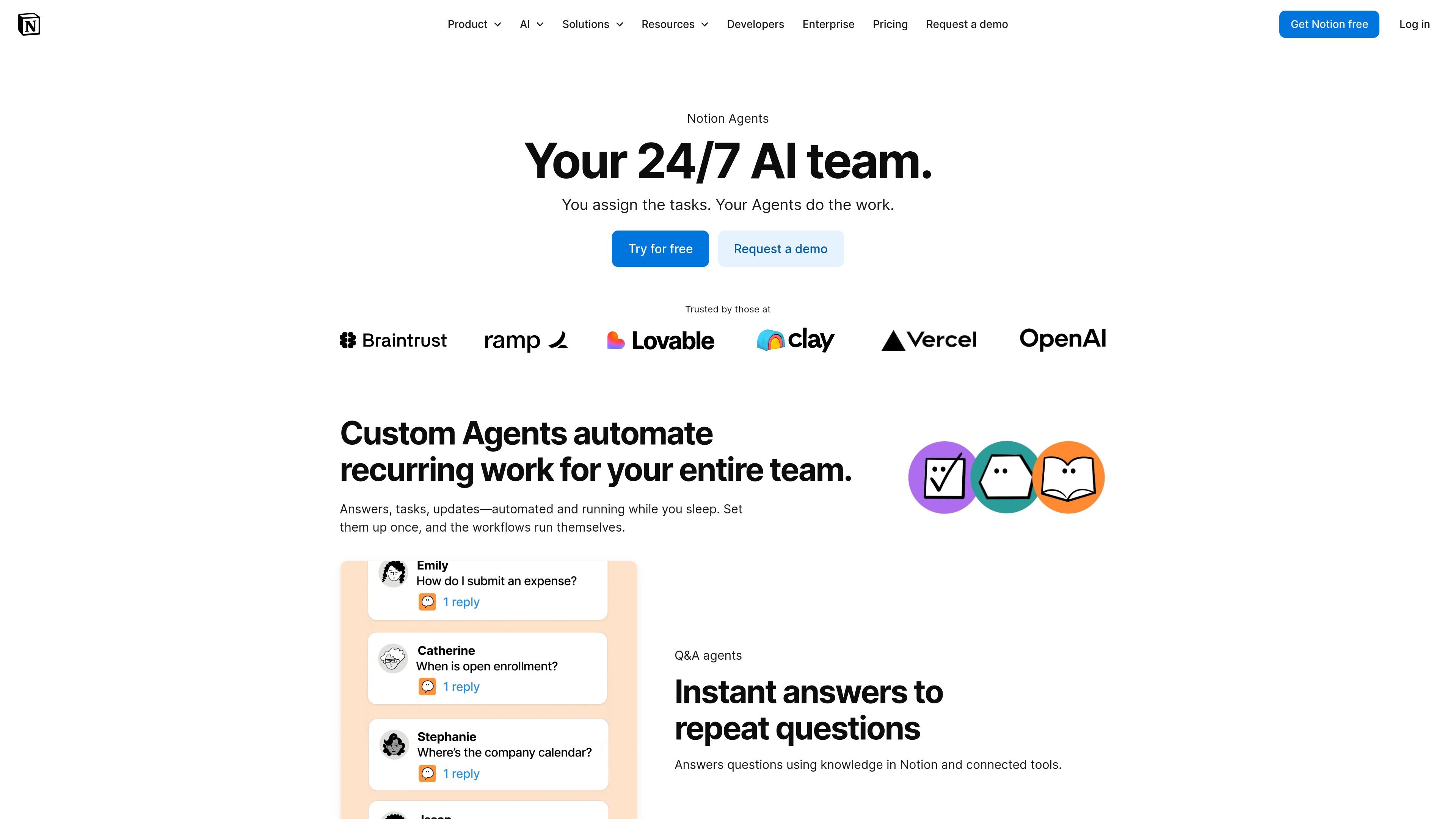
Notion Agents are AI teammates for recurring work inside Notion. The product page positions them as a way to automate answers, tasks, updates, and other repetitive work so teams can set a workflow once and let it keep running.
There are two related modes: Notion Agent, which works on demand as a personal assistant, and Custom Agents, which are team-wide automations that run on schedules or triggers. The help documentation and pricing page show that Custom Agents can work across Notion and connected tools such as Slack, Mail, Calendar, and MCP integrations, with permissions and logging built in.
Set an agent to run on a schedule or a trigger so it can keep handling recurring work without manual follow-up.
Have agents answer repeat questions using knowledge from Notion and connected tools, so people do not have to search the same information repeatedly.
Route incoming tasks to the right team by capturing requests and distributing them based on the workflow you define.
Collect latest updates on a schedule and turn them into recurring reports or summaries.
Use Notion, Slack, Mail, Calendar, and MCP connections as context and action surfaces for each agent.
Give each Custom Agent its own permissions, with logs and reversible changes for review and control.
Use an inbox organizer agent to sort messages, label mail, draft replies for review, and turn important emails into Notion database entries.
Use a calendar optimizer or scheduler agent to protect focus time, find meeting availability, and coordinate events across people.
Use a status update agent to gather ongoing project updates and compile them into recurring reports on a schedule.
Use a task routing agent to capture incoming requests and send them to the right team or owner automatically.
Use an agent connected to Slack, Mail, Calendar, or MCP tools to move information from external systems into Notion workflows.
Custom Agents are team-wide workflows that a person sets up once. They can run on a trigger or schedule, pull from Notion and connected tools, format the result, and post it where needed.
Notion Agent is a personal assistant that works on demand when you ask. Custom Agents are designed for automated, recurring work for a team and can run continuously on schedules or triggers.
Business and Enterprise customers can create Custom Agents, including Business trials. Workspace admins can also limit who is allowed to create them.
Custom Agents can connect with Slack, Mail, Calendar, and Notion MCP integrations. The help docs also mention email and calendar connections for Gmail, iCloud, Notion Mail, Google Calendar, and iCloud Calendar.
Custom Agents use Notion credits. The pricing page says they are free to try, then $10 per 1,000 monthly Notion credits, with credits shared across the workspace and reset monthly.

Macuse is a macOS app that lets AI assistants control native Mac apps through MCP and use Computer Use for any app. It works with clients like Claude Desktop, Cursor, and Raycast, and keeps automation on-device.

Goldfish is an AI memory app for macOS that helps you reply, write, summarize, and continue using the context already on your Mac. It stores memory locally and writes in your tone.

Lasso is an ecommerce product data platform for enriching catalog records, processing supplier files, generating product content, and monitoring competitors. It combines a web app with a REST API, SDK, and MCP server for teams and developers.

Biji est une plateforme polyvalente conçue pour améliorer la productivité grâce à des outils et des fonctionnalités innovants.

Codex Plugins bundle reusable skills, app integrations, and MCP servers into workflows you can install in the Codex app or use from Codex CLI. They help extend Codex with connected-service tasks, reusable instructions, and shared team workflows.

Struere is an AI-native platform for turning spreadsheet data into structured operational software with dashboards, alerts, and automations. It is aimed at teams that want to replace manual spreadsheet workflows without building custom tools from scratch.