
Template-based starting point
Pick from templates to begin a screenshot layout instead of starting from a blank canvas.

OneShots is an app screenshot generator for creating panoramic app screenshots. It offers a free preview workflow and a Pro tier for image export.
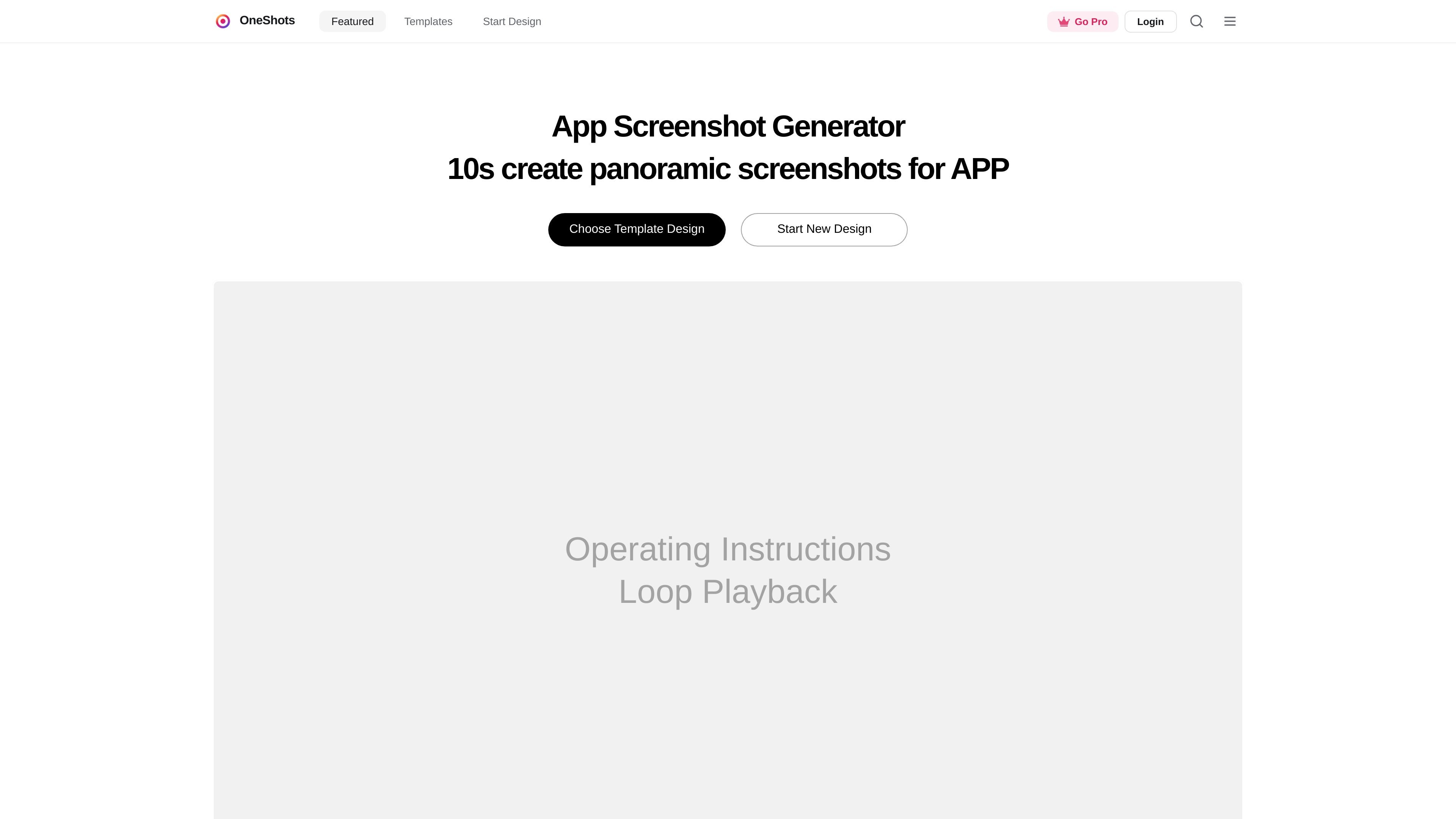
OneShots is an app screenshot generator for creating panoramic app screenshots. The site positions it as a way to choose a template, start a new design, and produce screenshots for app presentation and launch materials.
The product emphasizes a fast preview-first workflow. The pricing page says you can create and preview app screenshots for free, while Pro unlocks image export for launch-ready assets.
Pick from templates to begin a screenshot layout instead of starting from a blank canvas.
Start a new design from the homepage workflow when you need a fresh screenshot composition.
Preview app screenshots before exporting, which helps you check layout and visual balance early.
Use Pro to unlock image export for launch-ready assets.
Browse the official templates area, which is presented as a featured template section on the site.
The product pages highlight a loop playback operating instruction, suggesting a repeatable preview mode during design.
Create polished screenshots for an app listing or landing page when you want a template-led starting point and a fast preview cycle.
Build a new screenshot composition from scratch using the product's start-new-design flow when you need a fresh layout.
Preview a design before paying for export, which is useful when testing visual hierarchy or checking whether a template fits your content.
Use the official templates area as a starting point when you want to work from an existing featured design rather than a blank canvas.
The source pages show OneShots as an app screenshot generator that lets you choose a template, design a screenshot, and start a new design. They also indicate that the product supports previewing for free, with image export available on Pro.
The published pages show a simple workflow centered on choosing a template and starting a design. The official templates page is present, but the extracted text does not provide a detailed step-by-step editor walkthrough.
The pricing page says you can create and preview app screenshots for free, and that Pro unlocks image export for launch-ready assets.
The source text does not list supported integrations, export formats, or platform-specific output requirements beyond image export on Pro.

PixelDrive is a bulk image generation API for creating many on-brand images from one template through a browser editor, REST API, CSV batch, or MCP. It suits teams that need repeatable image output with cacheable renders and usage-based pricing.

imgcook is a design-to-code tool that converts design drafts into front-end code. It supports plugin-based and developer workflows for Sketch, Photoshop, VS Code, and CLI usage.

Napkin AI transforme du texte en visuels éditables pour présentations, documents et contenus partageables. Génération à partir du texte, collaboration, export PPT, PNG, SVG ou PDF.

Beautiful.ai is an AI presentation platform for individuals, teams, and enterprises. It helps users create branded slide decks with Smart Slides, collaborative editing, and export options while reducing manual formatting work.

Refero MCP for AI agents connects an MCP-compatible agent to Refero’s curated library of web and iOS product interfaces and user flows. It helps agents research real design patterns before generating UI, with access included in the Refero Pro plan.

Frames vous aide à créer rapidement des posters de lancement et des visuels marketing pour Instagram, Twitter et Product Hunt, avec des modèles. Gratuit.