
Builds Minecraft content from plain English
Type a feature, item, mob, biome, plugin, or server task in plain English. Orca writes the code and compiles a working Minecraft project without requiring Java setup or Gradle configuration.

Orca is an AI-powered Minecraft builder and server host that turns plain-English requests into mods, addons, plugins, and data packs. It helps players and creators build, test, and run Minecraft content without Java setup or coding.
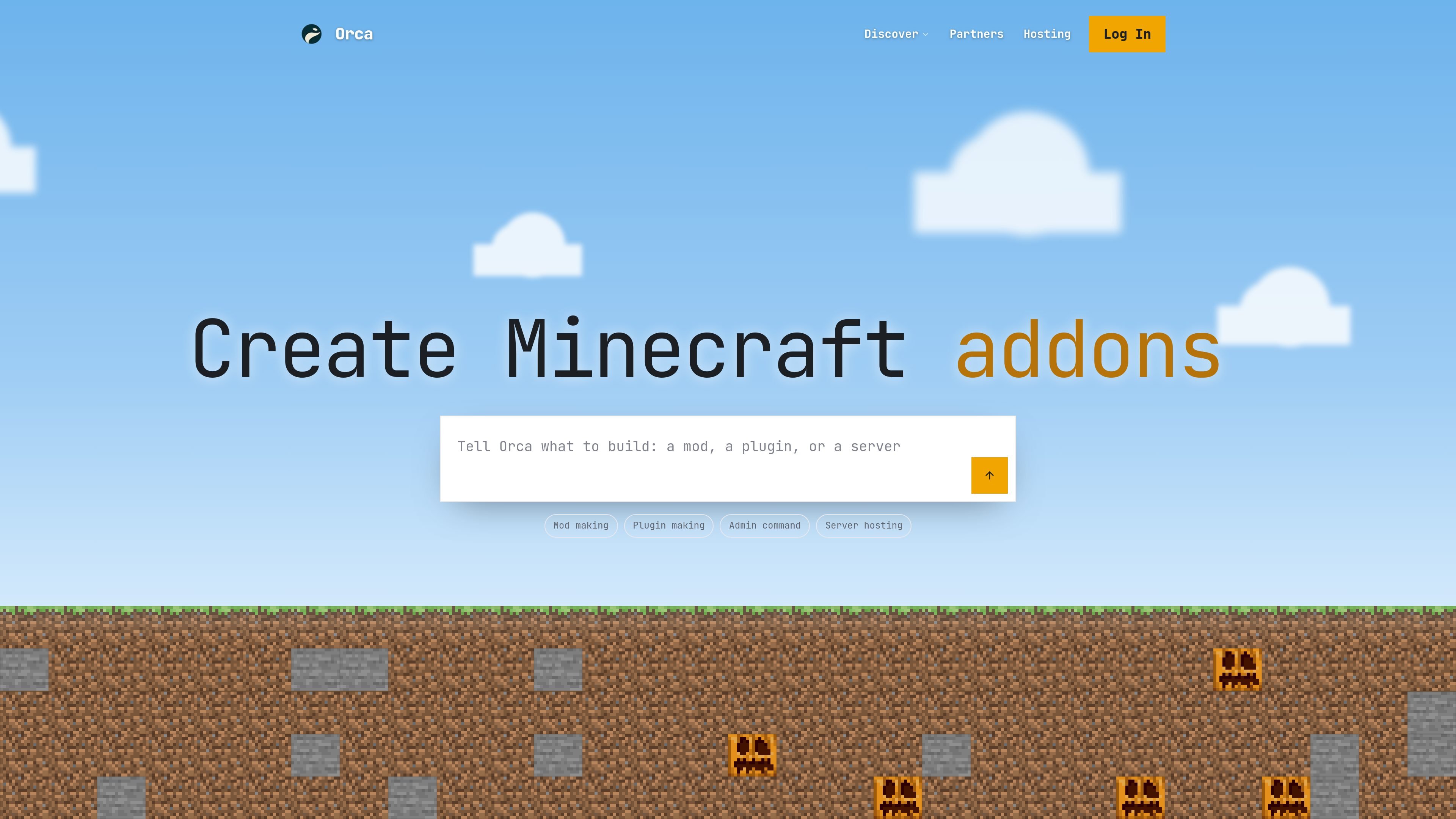
Orca is an AI-powered Minecraft builder and hosting product that turns plain-English requests into working mods, addons, plugins, and data packs. The site positions it as a way to skip Java setup, code writing, and Gradle configuration while still producing real files that can be tested in Minecraft.
Beyond generating new content, Orca also hosts servers and acts as an in-server assistant. Users can start from a free 1 GB server, browse a catalogue of thousands of existing Minecraft projects, install or build content from chat, and run the result on Paper, Vanilla, Fabric, Forge, or NeoForge depending on the setup.
Type a feature, item, mob, biome, plugin, or server task in plain English. Orca writes the code and compiles a working Minecraft project without requiring Java setup or Gradle configuration.
Orca can generate mods, addons, plugins, and data packs, then test them by loading them into Minecraft before handing them back for download or play.
The product supports Fabric, Forge, NeoForge, Paper, Spigot, and Bedrock addon workflows, so the generated work matches the loader or platform you choose.
For existing content, Orca can browse and install from a catalogue of 39,000+ Minecraft projects, with search and filters for type, loader, and category.
Every server includes chat-based AI admin actions such as installing mods or plugins, restarting the server, reading logs, and checking analytics.
The docs say free servers boot in about 30 seconds, pause when nobody is online, and keep the world saved to persistent disk on paid plans.
Describe a custom gameplay idea and have Orca generate the mod, compile it, test it, and make it available to download or run on a server.
Ask Orca to install or configure mods and plugins on a server, including loader-aware setup for projects you already know you want to use.
Use the chat interface to restart the server, read logs, inspect analytics, or install curated bundles like performance or world-protection presets.
Start from an existing Modrinth-based project, then create a server that matches its loader automatically and continue from there.
Let Orca read crash logs and patch the version or dependency issue that is breaking a build or server session.
No. Orca’s source materials say you can describe the mod, addon, plugin, or data pack in plain English and let the AI write, build, and test it for you. The beginner guide also notes you only need to open a code editor if you want to take the traditional route.
The site describes a three-step flow: describe what you want, Orca builds and tests it, and then you download it or run it on a free Orca server. The docs also say you can sign in with Google or Discord and start from a 1 GB free server.
Orca supports Fabric, Forge, NeoForge, Paper, Spigot, and Bedrock addons. The docs say Paper servers can use Bedrock crossplay as an add-on.
Yes. The site says making mods is free and unlimited, every mod download is free, and the free plan includes a 1 GB server. Orca Pro adds the most powerful AI, a 4 GB server, and more browser streaming.
The docs say you can browse a catalogue of 39,000+ Minecraft projects, mostly from Modrinth, including mods, modpacks, plugins, data packs, resource packs, and shaders. You can also ask Orca to build something custom instead of starting from the catalogue.

CreateOS Sandbox is an isolated compute environment for running code and agent workloads inside Firecracker micro-VMs. It is designed for workflows that need machine-level isolation, private networking between sandboxes, and programmatic control through SDK, CLI, or MCP.

AakarDev AI helps teams manage AI provider access, project-level setups, logs, and analytics from one dashboard. It supports BYOK workflows and lists providers including OpenAI, Google Gemini, Anthropic, Groq, Mistral AI, and Perplexity AI.

Trigger.dev chat agent is a durable AI chat backend for developers building stateful conversations that can survive refreshes, crashes, and long-running turns. It connects with the AI SDK `useChat` flow and runs on managed infrastructure with no timeout on a turn.

ByteAsk is a terminal-first AI coding agent for C and C++ that edits repositories and verifies changes with the real compiler, debugger, sanitizers, and tests before showing a diff. It offers a free tier plus paid plans, with editor connectors and zero-retention handling described in the source.

GameGrad turns PDF study material into quiz questions that appear inside arcade games, so users can practice active recall while they play. It offers a free tier with one PDF and a Pro plan with more uploads, more questions, and answer explanations.

DailyPlay.ai is a behavioral growth platform that uses AI site scanning and micro-games to help brands improve engagement and conversion. It supports web, mobile, and other digital touchpoints, with a one-line script setup and a free engagement scan.