
Identity-based zero trust access
Route access through identity-aware rules rather than a traditional network-level VPN, so users connect to specific resources instead of broad network segments.

Pangolin is a zero trust remote access platform for secure, identity-based access to applications and infrastructure. It supports cloud and self-hosted deployments, with clients for major desktop and mobile platforms.
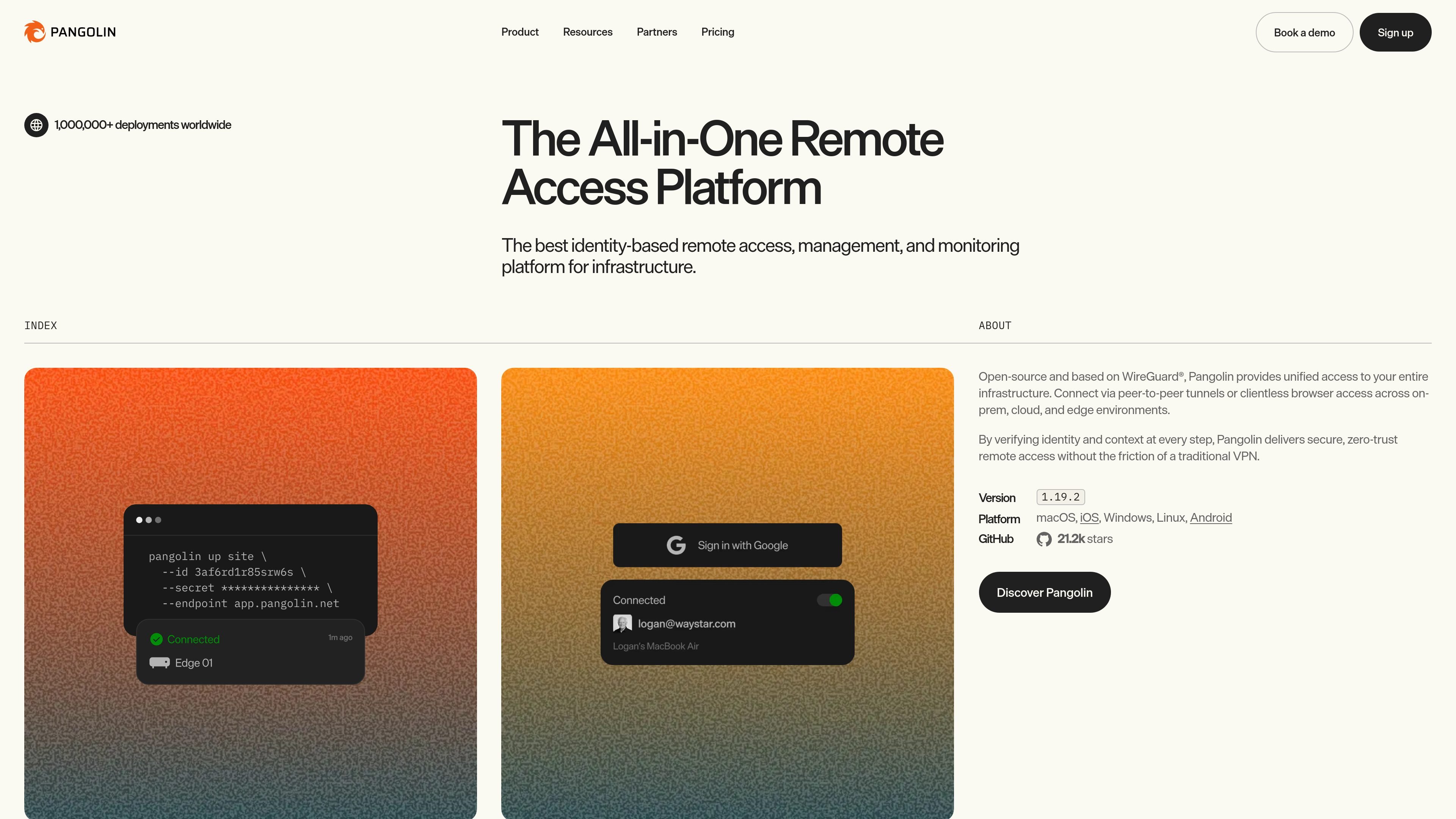
Pangolin is a zero trust remote access platform for teams that need secure access to applications and infrastructure without relying on a traditional VPN. The site positions it for IT/OT, IoT, engineering, and distributed teams that work across on-premises, cloud, and edge environments.
It uses identity-based access and context-aware rules to connect users to specific resources, rather than opening broad network access. The platform supports peer-to-peer tunnels, browser-based access for web tools, and client-based access for private resources, with cloud and self-hosted deployment options.
Route access through identity-aware rules rather than a traditional network-level VPN, so users connect to specific resources instead of broad network segments.
Use peer-to-peer connections to reduce latency and avoid unnecessary relay paths when users connect to critical infrastructure.
Expose HTTP apps, TCP services, SSH, databases, and internal APIs with fine-grained controls for different resource types.
Offer clientless browser access for web-based resources, alongside client-based access for private resources and administrative workflows.
Manage roles, policies, and audit trails from one place, including RBAC, device posture, security policy enforcement, and activity logs on paid plans.
Deploy in either Pangolin Cloud or self-hosted environments, with desktop and mobile clients available for common operating systems.
Give employees and contractors access to internal tools, dashboards, and SaaS apps without exposing those services directly to the public internet.
Replace bastions and jump boxes with direct connections to SSH hosts, databases, and other backend systems across cloud or on-premises environments.
Provide controlled access to IoT, OT, and edge-connected resources where identity-aware rules are preferable to a flat VPN.
Let users connect from desktop or mobile clients when they need access to private resources through a self-hosted or cloud instance.
Use browser-based access for web apps while keeping the resource private and applying policy checks and audit logging where available.
Pangolin is a zero trust remote access platform that supports identity-based access to applications and infrastructure, including web apps, SSH, TCP services, databases, and internal APIs. The site also describes peer-to-peer tunnels and clientless browser access across on-premises, cloud, and edge environments.
The pricing page shows both cloud and self-hosted options. The downloads page includes desktop and mobile clients for macOS, Windows, Linux, iOS, and Android, and the macOS setup flow includes logging into either Pangolin Cloud or a self-hosted instance.
The product page says Pangolin integrates with an existing identity provider to enable SSO and MFA. The pricing page also lists external identity providers and multiple roles per user on paid plans.
The downloads page lists clients for macOS Sonoma 14.0+, Windows 10+, most Linux distros, iOS 17.0+, and Android 7.0+. That makes it usable across common desktop and mobile platforms.
The pricing page offers a free Basic plan for personal use, Team and Business plans with additional controls, and custom Enterprise pricing. The site also shows a 10-day free trial for paid plans.

ClawTick is an AI agent automation platform for scheduling jobs from the CLI, dashboard, or REST API. It is aimed at developers and teams running LangChain, CrewAI, webhook, or custom agent workflows that need monitoring, alerts, and logs.

OpenFlags is an open-source, self-hosted feature flag platform for modern JavaScript teams. It supports local evaluation, targeted rollouts, and controlled launches while keeping flag data in your own infrastructure.

Rectify is an all-in-one SaaS operations platform that combines session replay, monitoring, support, code scanning, roadmaps, and changelogs. It is aimed at founders and product teams, especially non-technical SaaS teams working with AI-assisted development.

PromptScout tracks how ChatGPT, Gemini, Google AI Overviews, and Perplexity mention your brand or competitors, then pairs those results with source analysis and website audits. It helps teams decide what to fix in content, positioning, or site readiness next.

Sleek Analytics is a privacy-friendly web analytics tool with real-time visitor tracking, Core Web Vitals, and revenue attribution. It helps site owners understand traffic and conversions without cookie banners or a heavy setup.

MacSpoof change ou randomise l’adresse MAC Wi‑Fi sur macOS pour reconnecter aux réseaux et limiter l’enregistrement de votre identité sur Wi‑Fi public.