
Automatic incident clustering
Related error fingerprints are grouped into one outage when they share a route, release, or session. That lets a team triage a cluster as one incident instead of chasing each crash separately.

RetraceKit is an issue and incident tracker for JavaScript and TypeScript teams. It clusters related crashes into outages by route, release, or session and includes AI summaries, a small SDK, and a free plan.
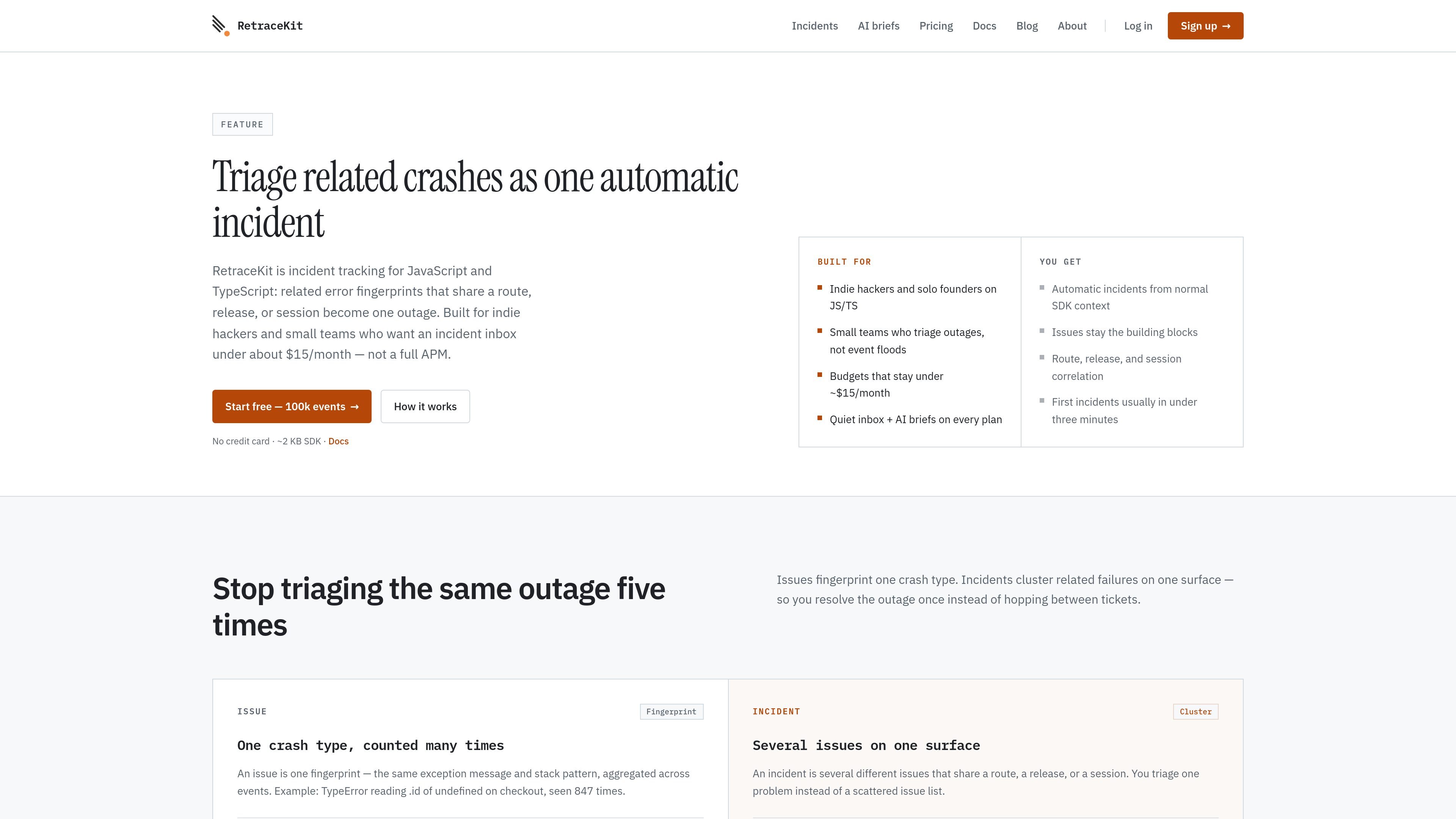
RetraceKit is an issue and incident tracker for JavaScript and TypeScript teams. It groups related crashes into incidents when different fingerprints share a route, a release, or a browser session, so the product is organized around outages rather than a long list of isolated errors.
The product is aimed at indie hackers and small teams that want a focused incident inbox without adopting a full application monitoring platform. The site says incidents and first issues usually appear in under three minutes, with a small SDK, automatic error capture, and AI summaries included on every plan.
Related error fingerprints are grouped into one outage when they share a route, release, or session. That lets a team triage a cluster as one incident instead of chasing each crash separately.
An issue is a single fingerprint: the same exception message and stack pattern counted across events. Issues remain the building blocks inside each incident, so you can see both the root crash types and the larger outage they belong to.
Incidents can be created from three correlation surfaces: normalized route path, release string, or browser session id. Route and release incidents start as Candidate, then move to Active when impact increases; session incidents open as Active immediately.
The product shows status, severity, surface, and linked issue count in the incident list, with a detail view for affected users, sessions, environments, and linked issues. This keeps the triage context in one inbox.
Each incident gets an AI title and summary, and each linked issue also gets an AI summary. The documentation says this is included on Free, Plus, and Pro.
The pricing page says the SDK is about 2 KB gzipped and captures uncaught errors automatically. RetraceKit also mentions 3rd-party integrations for alerts and team notifications.
Use the incident inbox to group several crash fingerprints into one outage when a single page or flow starts failing in different ways, such as a checkout route with multiple related errors.
Use route, release, and session correlation to tell whether a new issue cluster is tied to a specific page path, a recent deploy, or one user session.
Use the AI brief and linked issue summaries to scan the incident quickly, understand the cluster, and decide whether to investigate, resolve, or reopen.
Use the free plan to start collecting errors and incidents without a card, then move to paid plans if you need more storage retention or project capacity.
No. The product forms incidents from the normal SDK context. For browser apps, the page URL is used by default for route correlation, and session and release correlation work when the SDK provides those values.
Yes. The free plan includes automatic incidents and AI summaries, along with 100,000 stored events. Paid plans also include the same incident workflow.
RetraceKit is aimed at crash triage and incident inbox workflows for small JS/TS teams. The comparison page says it is not a replacement when you need session replay, distributed tracing, profiling, or a broader observability platform.
Resolving an issue closes one fingerprinted crash type. Resolving an incident marks the whole cluster handled, while linked issues stay attached for context.
The site says setup is a two-line SDK init and that first issues and incidents usually appear in under three minutes. Browser, Node, and Next.js setup docs are referenced.

ByteAsk is a terminal-first AI coding agent for C and C++ that edits repositories and verifies changes with the real compiler, debugger, sanitizers, and tests before showing a diff. It offers a free tier plus paid plans, with editor connectors and zero-retention handling described in the source.

PromptScout tracks how ChatGPT, Gemini, Google AI Overviews, and Perplexity mention your brand or competitors, then pairs those results with source analysis and website audits. It helps teams decide what to fix in content, positioning, or site readiness next.

CreateOS Sandbox is an isolated compute environment for running code and agent workloads inside Firecracker micro-VMs. It is designed for workflows that need machine-level isolation, private networking between sandboxes, and programmatic control through SDK, CLI, or MCP.

Sleek Analytics is a privacy-friendly web analytics tool with real-time visitor tracking, Core Web Vitals, and revenue attribution. It helps site owners understand traffic and conversions without cookie banners or a heavy setup.

hob is an independent workspace for coding agents that keeps agent sessions, terminals, history, and follow-up work organized around the tools and providers you already use. It is aimed at developers who want local control over routing, history, and workspace structure rather than a bundled model stack.

Ably Chat is a chat API platform for building custom realtime chat applications. It supports room-based messaging, typing indicators, presence, reactions, and message updates, with usage-based pricing options for different deployment stages.