
Live fingerspelling recognition
Recognizes the American Sign Language manual alphabet (A–Z) in real time from webcam input.

signspell is a Python package for live American Sign Language fingerspelling recognition from a webcam. It can be used from the command line or as a library, and it ships with a pretrained model and webcam UI.
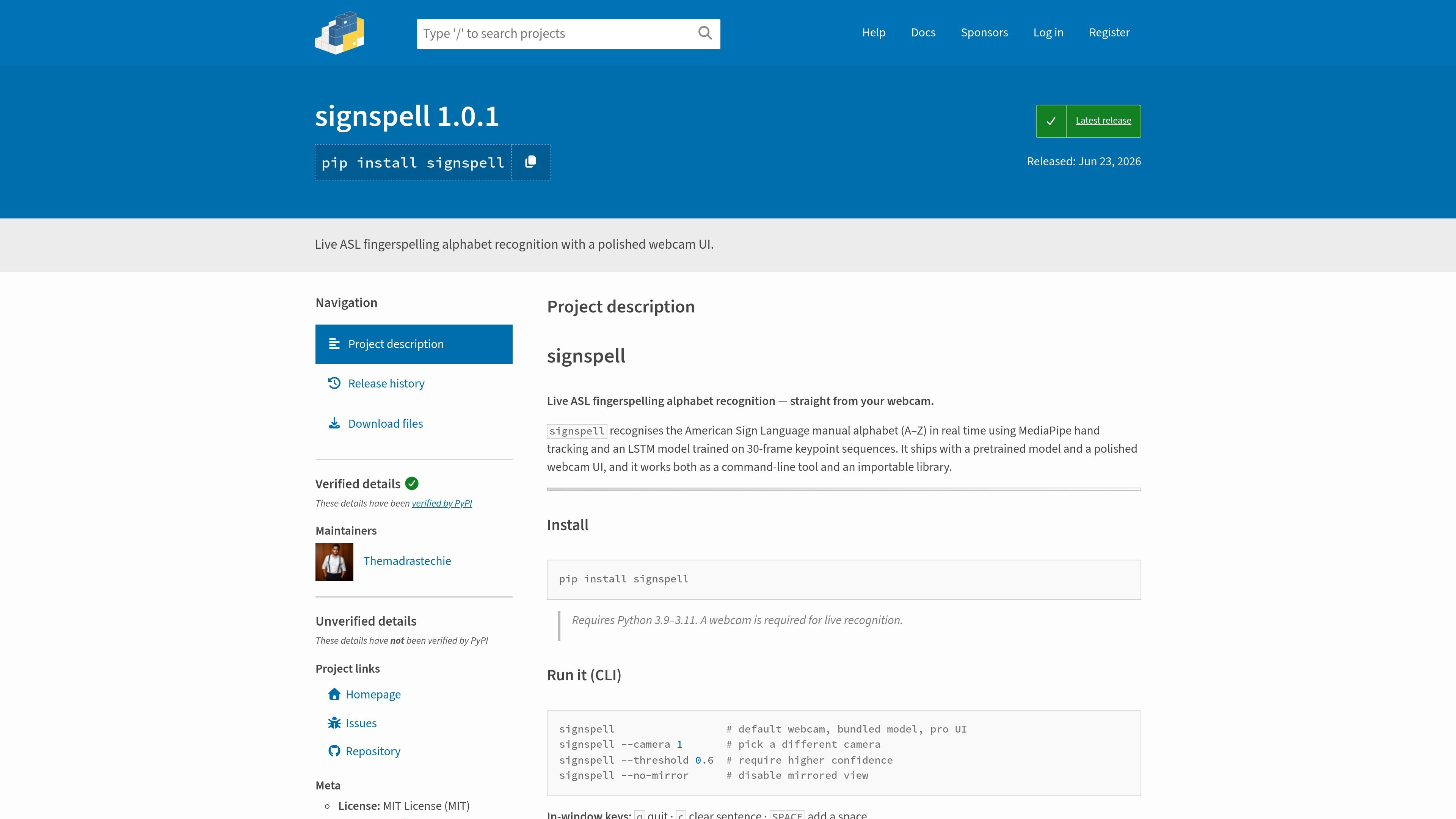
signspell is a Python package for live American Sign Language fingerspelling recognition. It focuses on the manual alphabet, using webcam video to identify letters A through Z in real time.
The project ships with a pretrained model, a polished webcam UI, and both command-line and library entry points. It is designed for users who want to run live recognition immediately, or embed the recognizer in their own code and process frames one at a time.
Recognizes the American Sign Language manual alphabet (A–Z) in real time from webcam input.
Uses MediaPipe hand tracking with an LSTM model trained on 30-frame keypoint sequences.
Includes a pretrained model and a polished webcam interface for immediate use.
Can be run as a command-line tool or imported as a Python library.
Supports adjustable camera selection, confidence thresholding, and mirrored-view toggling from the CLI.
Accepts a custom model path, with documented expectations for input shape and output classes.
Use signspell when you want to point a webcam at a signer’s hand and receive live A–Z letter predictions for fingerspelling practice or demo work.
Run the CLI when you want a quick, no-code way to test the bundled model, switch cameras, or adjust the confidence threshold.
Import the library in your own application when you need frame-by-frame recognition and want to integrate the recognizer into custom Python code.
Load a custom model when you already have a trained `.h5` model and want signspell’s webcam workflow with your own weights.
It is available as a Python package on PyPI and can be installed with `pip install signspell`. The project page also shows a versioned release, `1.0.1`.
The package runs live American Sign Language fingerspelling recognition from a webcam. It recognizes the manual alphabet (A–Z) in real time and can be launched from the command line or imported as a library.
The project page says signspell requires Python 3.9–3.11 and a webcam for live recognition.
Yes. The project includes a `--model path/to/your_model.h5` option and a `Recognizer(model_path=...)` constructor, so you can point it at your own model if it matches the expected input and output shape.
The source description lists in-window controls for the UI: `q` quits, `c` clears the sentence, and `SPACE` inserts a space.

Snapmark is a VS Code extension that lets you annotate clipboard screenshots before pasting them into AI chats. It supports blur redaction, numbered callouts, and automatic resizing for large images.

Arduino VENTUNO Q is an edge AI computer for AI and robotics applications. It combines AI inference and deterministic control on a single board and is designed to work with Arduino App Lab.

A free C++ person-pixelation project that anonymizes people in video using OpenCV and neural network segmentation. It is aimed at developers building privacy-focused live video or browser-based computer-vision applications.

Faceswapai.Online is a web-based AI face swap tool for photos and videos, including multiple-face workflows. It offers free-to-try access without sign-up and paid credit-based VIP features for larger or longer jobs.

Vectorizer.AI converts raster images into vector formats such as SVG, PDF, EPS, and DXF, with a browser-based workflow and developer tools for automation. It is designed for users who want previewable, editable vector output from logos, artwork, sketches, scans, and other bitmap images.

Recume is a web-based AI car scanner that analyzes photos or short videos of car parts and returns a diagnosis, repair cost estimate, and follow-up guidance. It is built for drivers who want a quick first read on visible vehicle issues before visiting a mechanic.