
In-app bug reporting
Users can report a problem from the page where it happened, turning a vague complaint into a report tied to the exact product state.

UXFix is a web-based bug reporting tool for product and engineering teams. It combines in-app issue reporting with session replay and technical evidence so teams can reproduce bugs with more context.
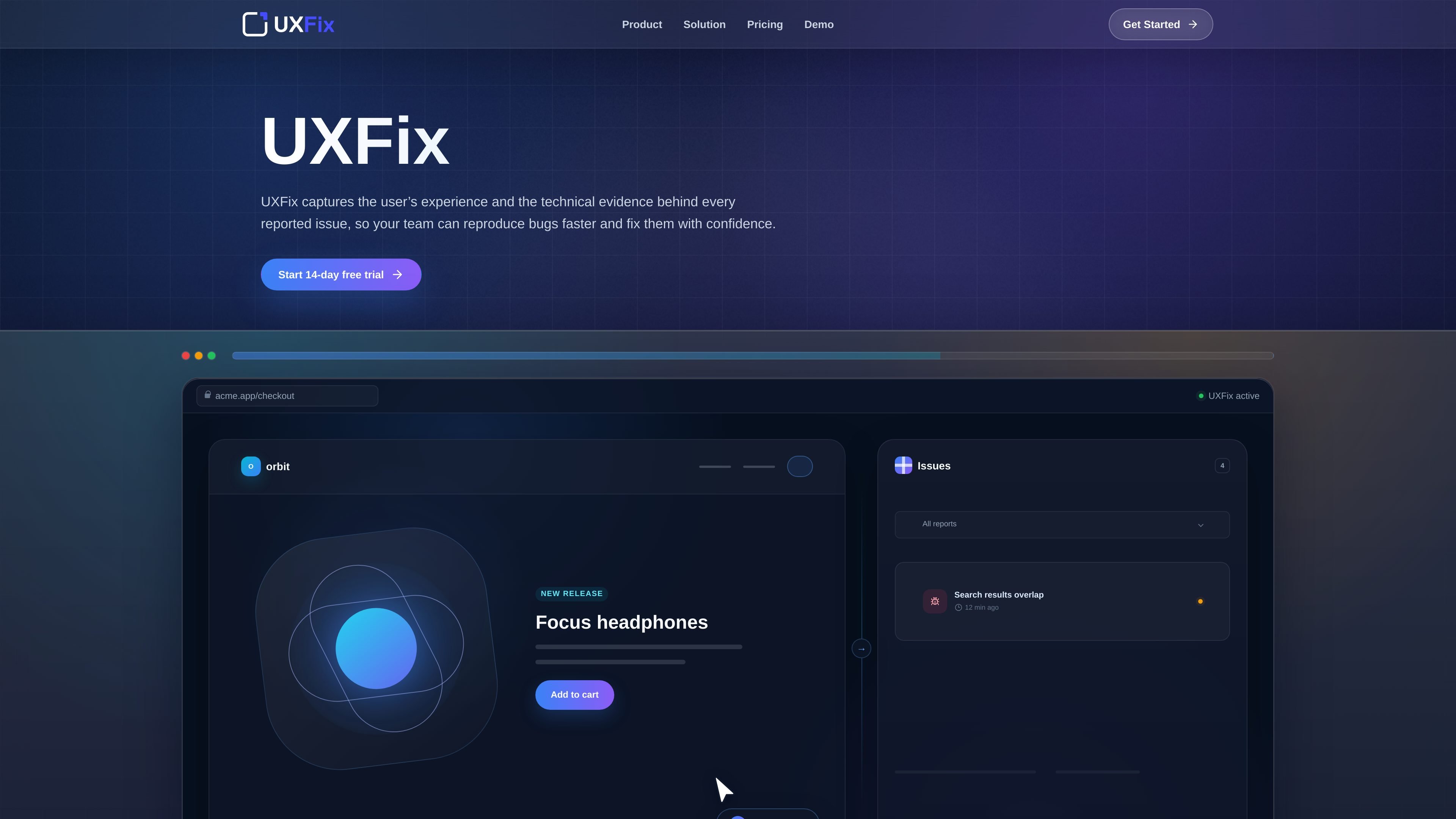
UXFix is a web-based bug reporting tool that captures both the user’s experience and the technical context behind an issue. It is built to help product and engineering teams reproduce bugs faster by pairing an in-app report with session replay, console errors, failed network requests, page details, and viewport information.
The workflow is designed around a simple sequence: add one script to a site, let users report problems from the page where they occur, review the replay and evidence, and then route the report into a task-management workflow. The site also shows a 14-day free trial and paid Starter and Standard plans, with Standard adding AI summaries, Jira integration, and higher usage limits.
Users can report a problem from the page where it happened, turning a vague complaint into a report tied to the exact product state.
UXFix records the moments leading up to the report so the team can see what the user saw, clicked, and experienced.
Each report includes console errors, failed network requests, page details, and viewport information to support debugging.
The Standard plan can generate concise AI summaries to help teams understand reports faster.
Reports can be sent into a task-management workflow, with Jira named as the first supported destination in the site text.
A lightweight script is installed on the site to connect UXFix to the product.
Useful when a user reports a visual or interaction bug, but the team needs to see the steps leading up to it instead of relying on a written description alone.
Helpful for teams that want each report to include console output, failed requests, and page context so debugging starts with evidence rather than guesswork.
A fit for products that want to keep reporting inside the app and then pass the issue into Jira or another task workflow once it has been reviewed.
Useful for teams evaluating whether AI summaries can reduce time spent reading through repetitive or lengthy reports, subject to the chosen plan.
UXFix is meant to be added to a website or web app with a lightweight script. Users can then submit a report from the page where the issue occurred, and the team can inspect the attached replay and evidence.
The source shows a 14-day free trial and two plans: Starter and Standard. Both plans include private workspace access, in-app bug reporting, session replay, and technical evidence, with Standard adding AI-powered summaries, Jira integration, and higher usage limits.
UXFix captures session replay, console errors, failed network requests, page details, and viewport information alongside the user report. It also provides AI-powered summaries on the Standard plan.
The source explicitly mentions Jira as the first connected workflow tool. Other integrations are not listed on the site text provided.
The site presents UXFix as a fit for teams that want user bug reports with reproduction context, but it does not list supported browsers, frameworks, or deployment constraints in the provided text.

ByteAsk is a terminal-first AI coding agent for C and C++ that edits repositories and verifies changes with the real compiler, debugger, sanitizers, and tests before showing a diff. It offers a free tier plus paid plans, with editor connectors and zero-retention handling described in the source.

Manta AI is an autonomous web app testing tool for teams that want to map application behavior, catch regressions, and generate tests without writing scripts or maintaining selectors. It works from a URL and supports plain-English test flows, run results with screenshots, and scheduled or deployment-triggered checks.

PromptScout tracks how ChatGPT, Gemini, Google AI Overviews, and Perplexity mention your brand or competitors, then pairs those results with source analysis and website audits. It helps teams decide what to fix in content, positioning, or site readiness next.

CreateOS Sandbox is an isolated compute environment for running code and agent workloads inside Firecracker micro-VMs. It is designed for workflows that need machine-level isolation, private networking between sandboxes, and programmatic control through SDK, CLI, or MCP.

Sleek Analytics is a privacy-friendly web analytics tool with real-time visitor tracking, Core Web Vitals, and revenue attribution. It helps site owners understand traffic and conversions without cookie banners or a heavy setup.

hob is an independent workspace for coding agents that keeps agent sessions, terminals, history, and follow-up work organized around the tools and providers you already use. It is aimed at developers who want local control over routing, history, and workspace structure rather than a bundled model stack.