
Generate and edit on one canvas
Start new design projects with AI, then refine them directly on the same canvas instead of moving between separate tools.

Wonder is a web-based design tool for generating layouts with AI, editing them on a shared canvas, and exporting or syncing work with code-aware workflows. Its MCP server connects Wonder canvases with supported coding agents, including Cursor, Claude Code, Claude Desktop, Codex, Antigravity, and Lovable.
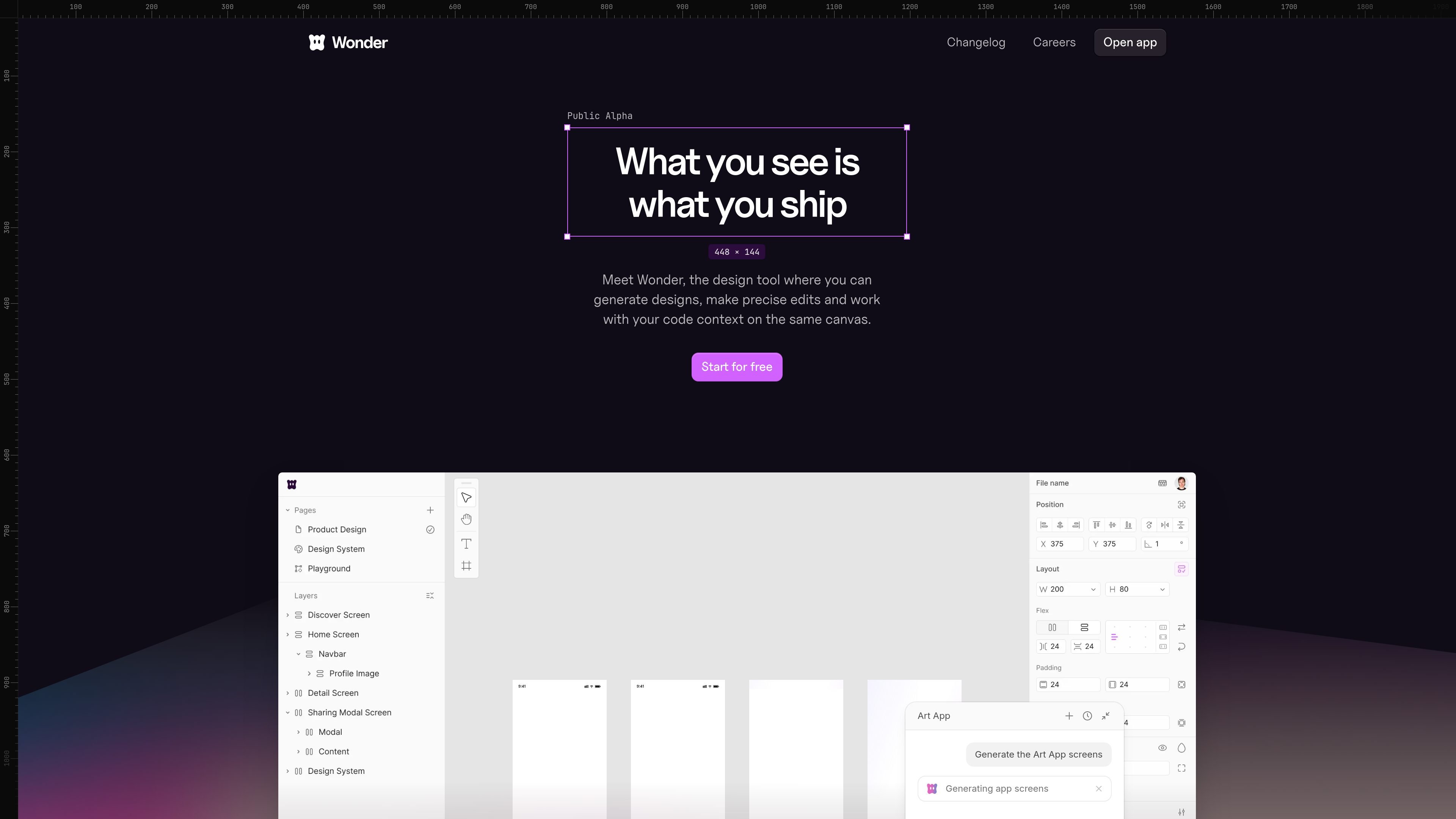
Wonder is a design tool that combines AI generation, canvas-based editing, and code-aware workflows. It is built for people who want to move from idea to design and then into production without treating design and code as separate handoffs.
The product positions itself around a single working surface: you can generate new designs, make precise edits, work with code context, and export or send output back to code. Its MCP docs extend that workflow by letting supported coding agents read and write Wonder canvas content through the Wonder MCP server.
Start new design projects with AI, then refine them directly on the same canvas instead of moving between separate tools.
Make targeted changes such as style updates, spacing adjustments, copy edits, layout generation, and variant creation without leaving the design surface.
Work from actual code context and copy React + Tailwind from the design so the output stays close to what can be shipped.
Connect Wonder to supported coding agents through MCP so the agent can read and write Wonder canvas content in both directions.
Use chat history, command palette navigation, layer search, and message editing to keep longer design sessions organized.
Generate images and shader-based visuals directly on the canvas when placeholder assets are not enough.
Use Wonder when you want to start from a prompt, generate an initial design, and continue editing in the same workspace instead of handing work off to another tool.
Use the product when a design already exists but needs fine-grained changes such as spacing, copy, layout, or component variants.
Use Wonder if you want your design output to stay close to implementation, including code export paths like React + Tailwind and direct connection to coding agents through MCP.
Use Wonder in agent-assisted workflows where a Claude, Cursor, Codex, or similar client needs to read or update Wonder canvas content as part of the build process.
Use the canvas tools for longer exploration sessions when you need to compare versions, revisit prior prompts, and manage layers and chats more deliberately.
Wonder provides an MCP server at `https://mcp.wonder.so/mcp` that connects design files to agents such as Claude, Cursor, Codex, Antigravity, Lovable, and custom MCP clients. Setup is described through plugin-based and manual flows depending on the client.
The MCP docs say Wonder supports Cursor, Claude Code, Claude Desktop, Codex, Antigravity, Lovable, and custom MCP clients. For Cursor, Claude Code, and Codex, the docs recommend using the official Wonder plugin where supported.
The changelog shows Wonder can export sections as Tailwind or CSS, copy selections as PNG, and export code directly from the canvas. The homepage also says designs can be copied as React + Tailwind.
The pricing page shows a free plan and paid plans. Free starts at $0/month, while paid tiers include Pro, Pro+, and Max with higher credit limits and additional features.
Wonder is presented as a design tool for generating designs with AI, making precise edits on a canvas, and working with real code context in the same workflow. The homepage and docs position it for people who want design and code to stay connected.

ByteAsk is a terminal-first AI coding agent for C and C++ that edits repositories and verifies changes with the real compiler, debugger, sanitizers, and tests before showing a diff. It offers a free tier plus paid plans, with editor connectors and zero-retention handling described in the source.

CreateOS Sandbox is an isolated compute environment for running code and agent workloads inside Firecracker micro-VMs. It is designed for workflows that need machine-level isolation, private networking between sandboxes, and programmatic control through SDK, CLI, or MCP.

hob is an independent workspace for coding agents that keeps agent sessions, terminals, history, and follow-up work organized around the tools and providers you already use. It is aimed at developers who want local control over routing, history, and workspace structure rather than a bundled model stack.

Ably Chat is a chat API platform for building custom realtime chat applications. It supports room-based messaging, typing indicators, presence, reactions, and message updates, with usage-based pricing options for different deployment stages.

Make Real is a Next.js app that turns hand-drawn wireframes into working HTML prototypes using the tldraw SDK and AI models. It helps users sketch on a canvas, generate code, and review the result in an embedded preview.

Manta AI is an autonomous web app testing tool for teams that want to map application behavior, catch regressions, and generate tests without writing scripts or maintaining selectors. It works from a URL and supports plain-English test flows, run results with screenshots, and scheduled or deployment-triggered checks.