
Terminal-native workflow
Runs as an Ink CLI/TUI on your machine so you can stay in the terminal while the agent works on code tasks.

Zone is a self-hosted, terminal-native AI coding agent that runs locally with your own Anthropic or OpenAI API keys. It is aimed at developers who want terminal-based coding automation and per-run cost visibility without a hosted middle layer.
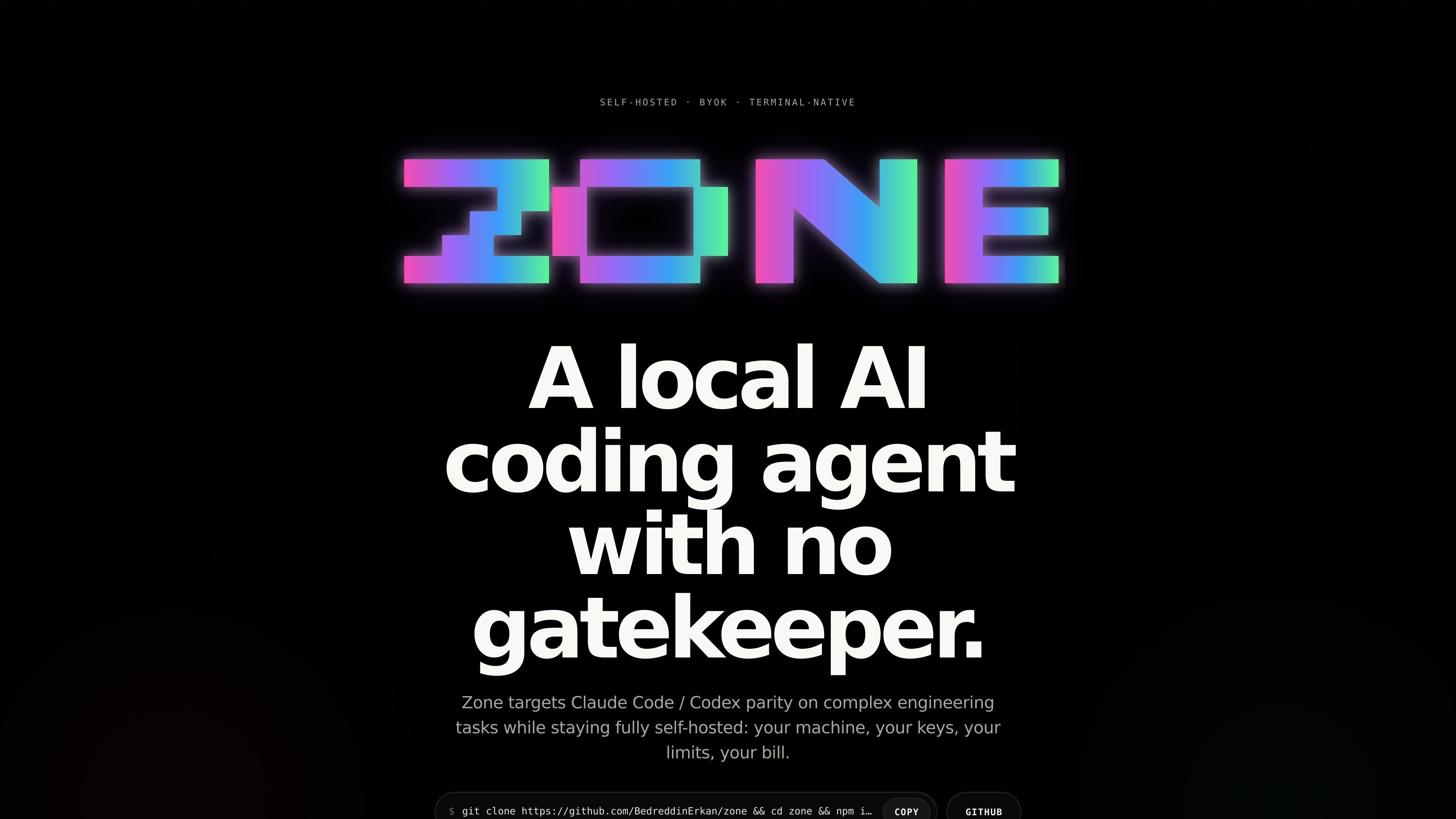
Zone is a self-hosted, terminal-native AI coding agent for developers who want to run coding automation on their own machine with their own API keys. The site positions it as a local alternative for complex engineering tasks, with support for Anthropic and OpenAI models and no hosted gatekeeper between the repo and the model.
The product emphasizes local execution and operational visibility. It includes controls for switching models, managing keys, inspecting session cost, resuming runs, and planning before execution, while showing tokens, elapsed time, model, and dollar cost for each approved run.
Runs as an Ink CLI/TUI on your machine so you can stay in the terminal while the agent works on code tasks.
Uses your Anthropic or OpenAI API keys instead of routing through a hosted account layer.
Supports exact file injection, image input, web fetch, user hooks, and MCP client connections for broader context and tooling.
Provides slash commands for common actions such as switching models, managing keys, viewing cost, and resuming sessions.
Shows tokens, elapsed time, model, and dollar cost for the current run so you can inspect what a task used.
Lets you clone, build, and run the project locally, with a note that Windows users should use WSL 2.
Use Zone when you want an AI coding agent that runs locally in the terminal and works directly against your repository without a hosted account layer.
Use the agent for repo changes that benefit from planning, session resumption, and visible cost tracking, such as multi-step feature work or refactors.
Use file injection and image input when you need the agent to reason over specific source files, screenshots, diagrams, or UI states.
Use web fetch and slash commands when you want current documentation, a quick model swap, or a way to inspect session metrics without leaving the terminal.
Use MCP client connections and user hooks when you need the agent to connect with local tools or run your own scripts around approvals and checkpoints.
Zone runs as a terminal-native CLI/TUI and is intended to be cloned, built, and run locally from the source repository. The page also notes Windows users should run it inside WSL 2.
The source says Zone is BYOK and talks directly to Anthropic or OpenAI using your API keys, so the model access depends on the keys you provide.
The page highlights commands such as /model, /keys, /cost, /metrics, /sessions, /plan-mode, /init, /memory, /autocommit, and /websearch. It says the full command reference is in the README.
Zone emphasizes local execution and real per-run cost transparency. It shows tokens, elapsed time, model, and dollars for the run you just approved.
The page does not provide a pricing page or documented subscription model. The visible copy instead emphasizes self-hosted usage and BYOK access through the user's own API keys.

ByteAsk is a terminal-first AI coding agent for C and C++ that edits repositories and verifies changes with the real compiler, debugger, sanitizers, and tests before showing a diff. It offers a free tier plus paid plans, with editor connectors and zero-retention handling described in the source.

Ghost est un assistant IA en terminal pour discuter, générer du code et lancer des tâches en ligne de commande. Modèles gratuits, Linux, macOS, Windows, open source.

CreateOS Sandbox is an isolated compute environment for running code and agent workloads inside Firecracker micro-VMs. It is designed for workflows that need machine-level isolation, private networking between sandboxes, and programmatic control through SDK, CLI, or MCP.

hob is an independent workspace for coding agents that keeps agent sessions, terminals, history, and follow-up work organized around the tools and providers you already use. It is aimed at developers who want local control over routing, history, and workspace structure rather than a bundled model stack.

Manta AI is an autonomous web app testing tool for teams that want to map application behavior, catch regressions, and generate tests without writing scripts or maintaining selectors. It works from a URL and supports plain-English test flows, run results with screenshots, and scheduled or deployment-triggered checks.

SonOf connects to your repo and PM tool, audits the codebase and surrounding product context, and turns approved work into shipped tickets with senior engineering review. It is aimed at founders and engineering leaders who need backlog help without hiring a full team immediately.