
Process context extraction
Atlas extracts process context from company docs so AI tools can answer questions like how internal workflows actually work, instead of guessing from generic internet patterns.

Atlas is a company context layer for AI tools that extracts process, data, and brand rules from existing materials and serves them to tools like Claude, Cursor, and ChatGPT. It is aimed at teams that want shared company rules available across multiple agents and workflows.
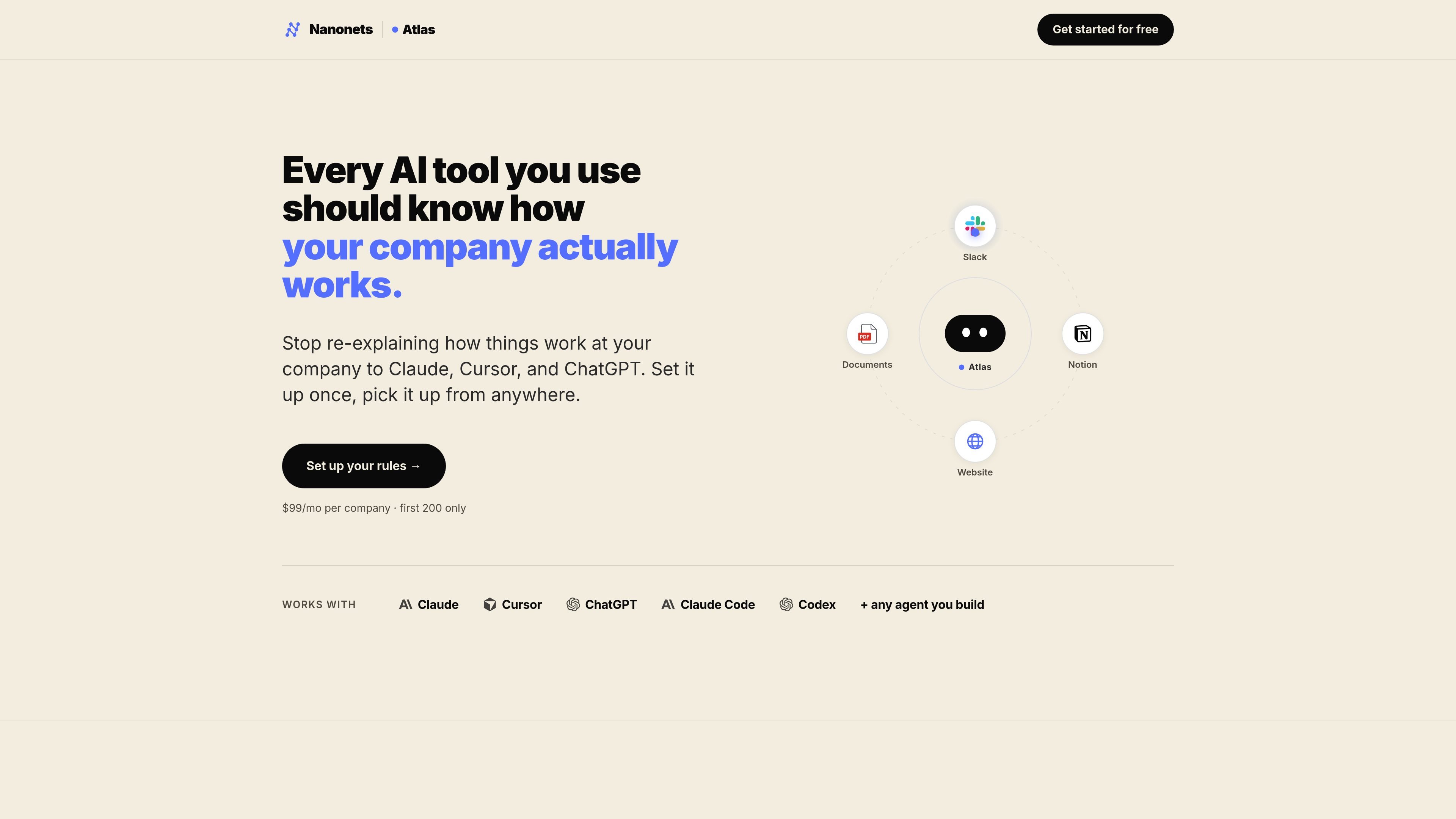
Atlas is a company context layer for AI tools. It pulls rules and reference material from sources such as a website, employee handbook, brand guide, and optional Notion content, then makes that context available to tools like Claude, Cursor, ChatGPT, Claude Code, Codex, and custom agents.
The product is organized around three kinds of context: process context for how a company actually works, data context for where information lives and how it is structured, and brand context for keeping generated slides and images on brand. Atlas stores personal rules privately, while company rules are shared and curated by admins.
Atlas extracts process context from company docs so AI tools can answer questions like how internal workflows actually work, instead of guessing from generic internet patterns.
It organizes data context around where company data lives, what it means, and how it is structured, so users can ask for metrics without re-explaining the schema or definitions.
It captures brand context for slides, decks, and images so outputs can follow company fonts, colors, and visual identity from the first draft.
The setup flow points Atlas at a website, handbook, brand guide, or Notion workspace, then extracts a reviewable set of rules and context.
Atlas can connect to AI tools through one MCP URL for tools like Claude, Cursor, ChatGPT, and Claude Code, plus one REST endpoint for custom builds.
Rules stay in plain markdown and can be exported at any time, which keeps the company from being locked into a single agent or workflow.
A team can connect company docs and handbooks so assistants answer internal process questions with the company’s actual workflow instead of generic advice.
Analysts can ask AI tools for metrics and reporting help while Atlas provides context about the company schema, metric definitions, and data locations.
Design and marketing teams can generate slides or images that follow established fonts, colors, and visual identity on the first pass.
Teams that rely on Claude, Cursor, ChatGPT, or Claude Code can use the same shared rules across tools instead of rewriting prompts in each app.
Builders can point a custom agent or internal workflow at Atlas through REST and keep the rules in markdown for export and reuse.
Atlas is set up by connecting it to your website, employee handbook, brand guide, or Notion workspace. The product says it can extract context in about 60 seconds, then let you review the results on a single page before using them in AI tools.
Atlas outputs structured process, data, and brand context, and it keeps the rules in plain markdown so they can be exported anytime. The pricing page also says rules can be served to AI tools through MCP and REST.
The site says Atlas works with Claude, Cursor, ChatGPT, Claude Code, Codex, and any agent you build through an MCP URL or REST endpoint.
Atlas is positioned for companies where employees use AI tools every day and want those tools to follow shared company rules. The site describes it as built for the 10-to-50 stage and for teams that do not want to re-explain how the company works each time.
The source shows an early-access paid plan at $99 per company per month and a free website-based start. The company says there is no payment upfront for early access and that setup help is included.

Struere is an AI-native platform for turning spreadsheet data into structured operational software with dashboards, alerts, and automations. It is aimed at teams that want to replace manual spreadsheet workflows without building custom tools from scratch.

Dcyde is a decision log for product teams that captures what was decided, the reasoning behind it, and the source in one shared place. It supports pinning decisions from Slack, Figma, or inside Dcyde and keeps the record searchable over time.

runevr is a connected workspace for creative teams that combines boards, media review, chat, recordings, drive, calls, and AI agents in one room-based environment. It is designed to reduce tool switching and keep project context together.

Goldfish is an AI memory app for macOS that helps you reply, write, summarize, and continue using the context already on your Mac. It stores memory locally and writes in your tone.

Lasso is an ecommerce product data platform for enriching catalog records, processing supplier files, generating product content, and monitoring competitors. It combines a web app with a REST API, SDK, and MCP server for teams and developers.

Biji è una piattaforma versatile progettata per migliorare la produttività attraverso strumenti e funzionalità innovative.