
Automatic YouTube source detection
Paste a YouTube link and the app detects the source type automatically, so you can work from videos, Shorts, live videos, channels, playlists, or custom URL lists without a source dropdown.

AudienceCue downloads public YouTube comments from videos, channels, playlists, Shorts, and live streams, then turns them into cited AI reports. It is built for creators, researchers, and teams who want comment analysis that stays linked to source evidence.
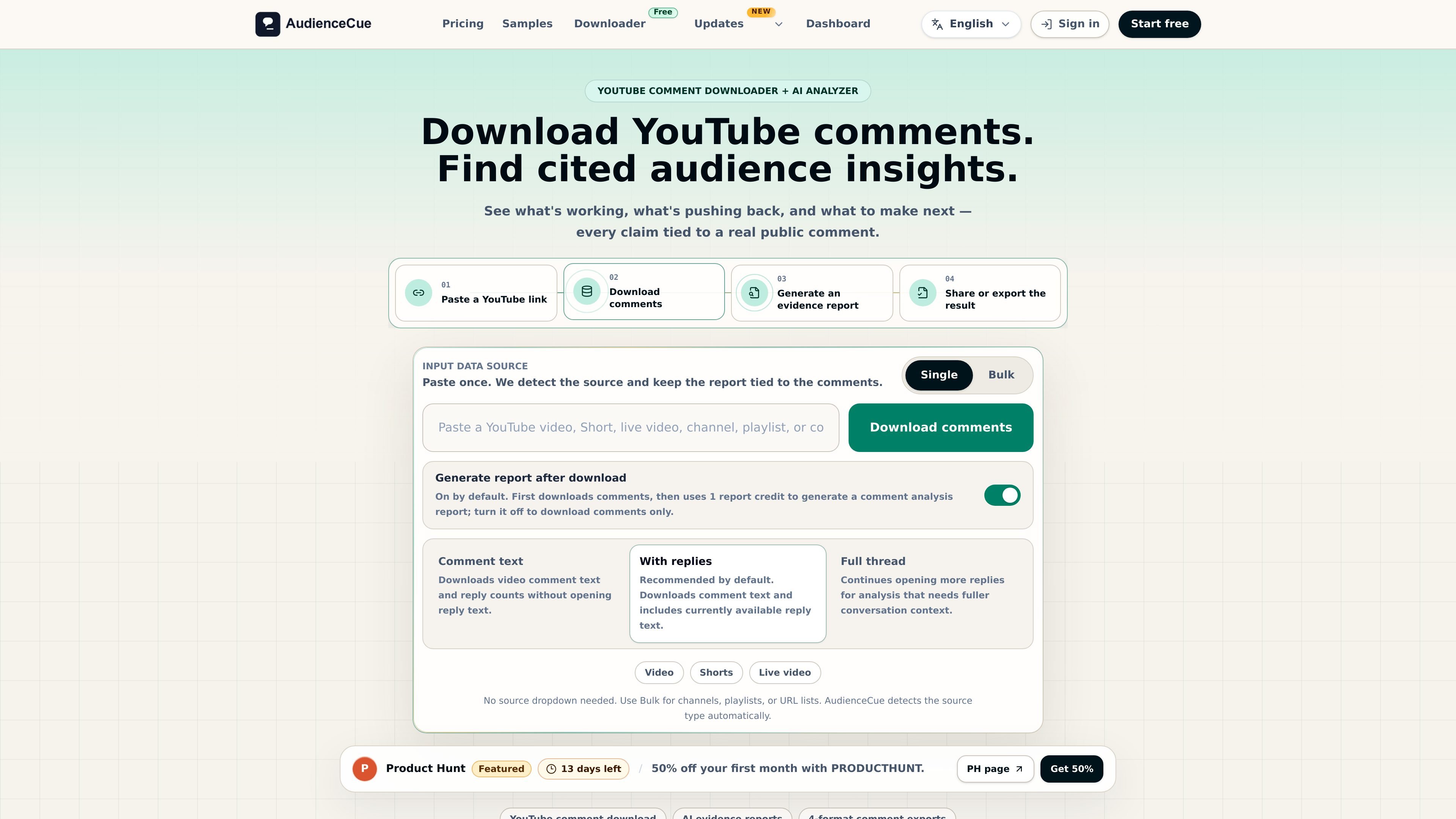
AudienceCue is a YouTube comment downloader and AI analysis tool that turns public comment data into cited reports. It is designed for people who want to inspect what viewers are saying across videos, Shorts, live videos, channels, playlists, or mixed URL lists, then keep the output tied to the source comments.
The workflow starts with a YouTube link or list of links, downloads the comments, and can generate an evidence report from those saved rows. The product emphasizes traceability: report claims stay linked to real public comments, and the download files can be kept, reviewed, and reused later.
AudienceCue supports both one-off research and repeat workflows. The pricing page describes free preview use, paid plans for larger comment files, full thread depth, monitoring, and API workflows, while the samples page shows downloadable comment files and public report examples before checkout.
Paste a YouTube link and the app detects the source type automatically, so you can work from videos, Shorts, live videos, channels, playlists, or custom URL lists without a source dropdown.
Download comment text with options for comments only, comments with currently available replies, or a fuller thread view that opens more reply pages when context matters.
Create evidence-backed AI reports from downloaded comments, with each insight tied to real public comments rather than a generic summary.
Export saved comment data in CSV, JSON, TXT, or XLSX, and export reports in HTML, Markdown, or JSON for sharing, handoff, or automation.
Share read-only report links or download HTML for clients, teammates, or archival use, with links that can expire or be revoked.
Use the Public API on higher plans to create jobs, check usage, start downloads, and fetch comment or report exports from your own tools.
Use a single video, Short, or live stream when you want to see how viewers reacted to a launch, tutorial, event, or announcement and keep the analysis grounded in comments.
Run a channel, playlist, or multi-link job when you want to compare recurring themes across a content library, competitor set, or campaign series.
Generate a cited report for internal review, client handoff, or stakeholder discussion when you need conclusions that can be checked against the original comments.
Export CSV, JSON, TXT, or XLSX comment files when you need spreadsheet review, downstream automation, or a handoff to another tool.
Use monitoring and API workflows on higher plans when you need repeated checks or want to trigger downloads and fetch exports from your own systems.
Yes. The pricing page shows a free tier that lets you preview one link before paying, with one download and one report included.
A download credit appears to correspond to one comment-download job from a YouTube source such as a video, channel, playlist, or URL list.
Comment exports can include fields such as source URL, source type, source title, parent ID, reply status, author name, author channel ID, author profile image URL, text, like count, reply count, published time, updated time, and permalink.
The AI report turns downloaded comments into an evidence-backed analysis with audience signals, key judgments, recommended actions, and risk flags, with claims tied back to public comments.
Yes. Reports include source-linked evidence, and the sample reports show evidence sections and an appendix so conclusions can be checked against the underlying comments.

Hype is a web tool for finding trending YouTube topics by category, time range, and scoring mode. It helps creators spot emerging ideas, inspect source videos, and decide what to cover next.

VForms lets you place questionnaires directly inside YouTube videos so viewers answer in context instead of switching to a separate form. It is aimed at collecting feedback and insights through timestamped, embeddable video forms.

Radar is a self-hostable media intelligence and social listening app for monitoring public sources, analyzing mentions, and generating briefs or content outputs with optional Claude AI. It is aimed at individuals and small teams that want an enterprise-style workflow without a cloud account.

PromptScout tracks how ChatGPT, Gemini, Google AI Overviews, and Perplexity mention your brand or competitors, then pairs those results with source analysis and website audits. It helps teams decide what to fix in content, positioning, or site readiness next.

SaveMRR is a Stripe retention tool for SaaS teams that scans billing data for churn and MRR leaks, then automates recovery through dunning, cancel-save offers, win-back emails, and onboarding nudges. It is built for founders and bootstrapped teams using Stripe.

Sleek Analytics is a privacy-friendly web analytics tool with real-time visitor tracking, Core Web Vitals, and revenue attribution. It helps site owners understand traffic and conversions without cookie banners or a heavy setup.