
Chat-based calendar actions
Create, move, rename, and delete events, or ask what is scheduled and when you are free, using a written request instead of navigating calendar forms.

Calendar Assistant is an AI scheduling tool for Google Calendar and Outlook. It helps individuals manage events, reminders, recurring schedules, and availability by typing or speaking requests, with support for mobile, web, Windows, and Chrome.
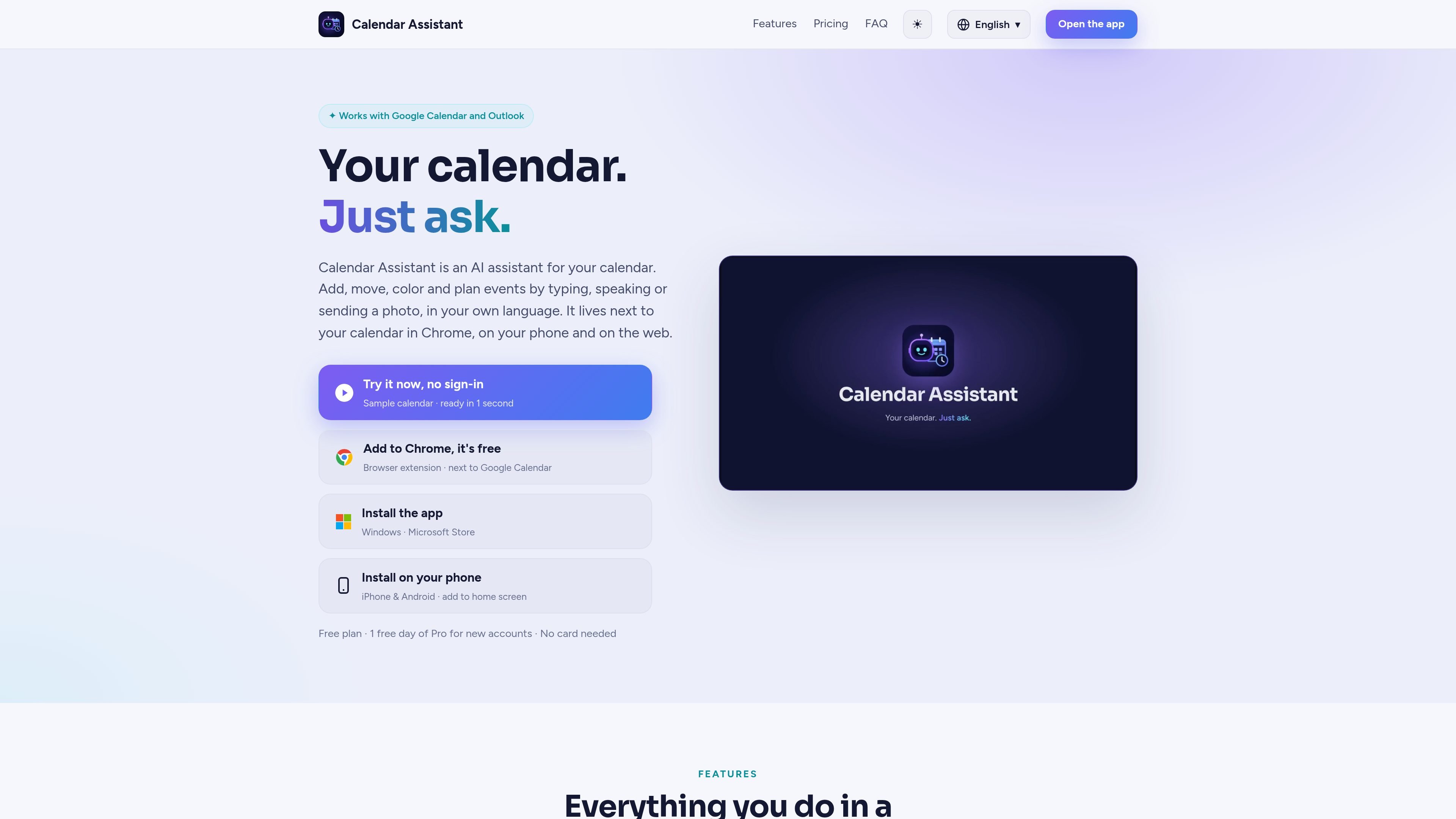
Calendar Assistant is an AI calendar tool for Google Calendar and Outlook. It lets users create, move, rename, and delete events, check availability, and manage recurring events or reminders through typed requests or voice messages rather than conventional calendar forms.
The service is available through a Chrome extension, Android and iPhone apps, a web app, and an installable Windows app. It can also combine Google and Outlook calendars, convert event details from photos, and provide optional meeting and note features on higher plans. Its assistant reports completed actions so users can review changes in their calendars, while chats and voice messages are not stored on its server.
Create, move, rename, and delete events, or ask what is scheduled and when you are free, using a written request instead of navigating calendar forms.
Send voice messages that are transcribed and used to carry out calendar requests. The service supports spoken or written input in any language or dialect.
Turn a photo of a flyer, invitation, or ticket into an event using the date, time, and place shown in the image.
Set up repeating events, reminders, colors, and categories in one sentence, including recurring schedules and reminder timing.
Add notes or to-do items inside an event, then use AI to tidy notes, draft a recap email, or plan a follow-up.
Add Google Meet, Microsoft Teams, or Zoom links to events and invite guests by email. Meeting tools and guest invitations are available with Pro; Google Meet works with Google accounts, Microsoft Teams with Outlook and Microsoft work or school accounts, and Zoom after connecting a Zoom account.
Add appointments, move plans, and check availability by typing or speaking a natural-language request instead of filling out calendar fields.
Keep personal Gmail or Google Workspace calendars alongside Outlook.com, Hotmail, or Microsoft 365 calendars, and choose which accounts the assistant can use.
Turn a photographed invitation, ticket, or event flyer into a calendar entry when manually entering the date, time, and location would be inconvenient.
Set up classes, recurring appointments, bill reminders, or other repeated commitments with a single request and a specified reminder time.
For supported Pro workflows, attach a video meeting link, invite guests, and keep notes or follow-up tasks with the event.
Calendar Assistant works with Google Calendar, including personal Gmail and Google Workspace accounts, and Outlook, including Outlook.com, Hotmail, and Microsoft 365 accounts.
You can write or speak in any language or dialect. The app interface is available in English, French, Arabic, Spanish, Italian, and German.
No. Chats and voice messages are not saved on the service's server, and events are read live from Google or Microsoft. The service stores only what is needed for sign-in and settings.
Yes. The assistant can misunderstand requests, so it reports what it did and lets you check or change the result in your calendar. Important appointments should be double-checked.
The Chrome extension opens in a side panel, while the service is also available as a phone app for Android and iPhone, a full-screen web app, and an installable Windows app.