CloudKnife icon

CloudKnife

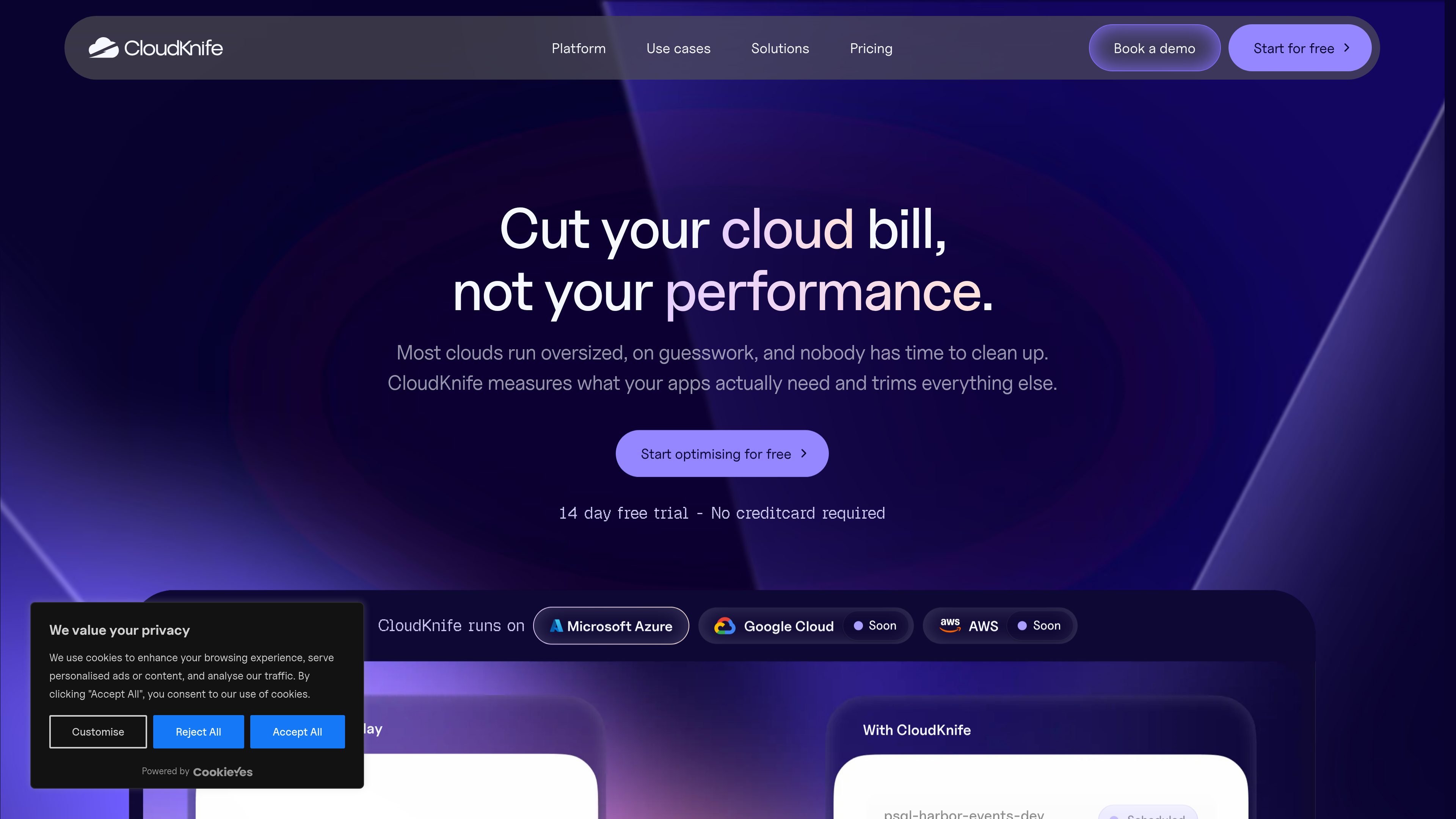
CloudKnife is a FinOps platform for Azure teams that want to reduce cloud waste using workload, usage and cost evidence. It identifies optimisation opportunities across compute, databases, storage and commitments, while leaving execution to team approval or optional guarded automation.

CloudKnife

Azure cost optimisation based on workload evidence

CloudKnife is a FinOps and Azure cloud cost-optimisation platform for teams that need to understand and reduce infrastructure spend without sizing resources from cost data alone. It examines Azure resources, usage metrics, workload context and cost to find oversized, idle and orphaned resources, then presents proposed changes with evidence, reasoning and an estimated saving.

The workflow separates analysis from execution. Teams can review recommendations, see their impact in a consolidated resource view, and approve changes at their own pace. For organisations that want automation, Autopilot can carry out approved types of changes within policies and infrastructure-as-code guardrails; automation is opt-in rather than enabled by default.

Core capabilities

Workload-aware compute optimisation

CloudKnife evaluates compute workloads, including when they run and how they are used, then suggests suitable sizes, compute families and schedules. Recommendations can include resizing, pausing nights and weekends, or switching capacity.

Database optimisation

The platform assesses databases in the context of their architecture, query load and shared pools. It can identify opportunities to resize, pause non-production databases and match storage and IOPS to observed throughput.

Storage and snapshot review

CloudKnife matches storage tiers and redundancy to workload needs, and identifies disks and snapshots that are no longer being used. It also surfaces storage resources whose performance or capacity may not match actual usage.

Commitment analysis

The platform analyses reservations and savings plans, traces commitments to the resources they cover and identifies unused coverage. It can model commitment strategies before a new purchase and account for resources taking over coverage after a resize.

Evidence-based recommendations

Recommendations combine usage, tags and budget signals into proposed actions with context, reasoning, estimated savings and trade-offs. Teams can review related changes as a single plan rather than investigating isolated alerts.

Controlled execution with Autopilot

Teams can approve changes individually or configure Autopilot to act within defined policies and infrastructure-as-code guardrails. Autopilot continues adjusting infrastructure as workloads drift, while automated changes remain traceable.

Practical use cases

  • Reduce waste in production and non-production compute

    Use workload and schedule evidence to find virtual machines that are oversized, run outside business hours or would fit a different compute family. Teams can prioritise changes by expected savings, risk and effort before approving them.

  • Tune database environments without relying on defaults

    Review databases alongside their surrounding architecture instead of treating each resource as an isolated recommendation. This supports decisions about resizing, pausing non-production systems and aligning storage and IOPS with actual query throughput.

  • Clean up storage and orphaned resources

    Find unattached disks, old snapshots and storage tiers that do not reflect the data or workload they support. This is useful for cleaning up long-lived Azure environments where abandoned resources are difficult to track manually.

  • Make commitment decisions with coverage context

    Trace reservations and savings plans to the resources they cover, identify unused commitment capacity and simulate a future commitment strategy. Finance and engineering teams can use this evidence before making or changing a reservation.

  • Maintain savings after the initial review

    Set rules for recurring, low-risk optimisation and let Autopilot apply permitted changes while workloads change over time. Engineering and operations teams retain a review path and an audit trail for automated actions.

Pros and Cons

Pros

  • Recommendations include workload context, reasoning, supporting data and a price tag rather than only a usage-based warning.
  • Teams retain approval control, with optional Autopilot automation bounded by policies and infrastructure-as-code guardrails.
  • The platform combines optimisation areas including compute, databases, storage, reservations and savings plans in one Azure-focused workflow.
  • The service is hosted in West Europe inside Microsoft’s EU Data Boundary and states that data is processed within the EEA.

Cons

  • The currently supported cloud platform is Azure; AWS and Google Cloud are described as roadmap items rather than available integrations.
  • The product’s published use cases and platform scope are primarily focused on compute, databases, storage and commitments, so broader cloud-service coverage is not established by the available information.
  • The site does not publish a complete setup or implementation description, so onboarding effort cannot be assessed from the available product pages.

FAQ

Which cloud platforms does CloudKnife support?

CloudKnife currently supports Microsoft Azure. The site says its underlying engine is cloud-agnostic and that other providers are on the roadmap, but AWS and Google Cloud support is not presented as available today.

What information does CloudKnife use?

CloudKnife reads Azure resources, usage metrics and cost data to assess workload needs, identify potential savings and price proposed changes. The site states that every recommendation includes its reasoning and supporting data.

Will CloudKnife change Azure resources automatically?

Changes begin as proposals for review and approval. Automation is optional: teams can define policies and infrastructure-as-code guardrails that limit what Autopilot may change, and changes made by Autopilot are traceable.

Where is CloudKnife hosted?

CloudKnife is hosted on Microsoft Azure in West Europe, inside Microsoft’s EU Data Boundary, and processes data in the European Economic Area. Its data processing agreement lists subprocessors and applicable safeguards for any provider transfers outside the EEA.

Quick Facts

Category
FinOps and cloud cost optimisation
Primary platform
Microsoft Azure
Optimisation areas
Compute, databases, storage and commitments
Execution model
Review and approve recommendations; optional guarded Autopilot automation
Hosting
Microsoft Azure in West Europe, within Microsoft’s EU Data Boundary
Access
A free start and 14-day trial are advertised on the site

Alternative a CloudKnife