
Parallel subagent workflows
Codex can spawn specialized agents in parallel and then combine their results into one response, which is useful for tasks that can be split into independent pieces.

Codex subagents let Codex split work across specialized agents that run in parallel and return a consolidated response. It supports custom agents with distinct instructions and model settings, and activity is surfaced in the Codex app and CLI.
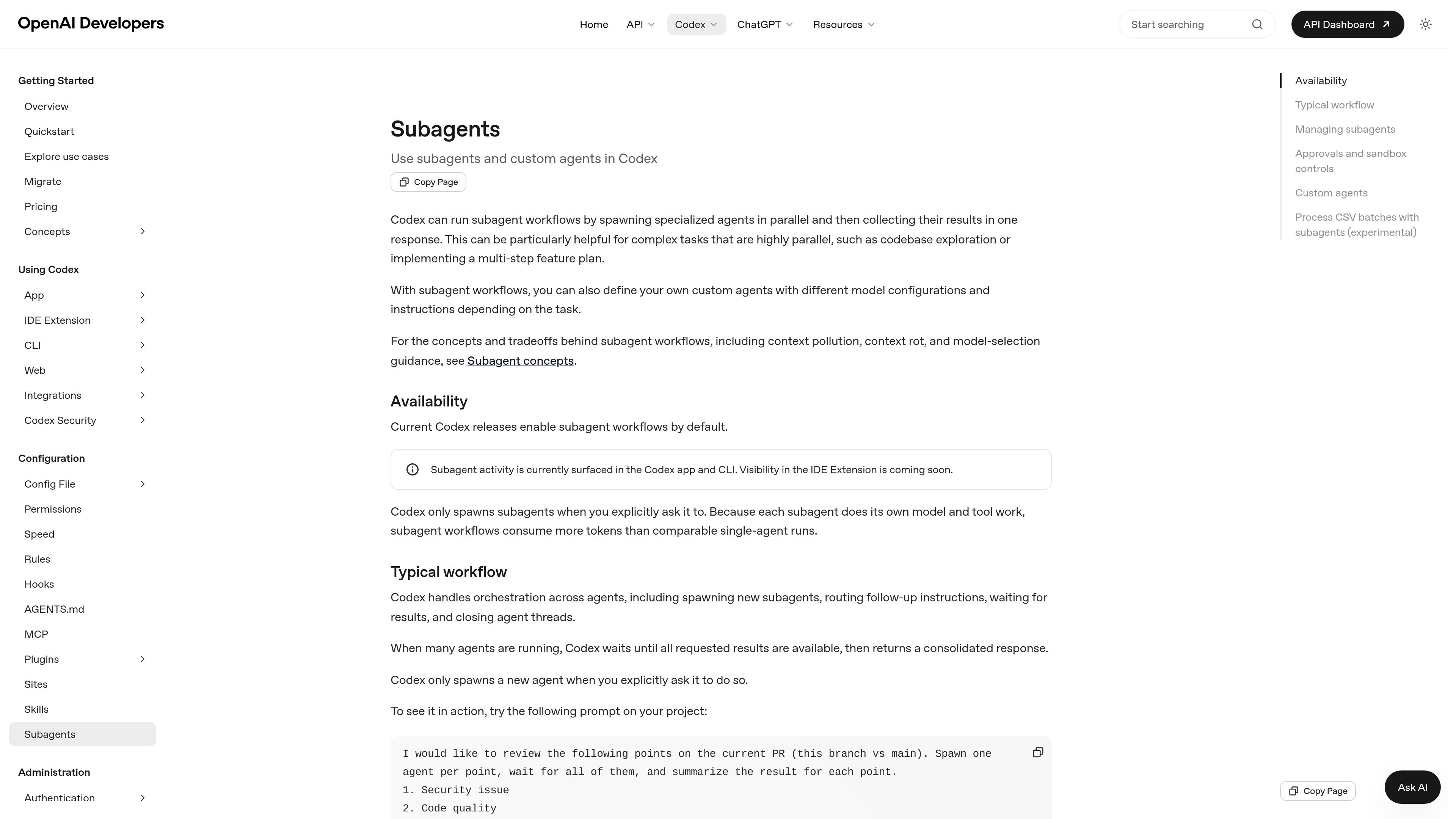
Codex subagents let Codex split a task into specialized agents that can run in parallel and then return a consolidated response. The workflow is designed for work that benefits from delegation, such as codebase exploration or planning a multi-step change.
The product also supports custom agents with different model configurations and instructions, alongside built-in agents for general-purpose, execution-focused, and exploration-heavy tasks. Current releases enable subagent workflows by default, and activity is currently surfaced in the Codex app and CLI.
Codex can spawn specialized agents in parallel and then combine their results into one response, which is useful for tasks that can be split into independent pieces.
Codex handles the orchestration layer for you, including spawning subagents, routing follow-up instructions, waiting for results, and closing agent threads.
You can define custom agents with their own instructions and model settings, or use the built-in `default`, `worker`, and `explorer` agents provided by Codex.
Subagent activity is available in the Codex app and CLI today, with IDE Extension visibility noted as coming soon.
Subagents inherit the current sandbox policy and live runtime overrides, including session changes such as `/permissions` or `--yolo` when spawned from an interactive session.
Custom agents can be configured with optional settings such as `model`, `model_reasoning_effort`, `sandbox_mode`, `mcp_servers`, `skills`, and `nickname_candidates`.
Split a code review or PR audit into separate agents so each one can focus on a specific concern, such as security, bugs, race conditions, test flakiness, or maintainability.
Break a large implementation plan into smaller subagents that work at the same time and then merge their findings into a single summary.
Use an exploration-oriented agent to map a codebase, gather evidence, or inspect related files before a developer makes a change.
Create narrow custom agents for distinct jobs, such as review, implementation, or documentation lookups, when one generic prompt is too broad.
Switch between active agent threads in the CLI, inspect an ongoing thread, or steer, stop, and close subagents during a session.
Codex currently enables subagent workflows by default. In the app and CLI, you can ask Codex to spawn specialized agents for a task, and the IDE extension visibility is listed as coming soon.
Subagents are surfaced in the Codex app and CLI. The source notes that visibility in the IDE Extension is coming soon.
Codex can spawn subagents only when you explicitly ask it to. It does not automatically create child agents for every task.
Yes. The product page says you can define custom agents with different model configurations and instructions, and Codex also ships with built-in agents such as default, worker, and explorer.
Custom agents are defined as standalone TOML files under `~/.codex/agents/` for personal agents or `.codex/agents/` for project-scoped agents.

GitBot is a local browser-based workspace for creating reusable coding bots powered by Claude Code, Codex, or OpenCode. It helps developers run those agents across repository folders with persistent threads and configurable permissions.

ByteAsk is a terminal-first AI coding agent for C and C++ that edits repositories and verifies changes with the real compiler, debugger, sanitizers, and tests before showing a diff. It offers a free tier plus paid plans, with editor connectors and zero-retention handling described in the source.

CreateOS Sandbox is an isolated compute environment for running code and agent workloads inside Firecracker micro-VMs. It is designed for workflows that need machine-level isolation, private networking between sandboxes, and programmatic control through SDK, CLI, or MCP.

Ghost è un assistente AI da terminale per chattare, generare codice ed eseguire task da riga di comando. Include modelli gratuiti, supporta Linux, macOS e Windows, ed è open source.

Vi3ecode is a maintained development environment for working with AI coding agents. It keeps project context, terminal, Git, memory, flows, review, and communication connected around the agent you already use.

AakarDev AI helps teams manage AI provider access, project-level setups, logs, and analytics from one dashboard. It supports BYOK workflows and lists providers including OpenAI, Google Gemini, Anthropic, Groq, Mistral AI, and Perplexity AI.