
Google Ads reporting and analysis
Use ChatGPT or Claude to ask about campaign performance, wasted spend, keyword quality, budget pacing, device splits, geo performance, landing pages, and raw GAQL queries.

connector.wtf provides MCP connectors that let ChatGPT, Claude, and Cursor query sources such as Google Ads, Search Console, HubSpot, and WooCommerce in plain English. Most connectors are read-only, with some Meta Ads actions available behind approval prompts.
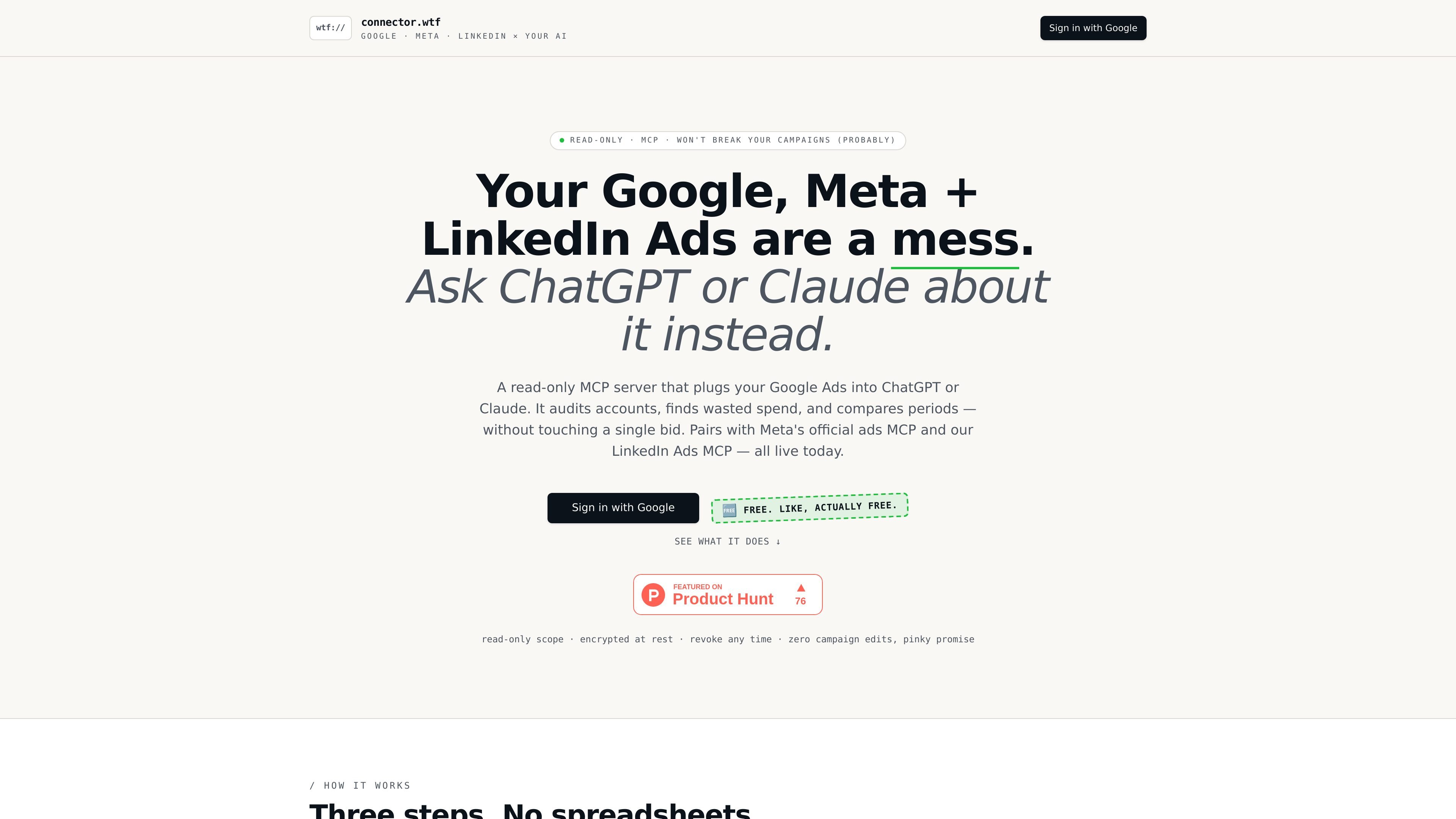
connector.wtf is a set of MCP connectors that let ChatGPT, Claude, and Cursor query business data sources in plain English. The current product pages cover Google Ads, Meta Ads, LinkedIn Ads, Google Search Console, HubSpot, and WooCommerce, with additional connectors listed on the homepage such as GA4 and LinkedIn Ad Library.
The main purpose is to replace manual exports and spreadsheet work with assistant-driven analysis. The Google Ads connector focuses on read-only reporting and account audits, the Search Console connector surfaces query and page performance, HubSpot exposes CRM records and pipeline data, and WooCommerce brings store revenue and order data into the same chat workflow.
Use ChatGPT or Claude to ask about campaign performance, wasted spend, keyword quality, budget pacing, device splits, geo performance, landing pages, and raw GAQL queries.
Connect Meta Ads in the same chat for reporting, campaign creation and edits with approval prompts, catalog management, and signal diagnostics.
Mirror the Google Ads workflow for LinkedIn Ads with account, campaign, and creative reporting, B2B-specific pivots, geo breakdowns, and lead gen form summaries.
Pull Search Console data such as top queries, top pages, query filters, verified sites, clicks, impressions, CTR, and position using read-only Google access.
Query HubSpot for contacts, companies, deals, pipelines, owners, tickets, and recent objects with read-only OAuth scopes.
Inspect WooCommerce orders, revenue, products, customers, coupons, and multiple stores through read-only API keys.
Review spend, wasted search terms, budget pacing, and performance changes without exporting campaign data into spreadsheets.
Ask for queries, pages, CTR, and site-level changes to understand how organic search visibility is shifting across verified properties.
Look up contacts, deals, pipelines, and owners to answer pipeline questions and spot stalled opportunities inside HubSpot.
Monitor orders, revenue, top products, refunds, customers, and coupon usage for a WooCommerce store from the same assistant interface.
Combine several connectors in one chat so an analyst can move between ad spend, search, CRM, and store data without switching tools.
It connects ChatGPT, Claude, or Cursor to specific data sources through MCP so you can ask questions in natural language. On the supported pages, setup is presented as signing in or connecting the source, then adding the MCP URL to your assistant.
The site supports Google Ads, Meta Ads, LinkedIn Ads, Google Search Console, HubSpot, WooCommerce, and additional connectors listed on the homepage such as GA4, LinkedIn Ad Library, and Meta Ads MCP. Some connector pages say the feature is available now, while others are marked coming soon.
Most connectors are read-only. The ads and CRM pages say the AI cannot change campaigns, records, or emails. The Meta Ads connector is the exception on the homepage: it supports create and edit actions, but those actions require approval prompts.
The source pages describe the service as free during beta. The pricing page currently returns a 404, so no paid plan details are provided in the available source material.
Supported pages state that Google Search Console uses a read-only Google OAuth scope, HubSpot uses read-only OAuth scopes, and WooCommerce uses read-only API keys. The pages also say tokens or keys are encrypted at rest and can be revoked or replaced.

PromptScout tracks how ChatGPT, Gemini, Google AI Overviews, and Perplexity mention your brand or competitors, then pairs those results with source analysis and website audits. It helps teams decide what to fix in content, positioning, or site readiness next.

SaveMRR is a Stripe retention tool for SaaS teams that scans billing data for churn and MRR leaks, then automates recovery through dunning, cancel-save offers, win-back emails, and onboarding nudges. It is built for founders and bootstrapped teams using Stripe.

Hype is a web tool for finding trending YouTube topics by category, time range, and scoring mode. It helps creators spot emerging ideas, inspect source videos, and decide what to cover next.

Sleek Analytics is a privacy-friendly web analytics tool with real-time visitor tracking, Core Web Vitals, and revenue attribution. It helps site owners understand traffic and conversions without cookie banners or a heavy setup.

Struere is an AI-native platform for turning spreadsheet data into structured operational software with dashboards, alerts, and automations. It is aimed at teams that want to replace manual spreadsheet workflows without building custom tools from scratch.

ClayHog è una piattaforma di visibilità nella ricerca AI per monitorare come i brand appaiono in ChatGPT, Gemini, Perplexity, Claude e Google AI Overviews. Un’unica dashboard per agenzie, marketing e SEO.