
Shared agent memory
Connected tools save decisions, notes, contacts, customer information, and files as they work, then read that information in later sessions.

Context Engine is a shared memory service for AI agents and teams. It connects tools such as ChatGPT, Claude, Claude Code, and Cursor so they can save and retrieve project context while people can read, query, and add files.
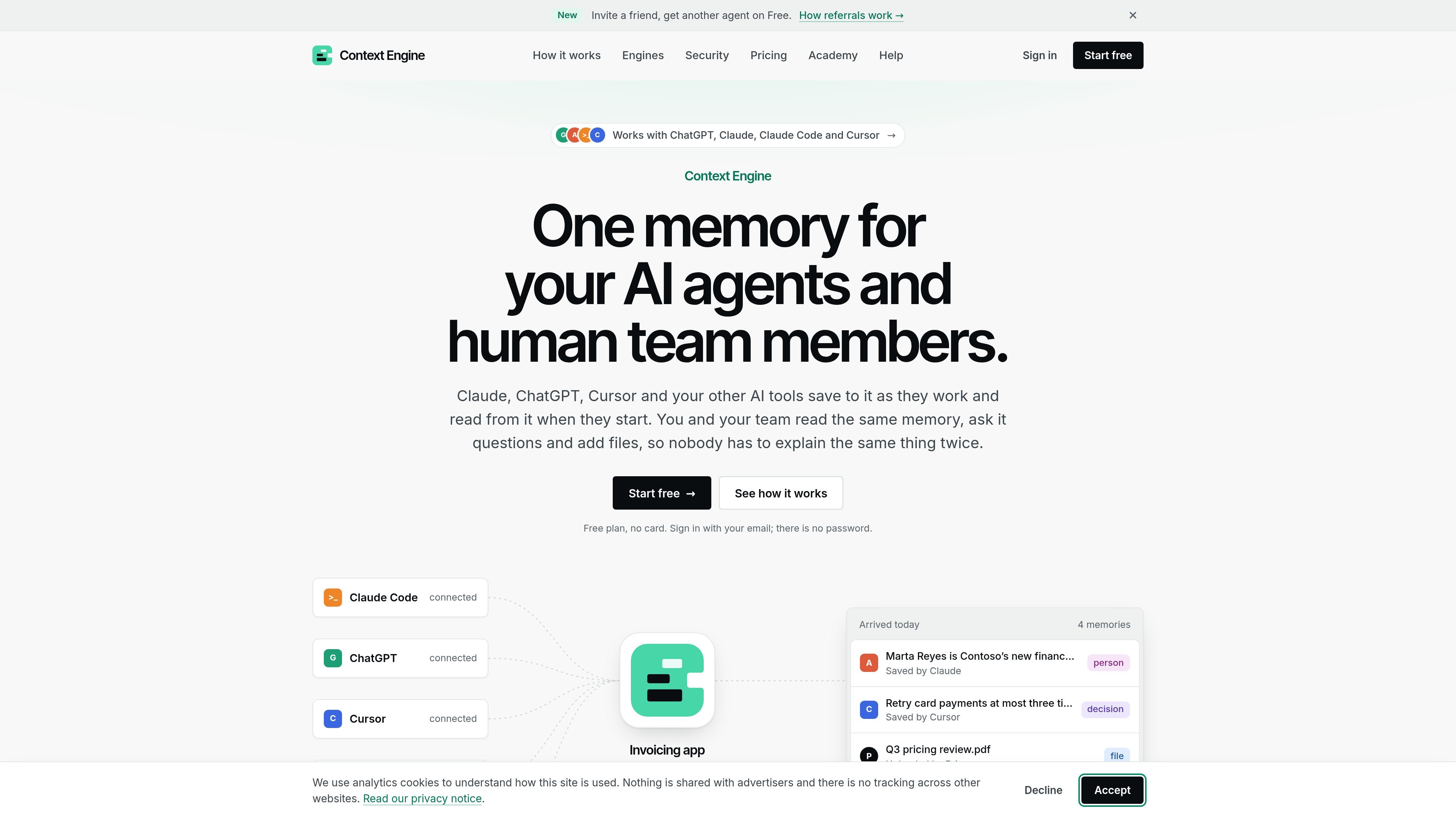
Context Engine is a shared memory service for AI agents and the people who work with them. Connected tools such as ChatGPT, Claude, Claude Code, and Cursor can save decisions, notes, contacts, customer information, and files, then retrieve relevant context in later sessions instead of starting from an empty conversation.
The service is organized around purpose-specific engines for an individual, client, project, or team. People can view the same memory in the app, ask questions, add files, and control which connected tools can read or save to each engine. Hosted plans are available, and an Enterprise edition runs on an organization’s own server.
Connected tools save decisions, notes, contacts, customer information, and files as they work, then read that information in later sessions.
Team members can inspect the same memories in the app, ask questions in plain language, and add files, folders, or ZIP archives without relying on an AI tool’s private chat history.
Each engine has a stated purpose and can be assigned separately to a person, client, project, or team. Connections can be limited to selected engines with read-only or read-and-save access.
New sessions receive a concise brief covering the engine’s purpose, recent activity, and changes since the tool’s last visit. Additional information can be found through semantic and exact-word search.
The service creates summaries, links related memories, detects likely duplicates, and preserves change history including the contributor, tool, and previous value.
Users can ask questions in natural language, with answers identifying the memories used as sources. Stored information can be exported as Markdown or deleted.
A developer can connect Claude Code and Cursor to the same project engine so implementation decisions, conventions, and recent changes carry between tools and sessions.
A consultant or agency can create a separate engine for each client, restrict each connection to the relevant engine, and keep client decisions, contacts, and open questions from crossing over.
A team can use one shared engine for product decisions, customer requests, people, and reference files, allowing members to inspect what agents know and add material directly.
A user can connect different personal or work engines with explicit read or read-and-save permissions, then search across them while seeing which engine produced each result.
An organisation that needs its own infrastructure can use the Enterprise edition, which runs on its server and includes roles, an audit log, backups, monitoring, and versioned Markdown storage.
Context Engine is a hosted service that stores shared memories for connected AI tools and team members. You sign in with an email, connect tools through their connectors or MCP, and can then read, search, and add information in the app.
It supports ChatGPT, Claude on the web and desktop, Claude Code, Cursor, and agents or other tools that support MCP or HTTP. Claude Code can be connected with one command, while other tools use the available connector or connection flow.
An engine can contain decisions, notes, people, customers, and files. AI tools can save and read memories, while team members can read the same information, ask questions in plain language, and upload files, folders, or ZIP archives.
Yes. Connections can be limited to selected engines and set to either read or read and save. Engines can be used for different people, clients, or projects, providing separation between their information.
Hosted plans include Free, Pro, and Unlimited options priced per engine. The Free plan supports one agent per engine initially, Pro supports 10, and Unlimited supports unlimited agents. Enterprise is installed on the customer’s own server and starts at $6,000 per year per install.

Lasso is an ecommerce product data platform for enriching catalog records, processing supplier files, generating product content, and monitoring competitors. It combines a web app with a REST API, SDK, and MCP server for teams and developers.

Falconer is an AI-powered company brain that keeps internal documentation accurate, searchable, and up to date by syncing with tools like GitHub, Slack, and Linear. It helps engineering and cross-functional teams centralize knowledge and answer questions from a shared source of truth.

qbrin is an enterprise AI search and governed agent platform that turns company knowledge into cited answers and can abstain when evidence is missing. It is built for teams that need source-backed responses, policy controls, and traceable AI actions.

Goldfish is an AI memory app for macOS that helps you reply, write, summarize, and continue using the context already on your Mac. It stores memory locally and writes in your tone.

ArtDeck is a visual reference board app for iPhone, iPad, and Mac that lets artists collect mixed reference material on one canvas and study it with ToolBox lenses. It works offline, supports optional iCloud sync, and is sold as a one-time purchase with no account required.

Struere is an AI-native platform for turning spreadsheet data into structured operational software with dashboards, alerts, and automations. It is aimed at teams that want to replace manual spreadsheet workflows without building custom tools from scratch.