
Fast, low-friction capture
Capture thoughts by voice, text, or screenshot with one button and no required fields. The site says capture takes about four seconds and there is no folder or tag decision at save time.

Corteks is a private-beta iOS app for capturing raw thoughts and having them organised and read back to you. It accepts voice, text, or screenshots, then analyses entries into summaries, tags, links, and weekly reflections grounded in your own history.
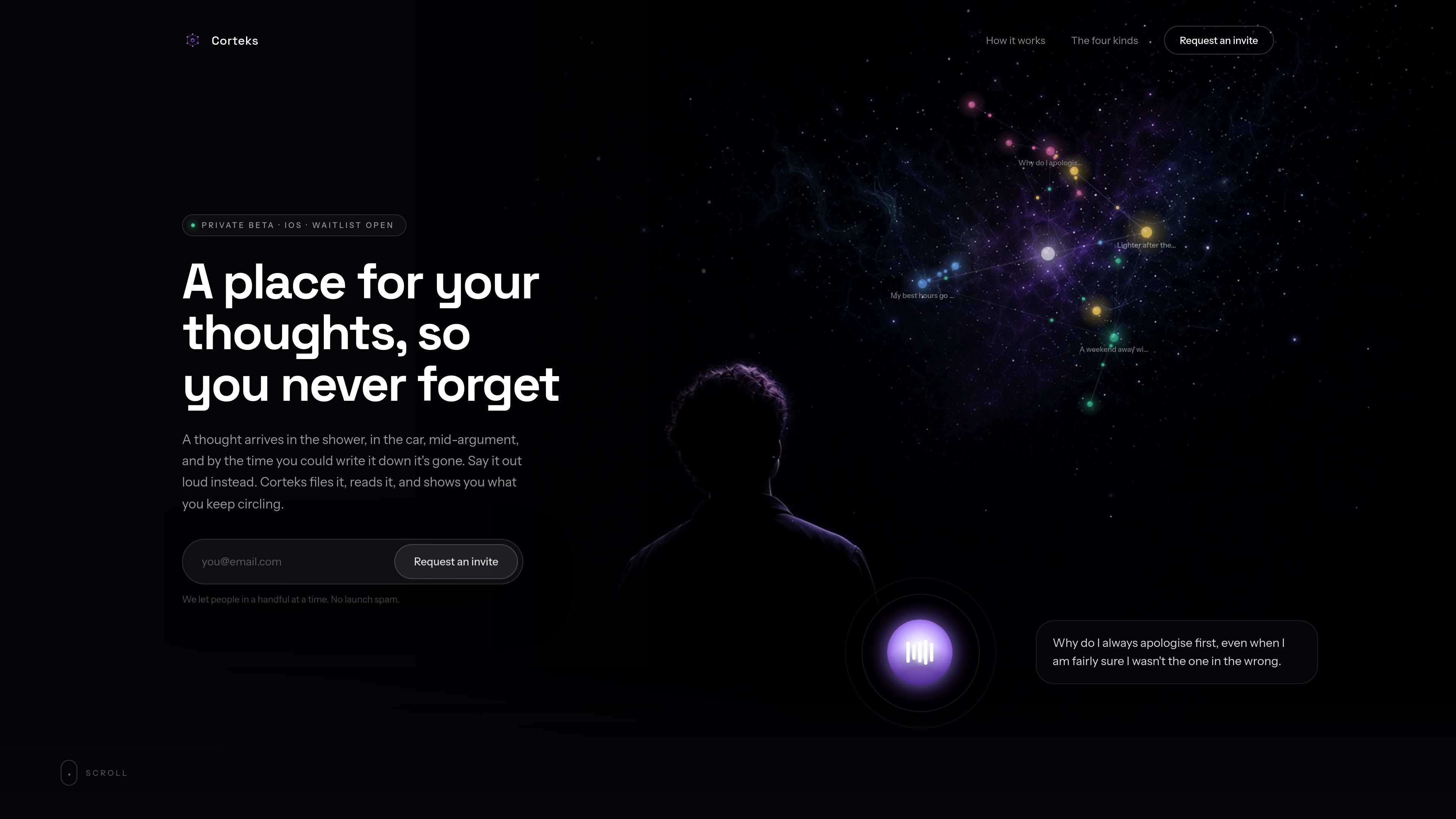
Corteks is a private-beta iOS app for capturing raw thoughts and having them organised and read back to you. It is aimed at the moments when a thought appears quickly and would otherwise be forgotten: in the shower, mid-conversation, or while moving between tasks.
The product is built around spoken thoughts first, but it also accepts typed text and screenshots. Instead of asking you to choose folders or tags, Corteks analyses each entry, connects it to what you have already captured, and surfaces patterns through a thought graph, weekly readings, and conversation-style answers grounded in your own history.
Capture thoughts by voice, text, or screenshot with one button and no required fields. The site says capture takes about four seconds and there is no folder or tag decision at save time.
Speech-to-text runs on the device itself, so the audio never leaves the phone. The text is then sent for analysis rather than the raw recording.
Each thought is titled, summarised, assigned a kind, and tagged automatically. Corteks also checks new thoughts against your earlier entries to find patterns and repeats.
Captured thoughts are placed on a graph and connected to related items. The site describes this as closer to an AI mind map than a list.
Corteks generates readings and a weekly story about your own thinking, including what you thought about most, what shifted, and what you keep circling.
You can ask questions grounded in your own history, and the app answers from what you have written rather than from the internet.
Use Corteks when an idea appears too quickly to sort into a folder. You can speak it immediately, then let the app title and categorise it later.
Use it as a personal thinking log if you want to notice recurring themes, repeated concerns, or topics you keep circling over time.
Use the weekly story as a lightweight reflective check-in that summarises what you thought about most, what changed, and what stayed stuck.
Use the question feature when you want answers based on your own notes instead of search results, such as whether you have been avoiding something or repeating yourself.
Use the app to keep voice-driven notes without having to decide on tags or folders up front, which can be helpful when you want to capture first and organise later.
Corteks is an app for capturing your own thoughts and having them organised and read back to you. You can capture spoken thoughts, typed text, or a screenshot, and the app analyses them into titles, summaries, kinds, tags, and links to related thoughts.
Capture takes about four seconds. You speak, type, or drop in a screenshot, and the app handles the rest: speech-to-text runs on your device, then the text is analysed and added to your graph.
Corteks is available as a private beta on iOS only through a TestFlight waitlist. It is not on the App Store yet, and Android is deferred.
The app is free while it is in closed testing, and pricing has not been announced yet.
No. The privacy policy says Corteks is not end-to-end encrypted by design, because the service needs to read your thoughts to produce readings, weekly stories, and chat answers. It does use TLS in transit and isolates rows per account.

recall is an AI flashcard app that turns reading and notes into study cards through Claude, ChatGPT, or another MCP client. It uses one-time lifetime access pricing and spaced repetition review.

Notewarp is an AI note-taking tool that turns voice notes, uploads, or pasted text into cleaner notes, transcripts, summaries, and action items. It helps people capture rough ideas quickly and then edit, export, or share the result.

Goldfish is an AI memory app for macOS that helps you reply, write, summarize, and continue using the context already on your Mac. It stores memory locally and writes in your tone.

Lasso is an ecommerce product data platform for enriching catalog records, processing supplier files, generating product content, and monitoring competitors. It combines a web app with a REST API, SDK, and MCP server for teams and developers.

ArtDeck is a visual reference board app for iPhone, iPad, and Mac that lets artists collect mixed reference material on one canvas and study it with ToolBox lenses. It works offline, supports optional iCloud sync, and is sold as a one-time purchase with no account required.

Struere is an AI-native platform for turning spreadsheet data into structured operational software with dashboards, alerts, and automations. It is aimed at teams that want to replace manual spreadsheet workflows without building custom tools from scratch.