
Desktop-following agent workflow
Denker is described as an AI coworker that follows where you work, with agents that can see your screen and act across your desktop instead of requiring you to move work into a separate chat interface.

Denker is an AI coworker for founders and product builders that works across your desktop, sees the screen, and executes tasks in the apps you already use. The public site says it is available for macOS, with Windows and Linux coming soon.
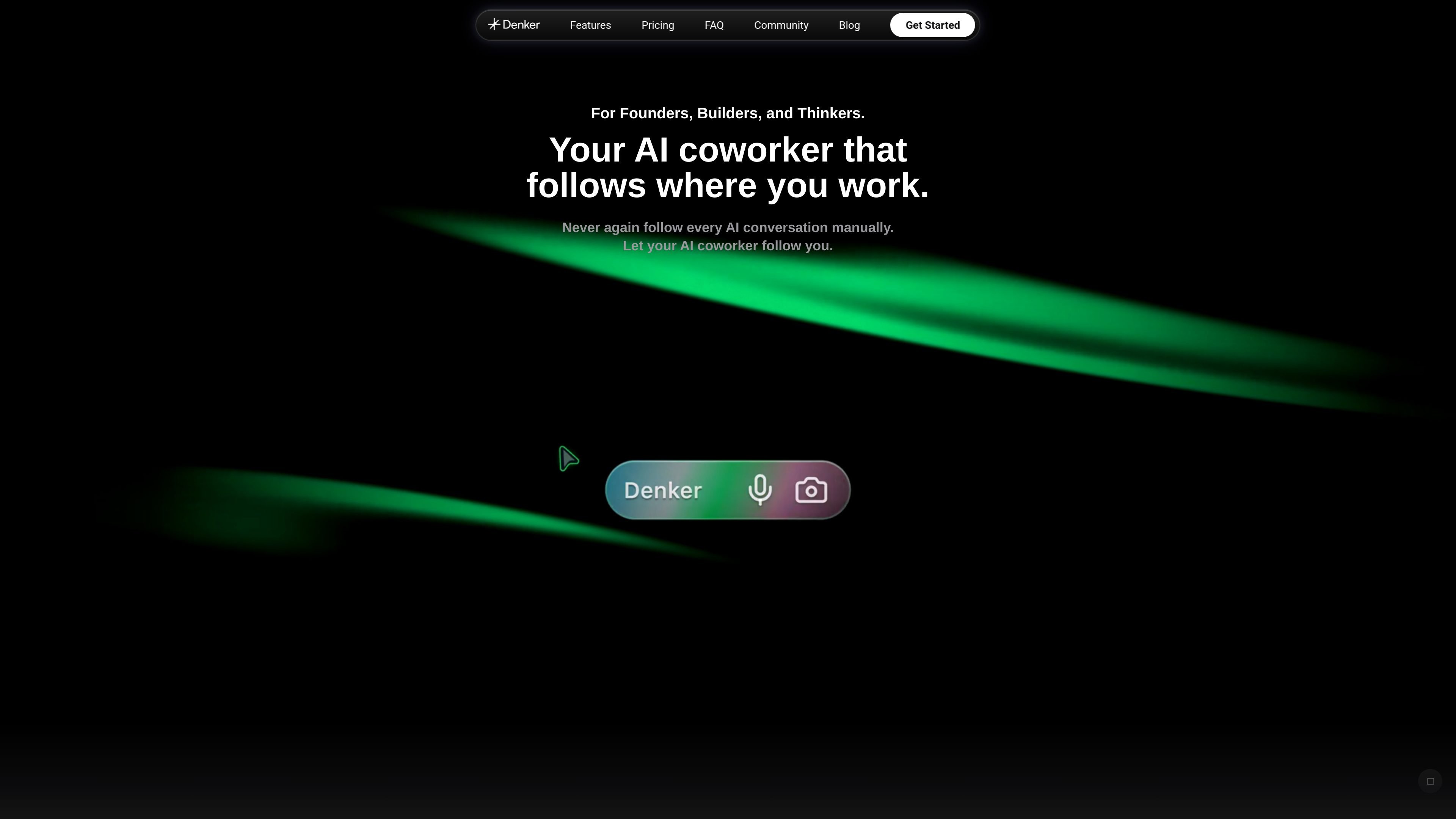
Denker is an AI coworker for founders, product builders, and other desktop knowledge workers. Its core idea is to keep the agent close to the work by letting it see the screen, coordinate around shared context, and execute actions directly across the desktop and web apps you already use.
The public pages position Denker as a workflow product rather than a chat-only assistant. The homepage emphasizes cursor-based control and output that lands where you are working, while the blog shows examples such as research summaries, GitHub interactions, task handoffs, voice input, and write-back into apps.
Denker is described as an AI coworker that follows where you work, with agents that can see your screen and act across your desktop instead of requiring you to move work into a separate chat interface.
The homepage says you direct Denker from your cursor, and the product text emphasizes that there are no prompts to manage and no tools to switch while work is underway.
The site shows the agent opening apps, clicking, typing, and writing back into inputs, suggesting it can execute actions directly in desktop and web applications.
The blog and homepage show examples of task handoff, with agents picking up work, working in parallel, and reporting back in the workspace.
The blog announces multi-CLI support for Claude Code, Codex, and OpenCode, indicating that Denker can work with multiple command-line agent tools.
The blog also highlights task views such as Kanban, List, and Calendar, along with due dates and task execution, which suggests Denker includes a workspace for organizing agent work.
Use Denker for tasks that start with reading or collecting information and end with a written summary or takeaway in the place you are already working, such as a browser, inbox, or workspace frame.
Use Denker to open apps, move through pages, and type responses or updates directly, which fits routine desktop work such as sending messages, updating records, or navigating internal tools.
Use Denker for operational work like building reports from numbers, cleaning spreadsheets, or turning team discussion into assigned tasks without moving everything into a separate assistant window.
Use Denker when work needs to be handed off between agents or organized across several task views, such as Kanban, list, or calendar, with due dates and progress tracking.
Use Denker for product or engineering workflows that involve GitHub pages, workflow runs, or other browser-based project activity, based on the examples shown on the homepage.
The site presents Denker as a desktop-based AI coworker for macOS. A dedicated download page says that Windows and Linux are next, which indicates they are not yet available there.
The public pages describe Denker as working across your desktop with agents that see your screen, coordinate around shared context, and execute tasks where you are working. The homepage and blog emphasize cursor-directed control, voice input, write-back, and task execution inside the apps you already use.
The source shows examples such as research summaries, competitor analysis, opening GitHub pages, drafting messages, building reports from numbers, cleaning spreadsheets, and turning team discussion into assigned tasks. These examples suggest Denker is aimed at knowledge work and operational tasks rather than one narrow use case.
The pricing page currently returns a 404, so the source does not provide live pricing details, plan names, or limits. The site does show a Pro-plan question in an email example, but that is not enough to confirm pricing.
The public pages do not provide a definitive integration list. The site text shows Denker interacting with web apps and examples involving GitHub and Gmail, but no dedicated integrations page was available in the provided sources.

Macuse is a macOS app that lets AI assistants control native Mac apps through MCP and use Computer Use for any app. It works with clients like Claude Desktop, Cursor, and Raycast, and keeps automation on-device.
MealTime è il tuo assistente personale per le ricette, progettato per funzionare prima offline, che ti aiuta a salvare, organizzare, pianificare i pasti e generare liste della spesa intelligenti, mantenendo sempre privati i tuoi dati.

Goldfish is an AI memory app for macOS that helps you reply, write, summarize, and continue using the context already on your Mac. It stores memory locally and writes in your tone.

Lasso is an ecommerce product data platform for enriching catalog records, processing supplier files, generating product content, and monitoring competitors. It combines a web app with a REST API, SDK, and MCP server for teams and developers.

Biji è una piattaforma versatile progettata per migliorare la produttività attraverso strumenti e funzionalità innovative.

Gemma AI is a phone call reminder app that calls you with scheduled reminders instead of push notifications. It helps people who want a more direct way to stay on schedule, with Google Calendar sync and conversational call interactions.