
Image-to-world studio
Upload a photo, painting, or screenshot and use it as the opening scene for a new adventure.

diiverge.co turns a single image into a branching, interactive world. Visitors click objects, choose actions, and watch generated scene transitions; creators can upload a photo, painting, or screenshot to make a private adventure and share it later.
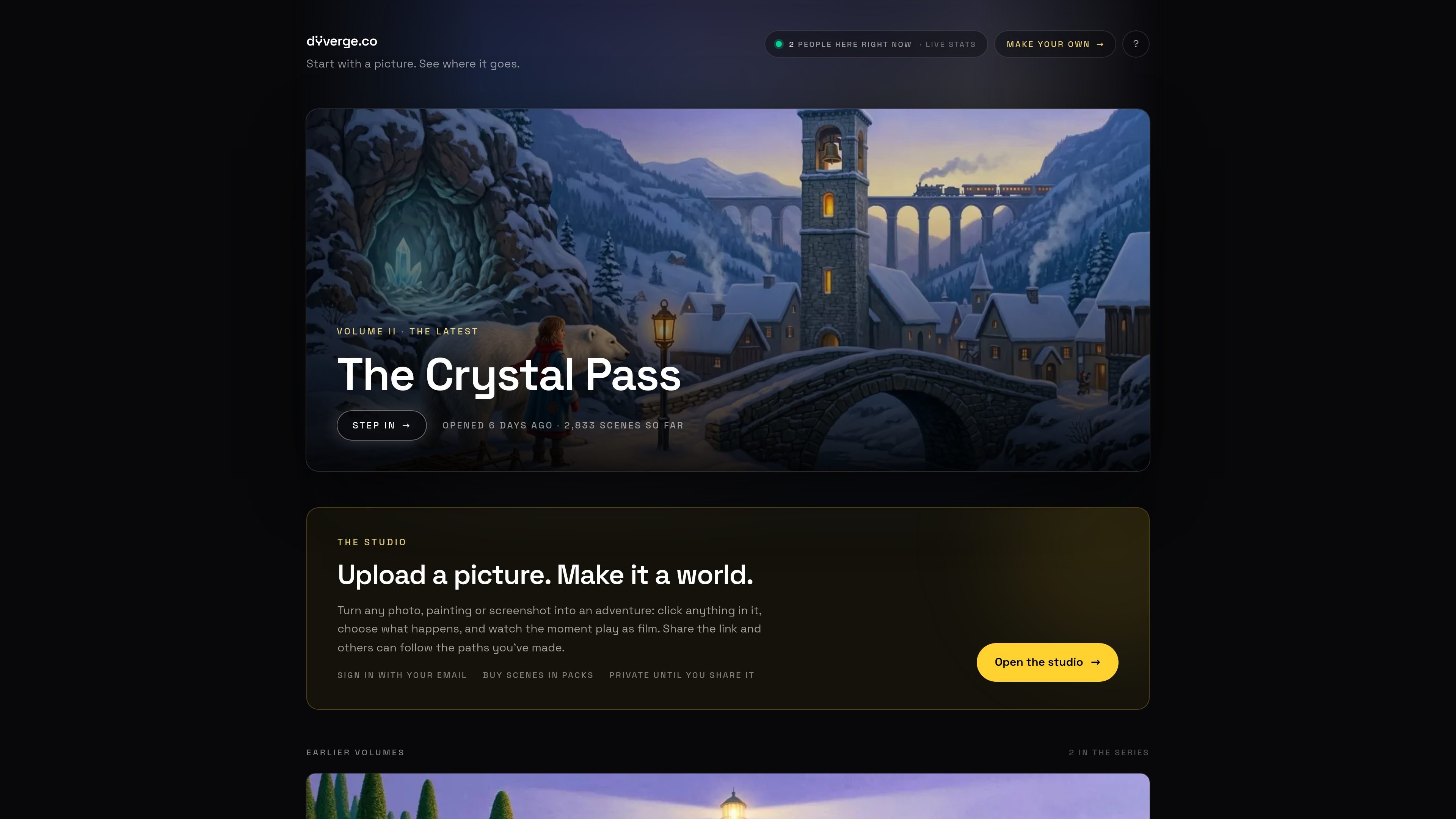
diiverge.co is a browser-based interactive storytelling experience built around explorable worlds called volumes. Each volume begins with a single seeded image; visitors click objects in the frame, choose what happens, and receive a generated next scene with a short film showing the transition.
The product is designed for shared exploration rather than a fixed linear playback. Choices become persistent branches: the map records paths, later visitors can replay existing scenes, and a shared link can point to a particular scene. Its studio extends the same workflow to user-supplied photos, paintings, and screenshots, with adventures kept private until they are shared.
Upload a photo, painting, or screenshot and use it as the opening scene for a new adventure.
Interact with objects marked by glowing dots, select an action, and move into a generated next scene.
A short film renders the moment between the current frame and the generated aftermath.
Generated scenes and visitor choices remain available as branches that later visitors can revisit.
A map displays the branches taken through a volume, while shared links can open at the exact scene they reference.
The site describes a pipeline using segmentation, vision, image, video, and judge models to identify interactable elements, generate outcomes, render transitions, and filter choices for story continuity.
Upload an original photo, painting, or screenshot and turn it into a private branching adventure before deciding whether to share it.
Explore a published volume by selecting marked objects, trying different actions, and returning to paths already created by other visitors.
Share a specific scene or branch so another person can enter the world at the point you want them to see.
Extend a shared volume through sponsorship, which the site says adds scenes for everyone and credits the sponsor on the volume’s frames.
Playing existing paths and replaying scenes are free. Generating a new scene uses the volume’s available scene allocation; the source says volumes stop growing when their free scenes are used, and that sponsors can add more scenes.
Upload a photo, painting, or screenshot in the studio, then click an available object and choose what happens. The service generates the next scene and a short film of the transition.
No password is required. Enter an email address to receive a sign-in link; the studio says that only the email is stored and that first-time sign-in creates the studio.
A generated scene becomes part of the volume. Later visitors can follow saved paths, and the volume’s map shows the branches taken so far.
The studio adventure remains private until its owner shares the link. Once shared, others can follow the paths that have been created.

GameGrad turns PDF study material into quiz questions that appear inside arcade games, so users can practice active recall while they play. It offers a free tier with one PDF and a Pro plan with more uploads, more questions, and answer explanations.

DailyPlay.ai is a behavioral growth platform that uses AI site scanning and micro-games to help brands improve engagement and conversion. It supports web, mobile, and other digital touchpoints, with a one-line script setup and a free engagement scan.

ChessWoodie is a chess tactics training app based on the Woodpecker Method. It helps players build pattern recognition through repeated puzzle cycles, track speed and accuracy, and review missed tactics from their own games.

PixelForge turns a single photo into a game-ready 2D character sprite pack, including a 4×4 sheet, transparent frames, direction strips, and looping walk GIFs. It is designed for engine-ready use in Godot, Unity, Phaser, GameMaker, and web games.

Loniva is a mobile puzzle app that offers a calm daily mix of games across memory, attention, language, speed, logic, and focus. It runs on iPhone, iPad, and Android, with a free 7-day trial and a free daily workout after the trial.

Mixels.ai is a browser-based AI pixel art generator for creating 8-bit characters, sprites, avatars, and photo-to-pixel conversions. It is designed for users who want grid-aligned retro artwork without installing software.