
YouTube video summarization
Summarizes YouTube videos with clickable, time-stamped sections and transcript extraction so you can scan long videos without watching them end to end.

GPT Breeze is a Chrome extension for summarizing web pages and YouTube videos, with one-click AI shortcuts for selected text and repeated browser tasks. It supports bring-your-own-key workflows and paid plans that add custom shortcuts and bundled AI usage.
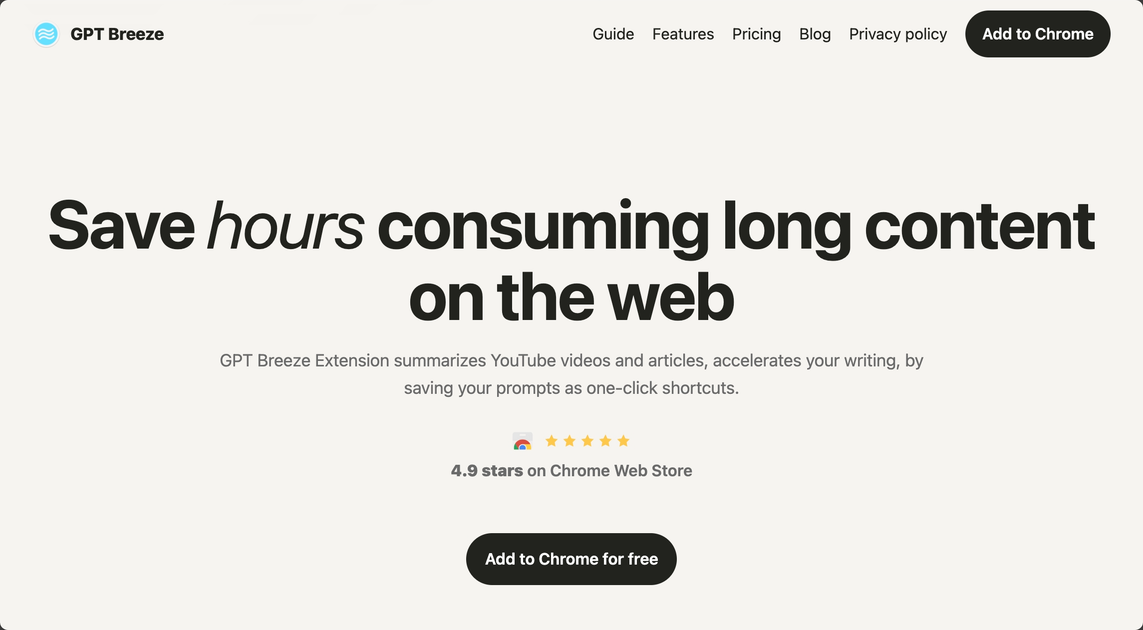
GPT Breeze is a Chrome extension for AI-assisted browsing, summarization, and reusable prompts. It is designed to help users work with web pages, YouTube videos, and selected text directly in the browser.
The product combines content summaries, follow-up chat, and one-click shortcuts for repeated tasks such as explaining, translating, or rewriting text. It also supports bringing your own API key and switching between model providers, with paid plans that add custom shortcuts and bundled AI usage.
Summarizes YouTube videos with clickable, time-stamped sections and transcript extraction so you can scan long videos without watching them end to end.
Creates concise summaries of articles and other web pages, then lets you ask follow-up questions without leaving the page.
Lets you highlight text to explain, translate, or improve writing, which is useful for editing, reading comprehension, and quick rewriting.
Stores repeated prompts as one-click shortcuts so common tasks such as rewriting or explanation can be reused consistently.
Switches between model providers such as OpenAI, Anthropic, OpenRouter, and local models like Ollama so you can match the model to the task.
Includes tools for organizing tabs, history, and bookmarks, with the site positioning this as part of its browser productivity workflow.
Summarize long articles, reports, or papers and then ask follow-up questions while staying on the page.
Turn YouTube transcripts into timestamped summaries to review key moments, topics, and takeaways faster.
Highlight a passage to translate it, simplify it, or rewrite it with clearer tone and brevity.
Save repeated prompts as shortcuts for tasks you perform often, such as explanations, rewrites, or structured summaries.
Use the browser extension to keep tabs, history, and bookmarks easier to manage while working across multiple pages.
GPT Breeze is a Chrome extension. The source shows installation starts by adding the extension to Chrome, then pinning it for quick access.
The core workflow is to select content in the browser, open GPT Breeze, and use a shortcut or preset to summarize, chat, translate, explain, or rewrite text. The site also highlights one-click summaries for YouTube videos and web pages.
The product can produce bullet-point summaries, timestamped YouTube summaries, follow-up chat on web pages, and structured research summaries. It also supports custom prompts saved as shortcuts.
The pricing page presents a free plan with unlimited usage when you bring your own API key, plus paid options for custom shortcuts and bundled AI usage. The free plan is positioned for individual use with your own key, while the premium plans add custom workflows and included AI cost.
The source mentions shared AI shortcuts for teams and a one-time purchase option, but it does not provide detailed team administration features or collaboration controls. For exact team fit, the public pages are limited.

Glarity is a browser extension for summarizing, translating, and chatting with web content such as YouTube videos, web pages, PDFs, search results, and Gmail. It supports major browsers and combines reading, writing, and translation workflows in one tool.

Hype is a web tool for finding trending YouTube topics by category, time range, and scoring mode. It helps creators spot emerging ideas, inspect source videos, and decide what to cover next.

Uno strumento alimentato da IA che riassume rapidamente ed efficientemente documenti PDF, fornendo informazioni chiare e consentendo agli utenti di interagire con il contenuto.

Tactiq is an AI note taker for Google Meet, Zoom, and Microsoft Teams that transcribes meetings live and turns them into summaries, action items, and follow-up outputs. It is built around a Chrome extension and supports team workflows through sharing and integrations.

CAMB.AI Streams dubs live audio in multiple languages in real time for broadcasts on platforms like YouTube, Twitch, and X. It plugs into existing live workflows using common streaming protocols and avoids a post-production step.

VForms lets you place questionnaires directly inside YouTube videos so viewers answer in context instead of switching to a separate form. It is aimed at collecting feedback and insights through timestamped, embeddable video forms.